
In this update2
Full notes
Full Celestial Command update
Read the full published notes in a cleaner layout. The original post stays linked below.
What changed
- Gameplay
- UI and audio
- Fixes
- Server
Celestial Command changes
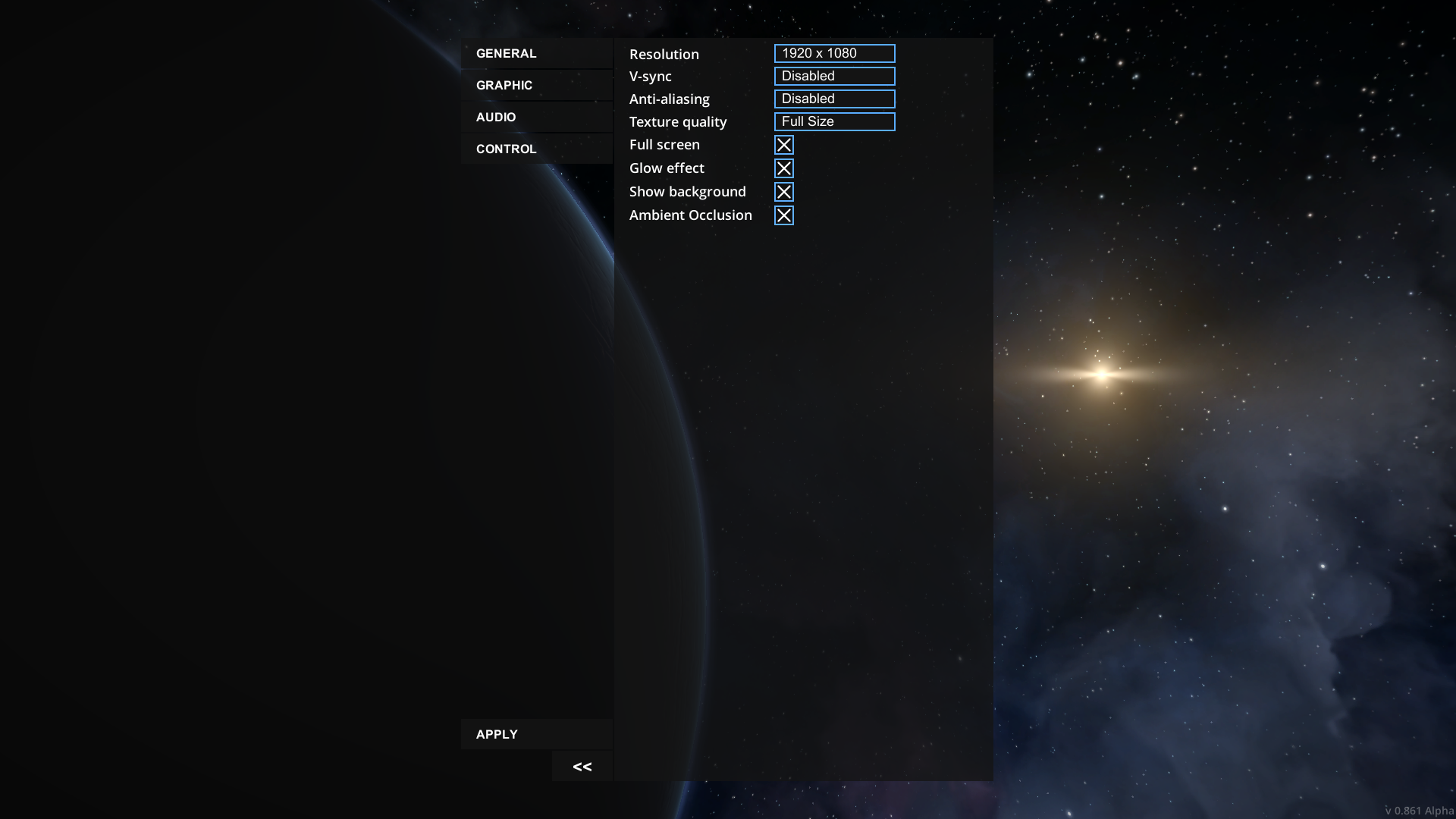
Some important bugfixes for previous update and highly requested support of high-resolution monitors. Also, redesigned options window. Previous:
New
You may ask, why we redesigned options window? It is not too important for now. It is because wrong implementation of drop-down menu in options window which conflicted with the support of 4k monitors. And since we already started to work on menu, we decided to redesign entire window.
CHANGE LOG
Improvements
Added support of high-resolution monitors, UI now properly scaled
Redesigned options window
Added possibility to disable auto save
Shipyard now can be found in every system with stations
Fuel consumption reduced 2 times
Fixes
Fixed an important issue with move tool, which detached wrong modules
Now sync of positions in multiplayer less likely will be broken during the game
Now you can properly refuel your fuel tanks at the space station even if there is already the same fuel inside
Now you can't move connected docking port, grabber and some other modules which will break the game if you will try to move it using new "move tool"
Delivery quest no longer failed when you attach cargo container to your ship
Now sandbox mode checkbox properly hided for connected users (with correct layout of the rest of elements in options window)
Now selection is cleared when move tool disabled
Planet mass modifier in world settings now works properly
Removed outdated "auto connect" button from command modules
"Ambient occlusion" and "Glow effect" settings now properly saved \ loaded
Source
Changelog.gg summarizes and formats this update. How we read updates.