
In this update2
Full notes
Full Celestial Command update
Read the full published notes in a cleaner layout. The original post stays linked below.
What changed
- Performance
- Gameplay
- UI and audio
- Fixes
Celestial Command changes
Hello! The multiplayer is finally playable! Not a fully stable yet, but much more stable and smoother than before! We spent a lot of time on this update, but we managed to solve a lot very important bugs in physics and multiplayer, so now, situations when your ship may be destroyed by random explosion should be encountered no so often. However, it still might happen and we will continue to improve stability in the next update.
What about next update. We decided to start (continue) working on procedural missions. Seems like it is time to add various game goals which will be able to catch your attention for a long time. We will keep you inform about development of the next update. Check both "Improvement" and "Fixes" changelog for more information about this update. Thanks! :)
CHANGE LOG
Improvements
Multiplayer is much more smoother now!
Added possibility to slow down time
Usability of mounting points is improved - added visual line of possible connection and also distance and angular threshold is changed, so now it is more easy to connect modules.
Graphics: Long fuel tank is slightly redesigned
- GraphicsBackground or main menu is slightly changed (camera have different position)
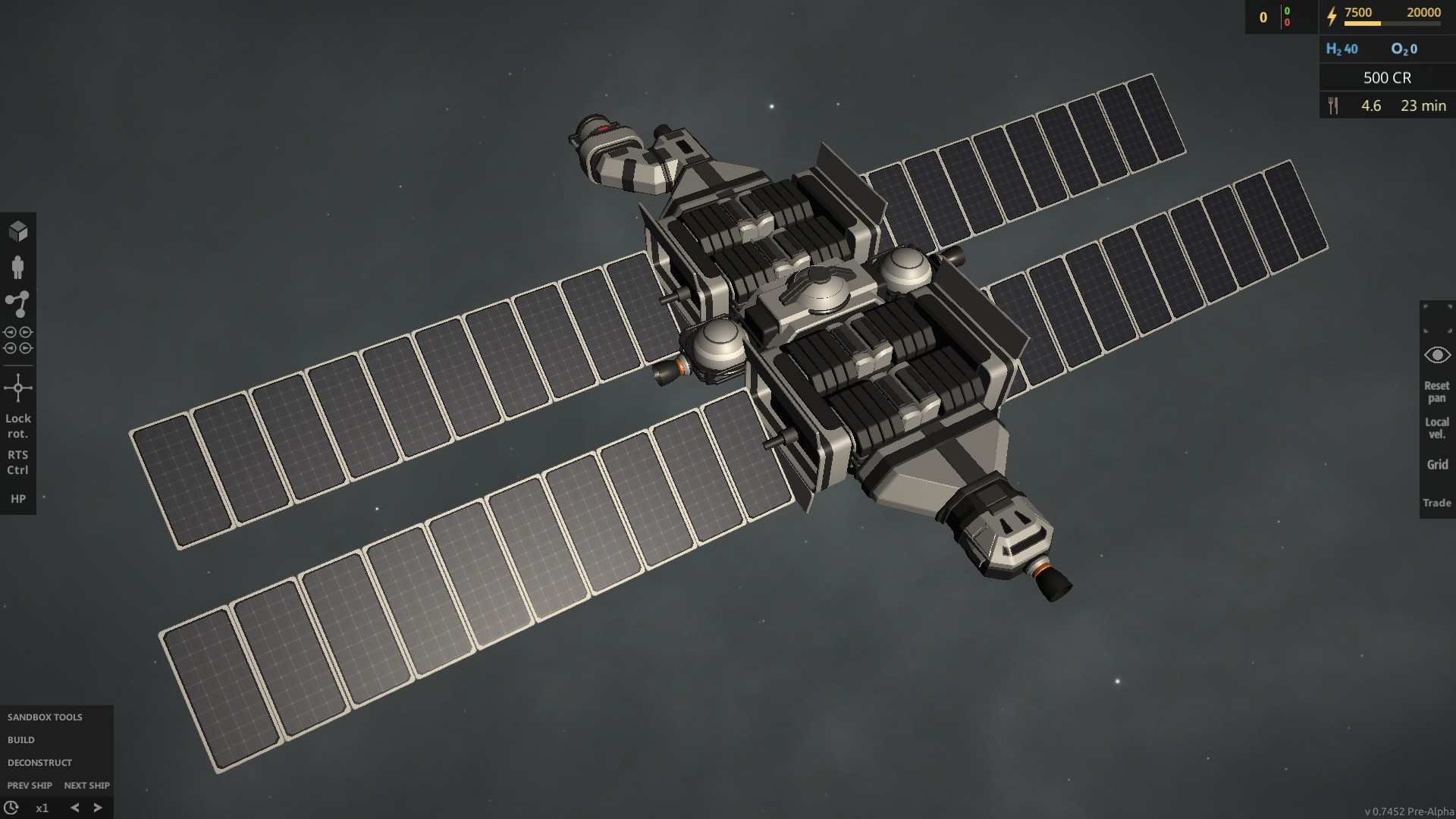
Graphics: Solar panels is slightly remodeled and obtained a texture
Optimization: The algorithm of mounting points is optimized, now smaller part joins the larger, not vice versa.
- OptimizationPhysics performance should be increased by about 5-20%, especially for ships with large amount of storages and corridors
- OptimizationPhysics performance of an asteroids improved in about 4 times
- GUINew chat window, with "send" button and resize possibility
- GUINew connectors link with possibility to switch on previous version
- GUINew cursor selector link, different for near and far distance
GUI: Interface of main menu is slightly redesigned, also now it flexible and adapted to low screen resolutions (1366 or lower)
GUI: Interface of game is slightly redesigned, left bottom and right top corners now have more compact layout, plus some others minor changes in the interface.
- GUIAdded notification when you sold a module for shipyard
- GUIAdded notification when the game is saved by button in game menu
- GUIAdded color variations for notifications (they are no longer all red)
- GUIAdded navigation markers around the star system which indicates direction to 0, 90, 270 and 360 degree.
GUI: Ship label no longer displayed for currently active ship
- GUIAdded interface button which shows HP bars for active ship
Fixes
Multiplayer: Now connected players can use shipyard properly
Multiplayer: Debris synchronization done
Multiplayer: Debris collection and salvage now works
Multiplayer: Trading now works
Multiplayer: Move order by right click now works
Multiplayer: Chat no longer support html tags (and do not allows to broke it)
Multiplayer: A lot another fixes of multiplayer!
Solved polygon flickering for all modules where this problem appears (corridors (all 3 types + corner), structural beam, 2x1 adapter, radar and solar panels)
Fixed an important bug, when placed module may appear not in the same position where its preview was located before the placement (appears near a modules with corner (45 degree) mounting points)
Fixed another bug in ship editor where a couple of mounting points of the same ship can be attached to each other even if they are not close to each other, or when it may be highlighted with green color
New modules no longer can
Source
Changelog.gg summarizes and formats this update. How we read updates.