
In this update6
Full notes
Full Call to Arms: Panzer Elite update
Read the full published notes in a cleaner layout. The original post stays linked below.
What changed
- Gameplay
- Maps
- UI and audio
- Fixes
- Balance
Call to Arms: Panzer Elite changes
For more info on content additions & notable changes please see our news post here.
V.0.05.02 Content Update - Checkpoints - Panther - New Missions
Content Additions
Checkpoints/Saves - All missions now have saves/checkpoints you can return to if you fail or leave a mission early. - This is still experimental and can be toggled on or off in the settings.
New Vehicle: Pz. Kpfw. V "Panther"
New GER Campaign Mission: St. Vith
New Skirmish Game Mode: Testing Grounds - No AI Squad (you can still fill empty slots with bots) - Up to 10 players
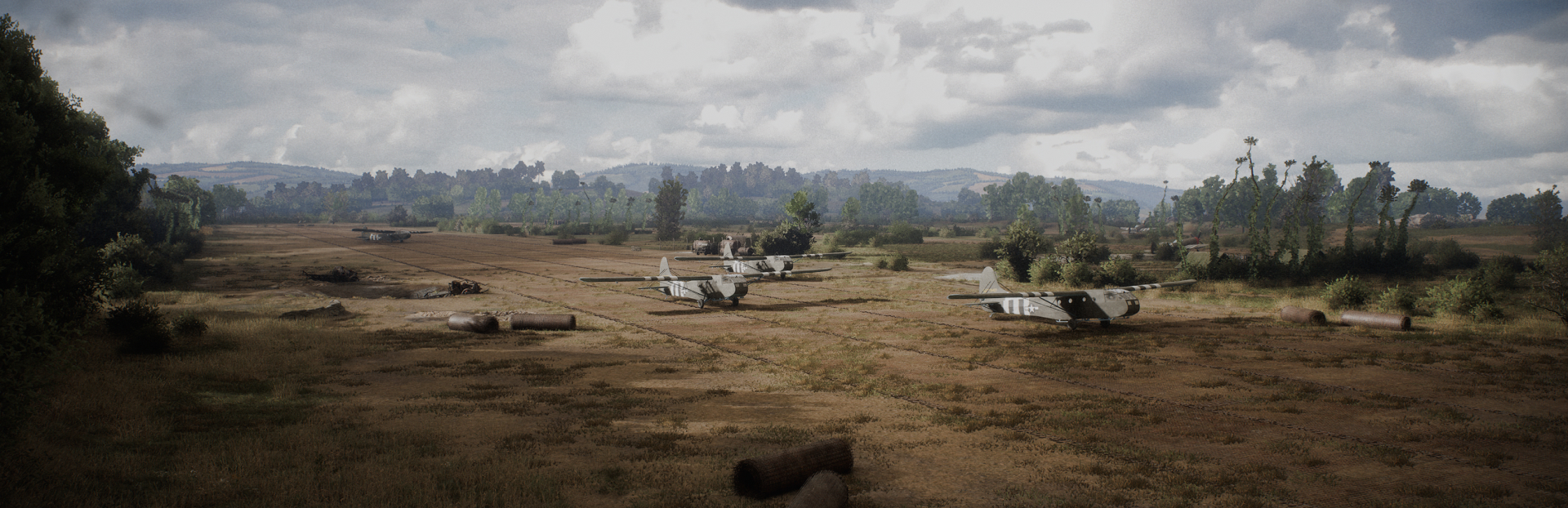
New Skirmish Map: ALG "A-1"- Up to 4 capture points
Visible Crew
- Crew is now visible in open cab type tanks
HUD Preset Selections - On your first launch you will be asked which type of HUD settings you would like (Casual or Immersive) - This can be changed any time in Settings -> HUD
General
Infantry Grenade Limits - Infantry will now properly have a limited number of grenades
Removed Pixelation On Snow Maps - Some users reported pixelation on snow based maps, if you still see this please let us know.
Corrected infantry officer model - Some missions showed the wrong infantry officer on GER campaign
Limited High Tier Tanks - Limited the amount of high tier tanks you can field on the battlefield in a single mission. - If a limit is present it will tell you on tank selection.
Fixed GER Crew Models In Hangar
HUD/UI
Fixed Skirmish Lobby Player List - Previously the lobby would not extend when a large number of players were in a lobby.
Hangar Tank Icon Changes - Locked / Unlocked Tank Icons have been updated.
Campaign Text - Campaign text on mission selection screen have been updated.
Hotkey to toggle HUD/UI - You can toggle HUD/UI by using the hotkey H (this can be changed in the settings as well)
HUD Preset Selections - A continuation of the content addition above, you can change this preset anytime in the settings menu under HUD
Critical Unit Highlight Color Fix - If enabled in the HUD settings, the icon above spotted units will now show the same color as they display on the minimap.
Sounds
US Hangar Music Added
Radio Filter Changes - Based on feedback we have made improvements to the filter on crew alerts
Global Impact Sound Fixed - Players could trigger an impact sound by using HEAT rounds which would play a loud noise all players could hear.
Settings
Key binds Reset to default - Resetting key binds will only affect the current page, no longer all settings.
Tank Gameplay
Multiple vehicle adjustments for GER / USA - Torque, Turret Turn Rate reduced to be more historically accurate
Cannon Recoil Animations Added
Source
Changelog.gg summarizes and formats this update. How we read updates.