
Full notes
Full Bunny Eureka update
Read the full published notes in a cleaner layout. The original post stays linked below.
What changed
- Performance
- Fixes
- Gameplay
Bunny Eureka changes
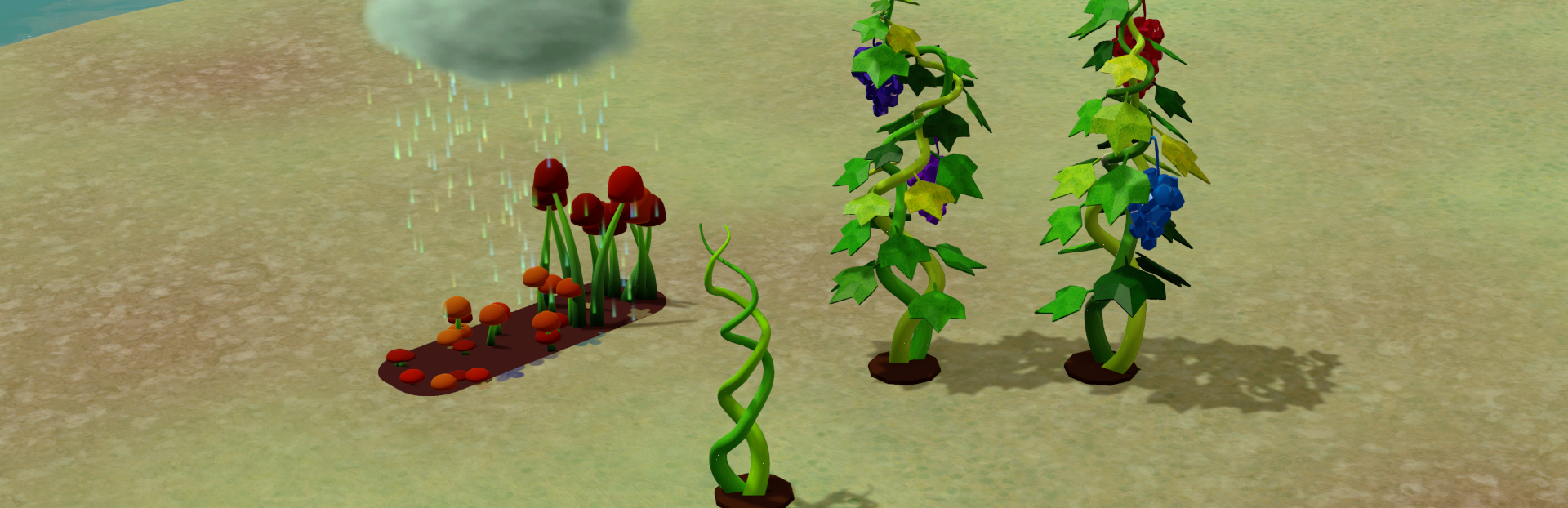
I rewrote the VFX for grapes and mushrooms. They used to be shader-based; now they’re done with VFX. I think the way the grape vines grow upward looks pretty nice. I watched it many times.
Also fixed some bugs that were completely unexpected.
After the previous version was released, I discovered that the old shader animations had stopped working. No errors, no warnings—they just didn’t play at all. This affected the mushroom and grape effects.
I tried to fix it, but since there were absolutely no error messages, and the shader effects worked perfectly inside the Unity editor (they only failed in the exported build), I couldn’t track down the cause. I don’t know whether it was due to a Unity upgrade, Entity Graphics, a Windows update, or GPU hardware differences… so I eventually had to give up on that approach.
I switched to VFX instead and rewrote the effects for both mushrooms and grapes. The new effects look pretty good too.
Every time I think I’ve finally said goodbye to bugs, a brand-new, completely unexpected one jumps out and beats me up. Loudly.
While fixing bugs, I also discovered issues in my older code (written when my skills were much worse). I couldn’t resist the urge to rewrite parts of it—even though it technically worked. I know the more efficient approach is “if it runs, don’t touch it; finish the big features first.” Getting stuck in details slows everything down. And yet… I just couldn’t stop myself.
With ECS, some errors don’t show any error messages at all. The system simply skips execution. That leaves me guessing what might have gone wrong.
Honestly, I miss the days when errors filled the screen in red—at least then I knew which direction the problem was in. Now I can only make small guesses and fix things one step at a time.
Source
Changelog.gg summarizes and formats this update. How we read updates.