
In this update3
Full notes
Full Astral Ascent update
Read the full published notes in a cleaner layout. The original post stays linked below.
What changed
- UI and audio
Astral Ascent changes
Astral Ascent Modding Tool is Live!
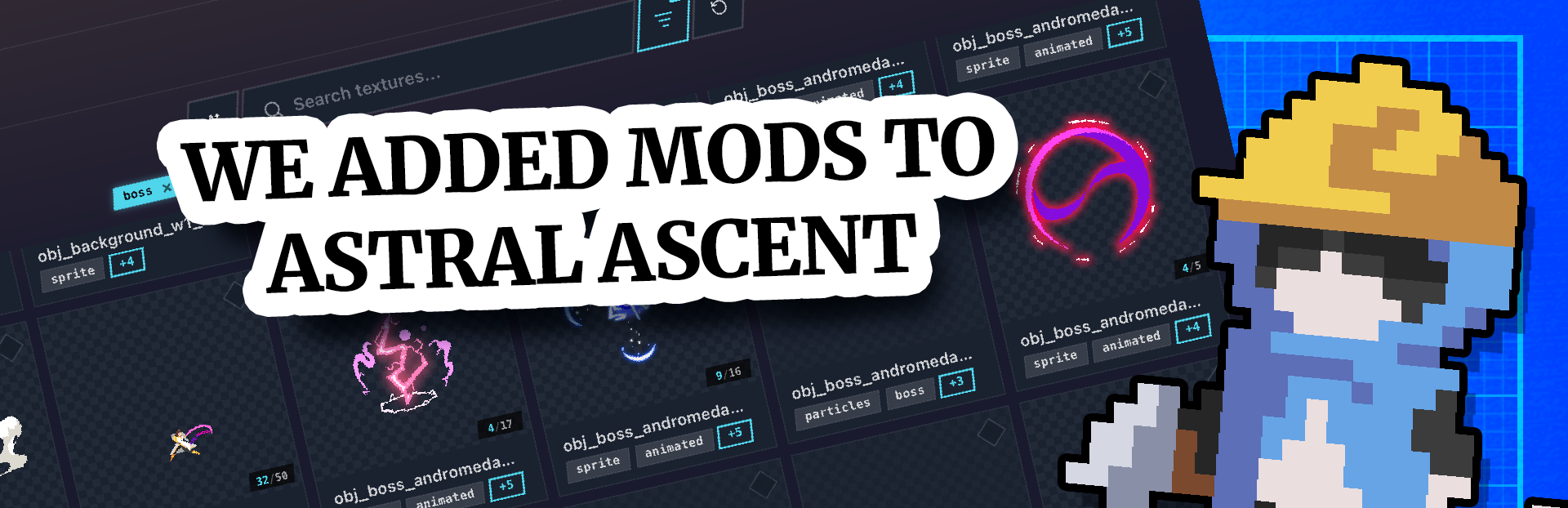
The Astral Ascent Modding Tool is now live! ːbarbecuePogː
We built a fully dedicated app for this. Not a config file, not a folder to dig into, a real standalone application to make modding as smooth as possible. And this is just the beginning, we will update it based on your feedback.
With it, you can replace any visual element in the game: characters, pets, spells, effects, UI, and more. Want your own character to replace an existing one? You can. Want a specific color for an element? You can. Want to play as Ikki or Bappy? Trust us or not, you can too, depends on your motivation haha. ːtaurusSmirkː
How to get access?
If you already own Astral Ascent, you already have access. Head to your Steam Library, click the dropdown menu at the top, check Tools, and AA Modding Tool will appear right there.
New to modding?
We've put together a full video tutorial to help you get started, you can watch it right here. You can also check our written tutorial here!
Share what you make!
You can head over to our Discord in #aa-mods to share your creations, get feedback, or find help if you're stuck.
We hope you'll have as much fun with it as we had building it. Now go make something awesome. ːtaurusSmirkː
Making this standalone app was a lot of work but we wanted it to be as nice as possible for you to use, we hope you will appreciate this extra work and extra efforts we put into it! For now it allows sprite replacements mods and it already has a lot of potential but if we see the community making great things with it we might extend it with possibility to create your own auras and more (we have ideas) but this is a lot of work so we need to be sure it would be used and we will keep an eye on your creations. ːzimzimSmileː
Source
Changelog.gg summarizes and formats this update. How we read updates.