
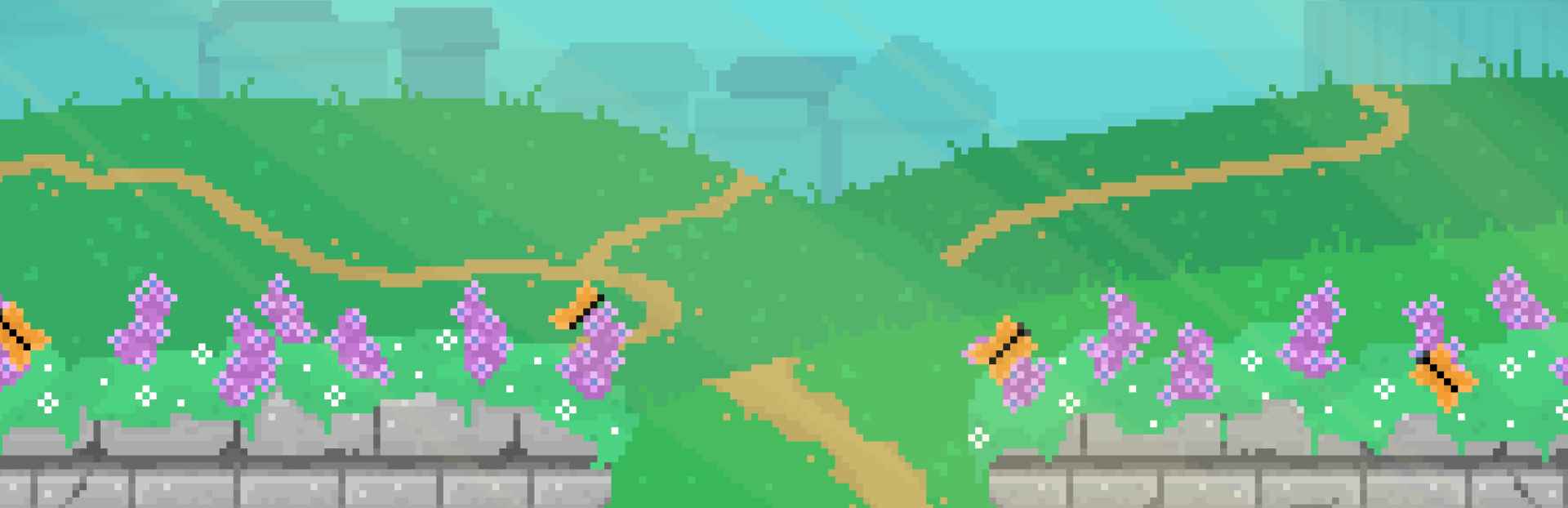
In this update4
Full notes
Full Aster Pebble and the Case of Bad Bureaucracy update
Read the full published notes in a cleaner layout. The original post stays linked below.
What changed
- Compatibility
- Gameplay
- Performance
- UI and audio
Aster Pebble and the Case of Bad Bureaucracy changes
Welcome to our third devlog for our open source pixel art game, Aster Pebble and the Case of Bad Bureaucracy.
We're continuing our focus on trying to get to a playable slice of our point and click game.
So today, we'll talk about some new animation work, further improvements to our conversation system, reactive cursors and initial controller support, and a few other extra bits.
So let's dive right in.
Animations
No? That's not one of your new idle animations? That's okay.
With a point and click game, we wanted to be sure that our scenes still felt full of life, even when staying on one screen for a little while. So we want to be sure our characters each have some idle animations, along with any environmental animations we do.
To make these feel more alive, we give each character a list of their available idle animations, and play them at random, with a random wait time afterwards.
Things weren't always this smooth though, as we originally had each animation on its own sprite sheet.
And in this case, our outline shader needs to know how many frames are in a given sprite sheet.
For now, rather than update the parameters each time we change animations, we just switched to a combined sprite sheet per character. Sorry about that, Aster.
We also did some animations just with the animation player, such as this blinking cursor, and this sleeping computer LED.
We also did a code based animation for a screen saver of sorts, but smooth movement at slow speeds for pixel art doesn't really work out, meaning we end up with a choppy result. So we'll likely leave this one out, and do something that better plays to the pixel art aesthetic.
Conversations
With conversations being tied to a given item or individual, we made a new action and proof of concept to have one conversation be able to lead into another.
We also finished up showing the correct characters on each side of the conversation, but also in fading out the characters if they aren't the current speaker.
This also meant conversations owning this for now, so they can dictate which side each character is on based on the context of the given conversation.
We also wanted to update our "message" system to be able to use requirements in the same way that our "option" system can. But this was unique for messages, as rather than just not displaying, like what happens with options, we needed to track which message to fall back to, if a message shouldn't be played.
Steam post image We also took this time to create a constructor for our messages to be more sensible and in line with our other data types. Steam post image
Cursors and Controllers
Although this is a point and click, we still want to support controllers, to give players that option.
We also wanted to support different cursors for different contexts, to help give the player more information on their potential actions.
Cursor Pixel Pack:
https://kenney.nl/assets/cursor-pixel-pack
We meet again, CC0.
So we setup some cursors, with a reduced outline, from Kenney's CC0 Pixel Cursor Pack and had a cursor follow our mouse around.
We set it so different interactables could show different cursors when they are hovered over for nice visual feedback.
We also setup the cursor script to try to track if the user is using a mouse, or a controller, and to update the mouse position if a controller is being used.
This still needs some work. Currently, when you're using a controller to navigate buttons and other UI elements, the virtual cursor will continue to move around and we don't want that. But this is a problem for later.
Extra Bits
To wrap up today we have a couple extra bits which didn't really fit any of the other categories.
We want users to be able to change as many settings as possible while in game, rather than forcing them to go back to the main menu. This is especially true for accessibility settings.
We usually have our settings as a separate scene, but did some work to get it added into a panel you can open during gameplay. There were some struggles due to this UI not accepting input while paused by default, and having an inner canvas layer which wouldn't follow its parent being hidden or shown. And we needed to add a new event to emit when the outline colours needed recalculated. But this makes it just a little easier for our players which is always a win.
Lastly, we added our initial license and credits scenes to the game, copied from an old project but with updated credits. As users and contributors to the open source space, we know it wouldn't be right to not have this in place before we make any builds.
And that's it for our third devlog!
Our game continues to feel more game like, and we're hopefully on our way to being able to make a test build in the somewhat near future.
Until next time, keep creating good.
Source
Changelog.gg summarizes and formats this update. How we read updates.