
In this update5
Full notes
Full Aster Pebble and the Case of Bad Bureaucracy update
Read the full published notes in a cleaner layout. The original post stays linked below.
What changed
- Gameplay
- UI and audio
- Performance
- Server
- Fixes
Aster Pebble and the Case of Bad Bureaucracy changes
Welcome to our latest devlog for our open source fantasy point and click game, Aster Pebble and the Case of Bad Bureaucracy.
As always, this is more of a quick overview of key changes we've made since our last devlog, so let us know if there is anything you want us to take a deeper dive on or if you have any questions.
In today's devlog, we'll talk about more support for user translations, a bunch of new areas, an initial stats manager, some more settings work, and some improvements to the feel of our conversations.
So let's dive right in.
Supporting User Translations
At this point, we don't have the budget to get the game translated to any other languages ourselves, especially with the complexities around open sourcing any work that would be contracted by us. So we set out to make the locale dropdown more dynamic. From the core game side, we made it so that the locale list was populated dynamically from the user translations added in Godot, so if a translation is added to the project, it will automatically show up in this dropdown.
But we also wanted to support end users without Godot experience being able to create or use their own translation files, so we added support for custom user translation files, where they can be dropped into a folder, and loaded into the game that way. To support this, we implemented buttons to open that folder and to refresh the list, right next to the dropdown.
New Areas
Our big focus at the moment is trying to set up to work on the flow of the rest of the game. A big part of that is setting up the areas and interactables for each scene that we can start to work with. So we'd like to quickly go through all of the new areas we've made since our last devlog, starting with the outside of Ezorick's house.
As a part of this work, we also added support for 3 times of day, including evening, which meant adding in support for lighting.
We were able to utilize CanvasModulate nodes in Godot to add this, though it did require some minor changes to our outline shader to avoid the outline being darker as well. We may still touch this up a bit but so far we think it looks pretty good!
We also added this scene of the well located near Ezorick's house.
And the main Village Square.
Here is a first look at the village's "diner" from the outside.
And we even completed the three scenes comprising the front,
back,
and office of the diner.
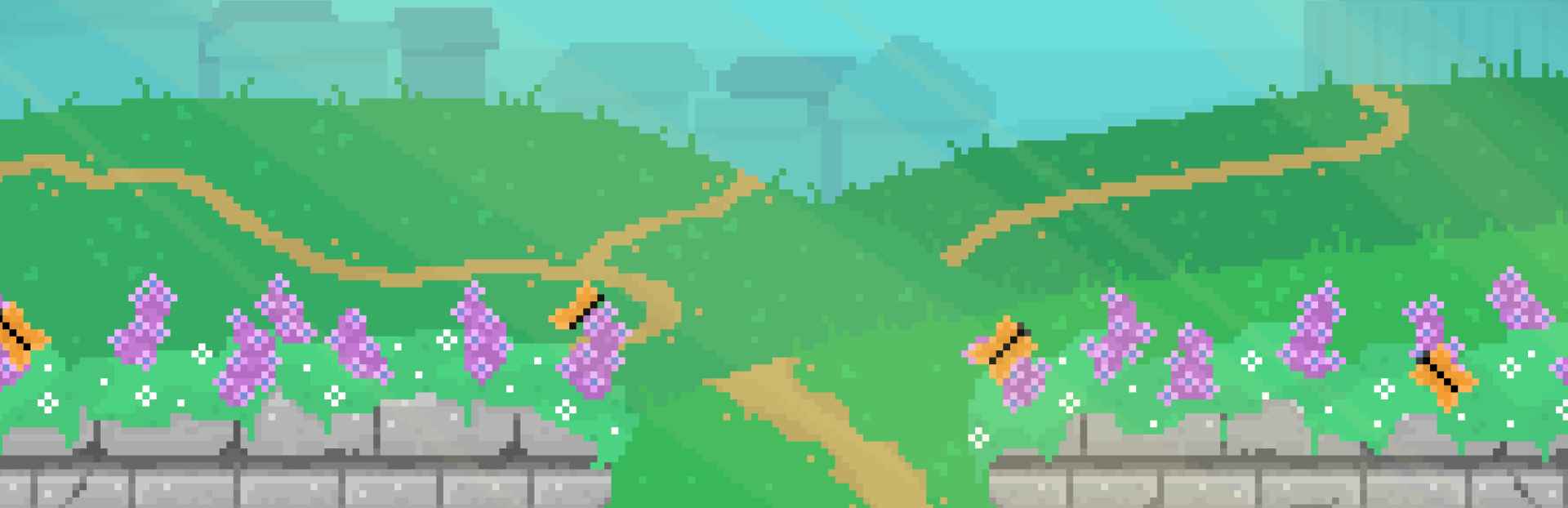
For the outskirts of the town, we added in some meadows.
A tiny home of one of our more reclusive characters.
Including their backyard.
And a cute little storage space.
To wrap up the new areas, we have a street with a few houses.
And the backyard of the main house there.
In addition to these new areas, we also updated the Bureau Server Room to have dynamic lighting as well.
In many of these locations, you will be able to turn off the lights.
This covers the majority of the areas that will be in the final game now. It's really exciting to see them all finally coming to life.
Initial Stats Manager
Alongside the playtime statistics, we wanted to track a few more stats like the number of interactions you've performed so that we could give you achievements based on those numbers. So we created a new stat manager to track these or anything else that may be interesting to the player in the future, which you can now see in the notebook as well.
For clarity, these are only ever used locally for showing the player and triggering achievements, and are not for analytics or anything like that.
More Settings Work
We had a few more items we wanted to add or clean up in our settings as well.
For one, to fix a few issues before the demo release, we had hard coded a max FPS value to 60 FPS, but have now added this as a user configurable value. We don't know why you'd play a pixel art point and click game at 144 FPS, but you do you.
Another change was that if you delete your save game, we added a new confirmation message to be clear your file was deleted. It wasn't necessarily clear before that the deletion had occurred when we just returned you to the original view with no confirmation.
We also added a setting where you can change which of your displays the game will run on, if you have multiple.
And if you change the display or your resolution, you now get this confirmation panel asking you to confirm your settings, which will automatically revert if you do not confirm the change before the countdown.
We recently added public TODO and ISSUES markdown files to our repository, so you can see some potential future work (though mind the spoilers).
Also, you can submit issues to us directly on our Codeberg!
We recently received and fixed an issue where the toggle buttons in our setting were not very clear on which state was active.
Here you can see the change, where it is much clearer what the state of each toggle button is.
Improved Conversation Feel
For conversation feel, we added that we can display "unknown names" for people Aster hasn't yet met or been introduced to. So you can see here, when she first meets Ezorick, we can show the name as "Ezorick, probably?"
You might also notice that the sprites displayed during conversations can now blink. This seems like it would have been a simple change as we already had blinking animations for our characters, but actually, it was a bit more tricky. The issue was that these are TextureRects in the UI, not sprites, so there is no way to just animate them in the same way as an AnimatedSprite2D.
Luckily, there was a helpful tutorial by a user named "Chevifier" on Youtube which we were able to base a custom AnimatedTextureRect:
"Godot Animated Texture Rect Tutorial" tutorial by Chevifier
But the gist of the AnimatedTextureRect is to take in the necessary information for an animation, such as the sprite frames, and then just swap out the texture whenever a new frame should be shown.
Regardless, we think the result brings a lot more life to our simple conversation system!
We're happy to have created so many of the necessary environments and for getting some other important polish in this time. We're looking forward to continuing the work on building out the remaining content to fill out the core game flow.
Is there anything from our devlog you'd like us to take a deeper dive on?
Let us know in the comments!
Until next time, keep creating good.
Source
Changelog.gg summarizes and formats this update. How we read updates.