
Full notes
Full Anomalies update
Read the full published notes in a cleaner layout. The original post stays linked below.
What changed
- Gameplay
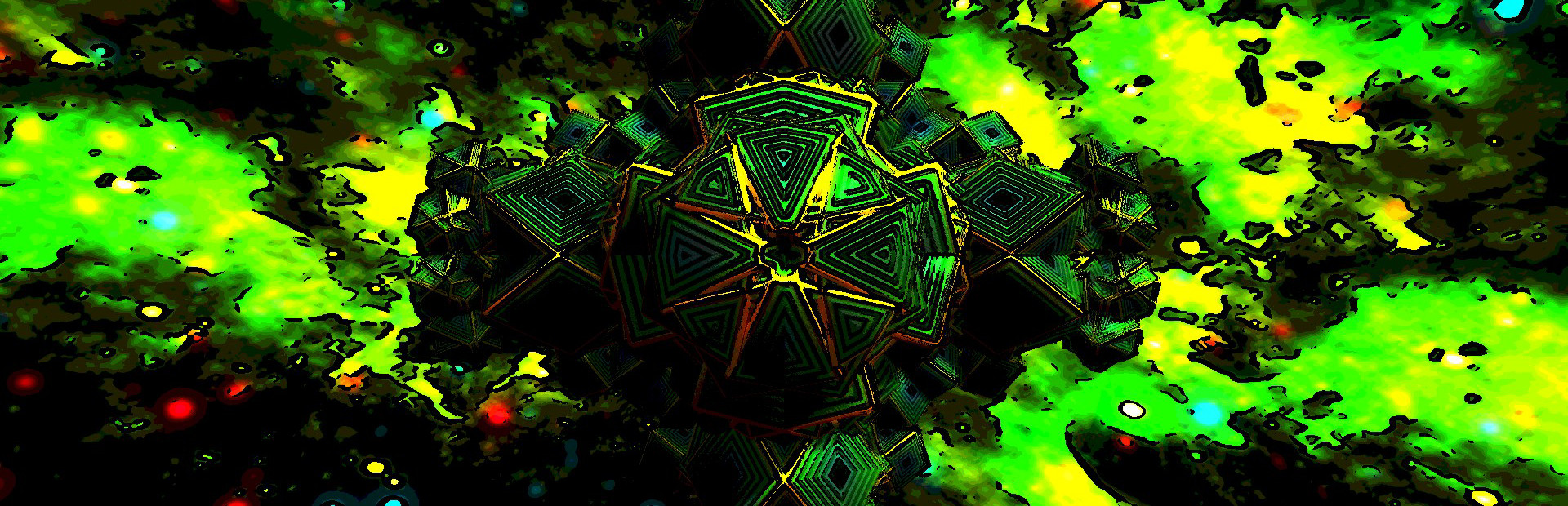
I have updated Anomalies to the latest Acknex engine (A8) which should make the game more compatible with newer operating systems.
I also added a couple options which you can modify (If you want to) in the "settings_new.cfg" file that the game creates.
The last three entries are:
background fade,1
background stars,1
shiny surfaces,1
By changing any of these to 0, you will remove that feature from the game. Here is a description of what they do...
Background Fade
This causes the screen to turn black when generating an anomaly. I added this to prevent the kind of jarring effect of switching to a new anomaly abruptly. However, recently, I realized that I missed having the ability to watch an anomaly "grow" when you create it. By setting this to 0, you will be able to see the anomalies grow.
Background Stars
These are the floating globules you will see in the background, floating in different directions. I added them as a nice effect that animates the whole image. However, again, I missed having the simplicity of the original version of the game. So if you want to simplify things, you can set this to 0.
Shiny Surfaces (not working yet)
This setting gives each segment a shiny, reflective appearance. Again, I like this effect, but I also missed some of the colors present in the earlier versions of the game. Setting this to 0 will revert to the flat shaded look of the original game. This does not work as desired quite yet. I will need to adjust the lighting a bit in order to get back to the original look.
Source
Changelog.gg summarizes and formats this update. How we read updates.