
Full notes
Full ZukuRace update
Read the full published notes in a cleaner layout. The original post stays linked below.
What changed
- Store
- Maps
ZukuRace changes
Rotate car in paint shop Using gamepad right thumbstick.
Copy-paste car color maps. Navigate to car paint shop. Use Ctrl + C to retrieve color map to copied text.
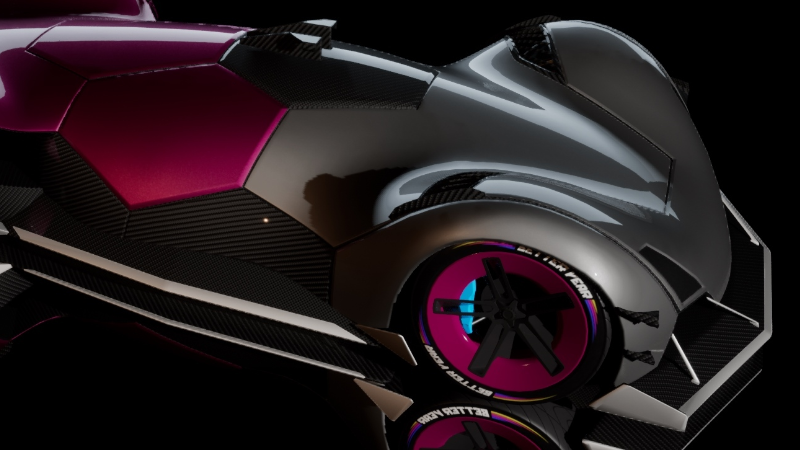
A color scheme of a car above:
{ "Colors": [ "#7C004CFF", "#7B7B7BFF", "#00000000", "#E1E1E1FF", "#565656FF" ], "#": "Body color indices listed from color palette above.", "BodyParts": { "Body Front": "1", "Body Rear": "0", "Lower Part": "3", "Bumper Front": "1", "Diffuser Part": "0", "Rear Wing": "2", "Fender Front Left": "1", "Fender Front Right": "1", "Fender Rear Left": "0", "Fender Rear Right": "0", "Hex Left": "0", "Hex Right": "0", "Hex Rear": "0", "Hex Front": "2", "Wheels": "0" } }
Copy this text, paste (Ctrl + V) in paint shop -> this color scheme will be applied to your car.
Source
Changelog.gg summarizes and formats this update. How we read updates.