
In this update3
Full notes
Full Wizard with a Gun update
Read the full published notes in a cleaner layout. The original post stays linked below.
What changed
- Compatibility
- UI and audio
Wizard with a Gun changes
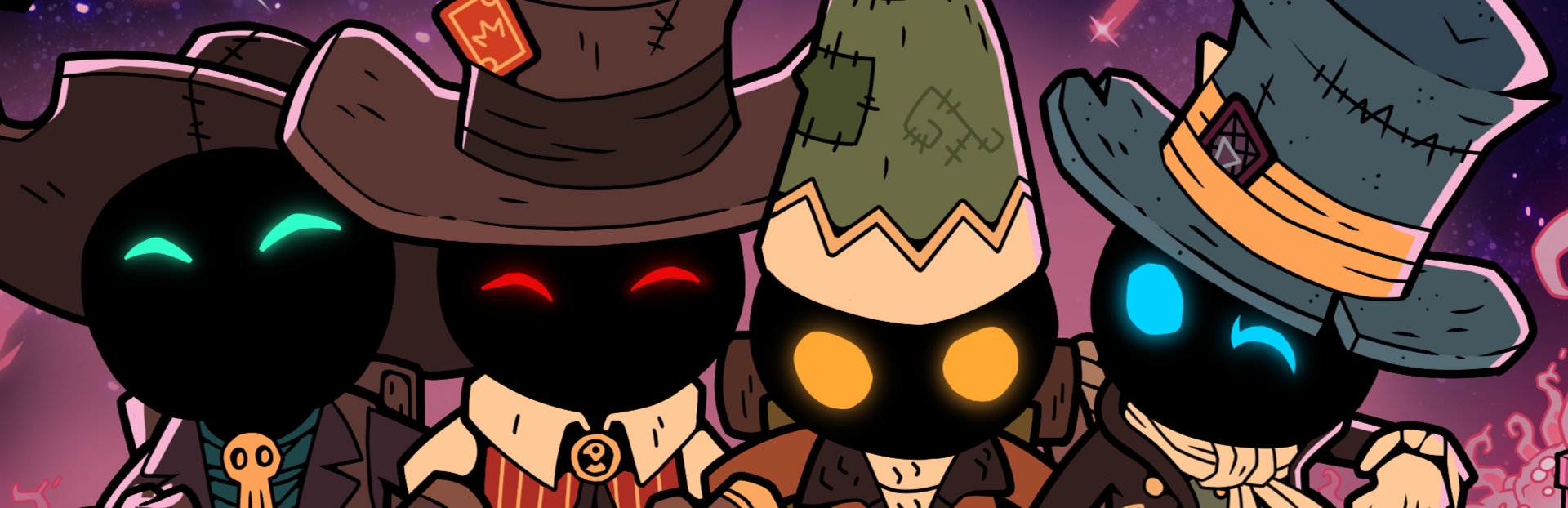
Howdy Gunslingers! If you’re interested in helping us STRESS TEST our upcoming 4-player update “Better Together,” then you’re in luck: Starting today we’ll be opening up an exclusive beta branch that will allow you to play the game with a max of four wizards.
This beta branch will be open from March 29th (12:00 PST) and close on April 2nd, so please test your hearts out!
We encourage all beta testers to join our Discord for up-to-date information and tools.
BETA DETAILS
Accessing the Beta
Locate “Wizard with a Gun” in your steam library
Right-click the title and select “Properties”
In the “Properties” window, select the “Betas” tab
Click the drop-down next to “Beta Participation”
Select “beta-together - a branch for beta testers of all sorts”
Steam should automatically download the beta branch for you to play
Please check the following places to make sure you’ve downloaded the beta correctly:
The title of the game should read “Wizard with a Gun [beta-together]” in your steam library
In the main menu of the game, a version number on the bottom left will read: 1.3.7-20240327.4-MilestoneWin64.493-Beta Release
Your steam name and steam number will be on screen during the duration of the test in varying colors.
Multiplayer Sessions
To host a multiplayer game, please select “Host Multiplayer” on the title menu
To Join a multiplayer game, select “Join Multiplayer” on the title menu and click on the user that you would like to join.
If you are having trouble joining a multiplayer session, please check the following:
ensure that you are steam friends with a player who is currently “hosted”
make sure that there is room for you in the hosted game. (The max players per game in this beta is 4)
Close and open the “Join Multiplayer” menu to refresh the results
If you are still having trouble, please report the issue using the “Bug Report” button on the Title screen menu.
Changelog/Known issues:
Save files from the beta might not correctly transfer back into the default “Wizard with a Gun” game. If you do not wish to risk your save file, It is recommended that you start a new save for the beta
If you’re already in a game, you are not able to receive an invite from another player.
Some spells might be missing sounds
If someone attempts to join from a non-beta build of the game, issues can occur.
A warning should appear on screen! Please make sure all participants are on the beta branch if you are having trouble connecting
If you happen to find a bug, please use the in-game “Bug Report” feature
You can also join our discord to give feedback, see current known issues, and more!
We’re looking forward to seeing everyone play this weekend and we can’t wait to hear your feedback in the discussion pages and on our discor d!
Source
Changelog.gg summarizes and formats this update. How we read updates.