
In this update12
Full notes
Full Who's Next? update
Read the full published notes in a cleaner layout. The original post stays linked below.
What changed
- UI and audio
- Server
- Fixes
- Gameplay
- Store
- Events
Who's Next? changes
Bug Fixes
Fixed an issue where some UI elements were misaligned and overlapping due to improper layout.
Fixed an issue on mobile platforms where reconnection was not possible under abnormal network conditions.
A 10-second reconnection grace period is provided. If the network condition is not restored after 10 seconds, the player will be forcibly removed.
Fixed a bug where the dash button could not be used while moving via click-to-move.
Fixed a bug where the winner was not displayed correctly when a player died in Practice Mode.
Fixed a bug where the game could not start for 10 seconds after a player left the lobby.
Adjustments
Camera effects have been added to the PC version.
Drowned Ghost
You can now play as the Drowned Ghost in Who’s Next? Me?! (Single Mode).
The revival time required for the Drowned Ghost has been adjusted from 1.5 seconds → 1.7 seconds.
Dokkaebi Tool - Dokkaebi Hat
The stealth level of the Dokkaebi Hat has been adjusted. Its outline is now faintly visible.
Total Darkness
Total Darkness no longer provides infinite time.
When Total Darkness begins, (number of surviving players × 30 seconds) is granted.
If no winner is decided when Total Darkness ends, all players die. (Total elimination)
Option Selection
Options that cannot be used in certain game rules are no longer displayed.
Click-to-Move
Players will no longer detour to avoid other players along the pathfinding route.
The same behavior applies to pets, Woochi’s clones, Secret Technique: Clone, and AI players in Soul Trial Mode.
Tasks
The difficulty of some tasks has been adjusted.
Tightrope Walking - The judgment range has been increased.
Pansori - A judgment guide is now displayed for all notes.
New
UI
All UI can now be closed with the ESC key in the PC environment.
The positions of Cancel / Confirm buttons are reversed depending on the selected language and region.
Leaderboard
The ranking display format has been changed.
Team modes (Who’s With You?, Who’s On Our Side?) are no longer displayed as rankings, but only as Win/Loss.
In Free-for-All mode, rankings are displayed in order from the last survivor to the one who survived the longest.
If all players are eliminated, rankings are not displayed.
The positions of the attack button and ability button have been swapped. (Left: Normal Attack / Right: Ability Use)
A new [Player] tab has been added to Game Settings.
You can view all players in the lobby at a glance, forcibly remove players, and transfer host authority.
Game Rules
Game Rule Selection : Who’s On Our Side? (Multiple vs Multiple)
Defeat the opposing faction together with many allies. Find your teammates and survive together until the end. Eliminating all players of the opposing faction results in victory. Be careful not to kill your teammates.
Who’s On Our Side? can only be started with an even number of players.
Players are assigned as 2 vs 2 / 3 vs 3 / 4 vs 4 / 5 vs 5 depending on the total player count.
In Who’s On Our Side?, players are divided into either the ‘Blue’ or ‘Red’ faction.
Eliminating all players of the opposing faction results in a team victory.
In Who’s On Our Side?, Haetae’s ability [Eye See You] displays the positions of only 2 random enemies.
In Who’s On Our Side?, using Headcrusher’s ability [Mental Confusion] randomly reassigns all players’ factions.
If the [One-Plank Bridge] option is enabled, when one faction is reduced to a single remaining player, the game transitions to [Total Darkness].
Game Rule Selection : Take a Break? (Community Space)
Shall we take a short break? On a hill brightly illuminated by moonlight, gather around a campfire, enjoy small games, and chat together.
Special thanks to [DADADA(dada ******)] for providing ideas related to the rest mode.*
Take a Break? mode does not include a game start option and functions as a community lobby for free interaction.
In Take a Break? mode, the host can move the lobby by adjusting game rules and lobby settings.
Customization settings can be freely changed in Take a Break? mode.
In Take a Break? mode, only the [Moonlight Plaza] background can be selected.
Background
- A new background selectable in Game RuleTake a Break? has been added.
Game Background : Moonlight Plaza
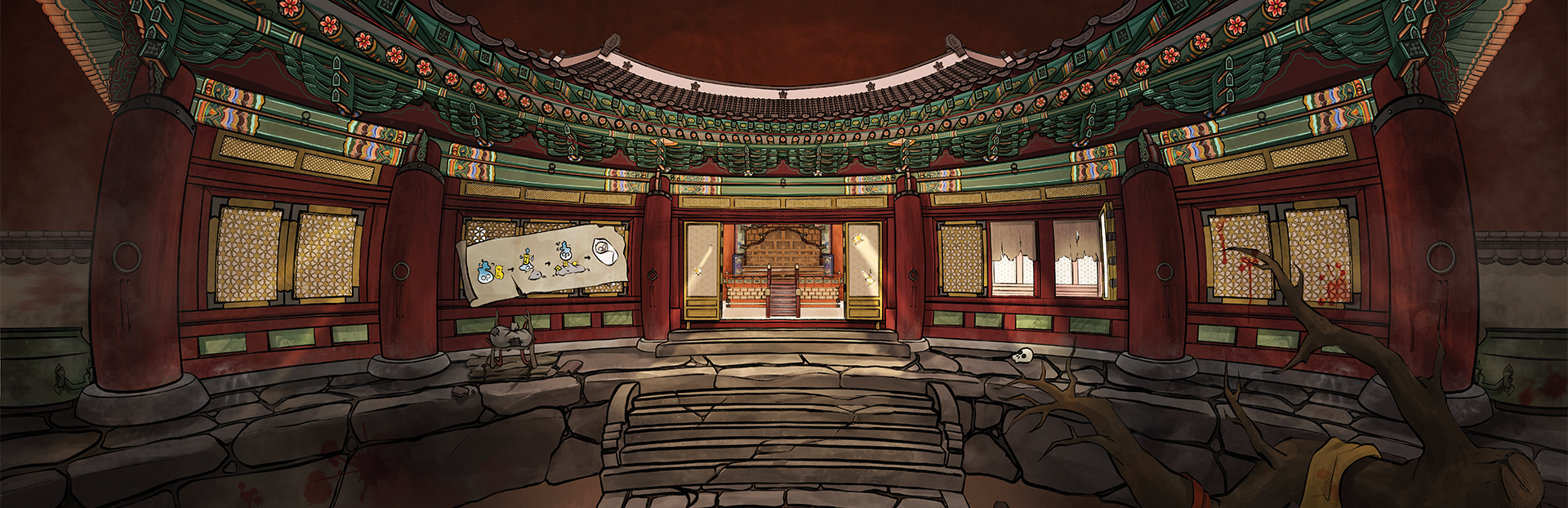
A hill overlooking the entrance of the underworld under the softly glowing full moon. This place serves as a small sanctuary for souls, the only space where one can briefly escape the fear of death. How about taking a short rest with some small games?
In the Moonlight Plaza lobby, you can play the minigame - Gomoku.
You can spectate Gomoku games played by other players.
Default Backgrounds (Chaotic Hell Entrance / Yeomra’s Palace and Hell of Blasphemous Tongues / Blade Grove and Yeomra Market)
The visual art of all game backgrounds has been updated.
Levels & Experience
Player levels are now displayed.
Levels can be checked in Game Settings - Player tab or in the lobby.
When each game ends, earned experience and current level status are displayed on the leaderboard.
Earned experience is calculated based on the number of players, kill count, and win/loss result of the game.
The maximum player level is 200.
Skin Items
Prices of all costume items have been adjusted. (Overall increase on average.)
Grade
All skin items now have grades, which can be identified by color.
Skin items are displayed sorted by grade order.
Normal: Gray - Common / Green - Uncommon / Blue - Rare / Purple - Epic / Orange - Legendary
Limited Edition: Red - Limited
New Slot - Effects
A new cosmetic slot, ‘Effects’, has been added.
Effects are rendered in front of all costumes.
Over 80 new skin items have been added.
Head: Kindergarten Hat / Chestnut Hat / Tomato / Rainbow Hat / Good Idea! / Tight Ring / Dark Cloud
Expression: Cute Smile / Bleh~☆ / Sad.. / Cynical Scar / Sparkling Expression / Stare / Disappointed.. / Paper Bag / Banana Milk / Lollipop Candy / Freckles / Red Glasses / Pointy Ears
Hand Accessories: Crescent Blade / Korean Lantern / Pistol / Spanner / Green Scythe / Bleach / Cutlery / Melodica / A Rose / Boxing Gloves
Back Accessories: White Wings / Devil Wings / Sword on Back / Squirrel Tail / Water Carrier / Blade Control / Jetpack / Bodyguard
Outfits: Tube / Kindergarten Uniform / Muffler / Padding / Black Suit / Broom / Bowl / Nimbus / Scarecrow / Kimjang Vest / Sports Car / Delivery Scooter / Motorcycle / Wheelchair
Special: Dumpling / Hotteok / Steamed Bun / Mona Lisa / The Scream / Keyring / Honroach / Honbot
Pets: Black Cat / Robot / Chick / Border Collie / Retriever / Shepherd / Slime / Jellyfish / Snail / Mini Hon / Yeomra / Black Cow / Kkikki / Fox / Raccoon
Effects: Rainbow / Aim Point / Lighting / Shooting Star / Dokkaebi Flame / Cheer / Fanfare / Fireworks / Fly
Cross-Platform (PC X Mobile)
Players who have already created an account and played on PC can link their account to a social login account (Google / Apple) on the mobile version.
Both PC → Mobile and Mobile → PC account linking are supported.
Accounts accessed via Guest Login cannot use account linking.
You can link accounts through the [Account Linking] panel at the top-right of the lobby. The linking process is as follows.
Log in on both devices.
Request a code from the account you want to keep.
Enter the code into the account you want to merge and submit it. The code expires after 5 minutes or after one use.
If the code is lost during input or you retry, the linking process may fail. In such cases, please contact us via the developer Discord and we will assist you with account linking.
Rewarded Ads
Rewarded ads are available on mobile only.
You can watch up to 3 ads per day and receive a small amount of Gold Bars as a reward.
A daily check-in Gold Bar reward feature will be added in the next update for the PC version.
Source
Changelog.gg summarizes and formats this update. How we read updates.