
In this update13
Full notes
Full Warface update
Read the full published notes in a cleaner layout. The original post stays linked below.
What changed
- Gameplay
- UI and audio
- Server
- Store
- Balance
- Events
Warface changes
Friends!
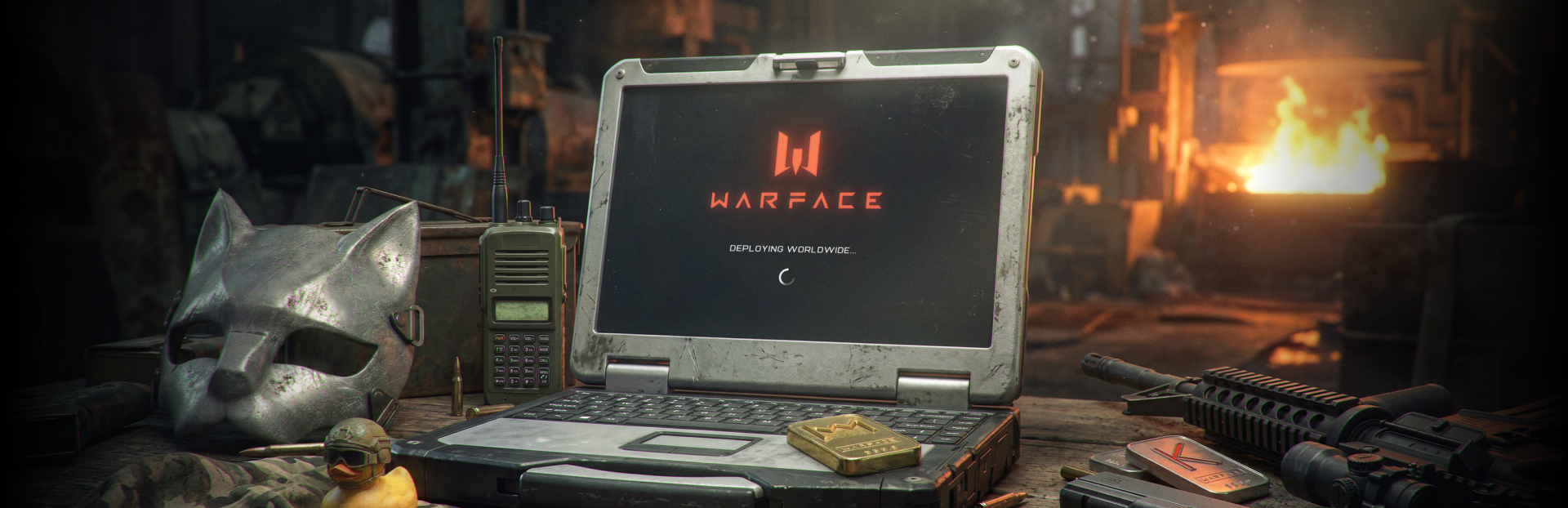
It’s time for Warface to break new ground. We’re happy to announce that starting today, our game is available on Steam for players around the world!
A warm welcome to all newcomers!
View on Steam In this article, you’ll find all the information about the global release, our social media channels, and how to start playing Warface to the fullest today.
Want to learn more about the game basics? Check out the promo page dedicated to Warface’s key mechanics.
FAQ
Is the game free to play?
Yes. Warface is free to download and play.
Who can play Warface on Steam?
The game is available to players from all countries.
What languages is Warface available in?
Warface is available in English, Russian, and Chinese.
Do international Steam players play on a separate server?
Currently, only servers in CIS region are available. We’re working on adding a regional server in Europe or America, which will become available later.
Can I link my existing Astrum Play account to Steam?
No, you can't.
Will it be possible to transfer characters from a Game Center account to Steam?
No. Steam will become another way to access the game and will not affect any existing features.
Can Astrum Play and Steam players play together?
Yes. All Warface players, whether on Steam, VK Play, or Astrum Play, play on the same servers with shared matchmaking.
How do I make purchases in Warface as a Steam player?
To make a purchase in the game, you need to register on Astrum Play first. This can be done directly in the game by opening a page, for example, by clicking on the Kredit balance.
Can global Steam players use the Warface website?
Yes, the website https://ru.warface.com/ is accessible to players outside of the CIS region.
Will the Warface website be translated into English?
There are currently no plans to translate the website into English.
How do I launch the game on Steam?
Simply download the game and start playing! However, if you want to contact Support, access your inventory, top up your balance, or use other website features, you'll need to create an Astrum Play account. Once created, it will be linked to your Steam account, allowing you to use these services.
Social Media
Join us on our official Discord and X!
By the way, we’re cooking up something special on our Discord. Join now so you don't miss any news about an upcoming activity with exciting rewards!
Source
Changelog.gg summarizes and formats this update. How we read updates.