
HomeGamesUpdatesPricingMethodology
Steam News10 October 20232y ago

Gallery & Glossy paint update

Hey everyone, I've been hard at work on the Quest MR update, and I'm passing the savings onto you!

Full notes

Full Vermillion - VR Painting update

Read the full published notes in a cleaner layout. The original post stays linked below.

Repeated intro

Hey everyone, I've been hard at work on the Quest MR update, and I'm passing the savings onto you!

What changed

1 fix2 additions2 changes0 removals
  • Gameplay
  • Fixes
  • Store
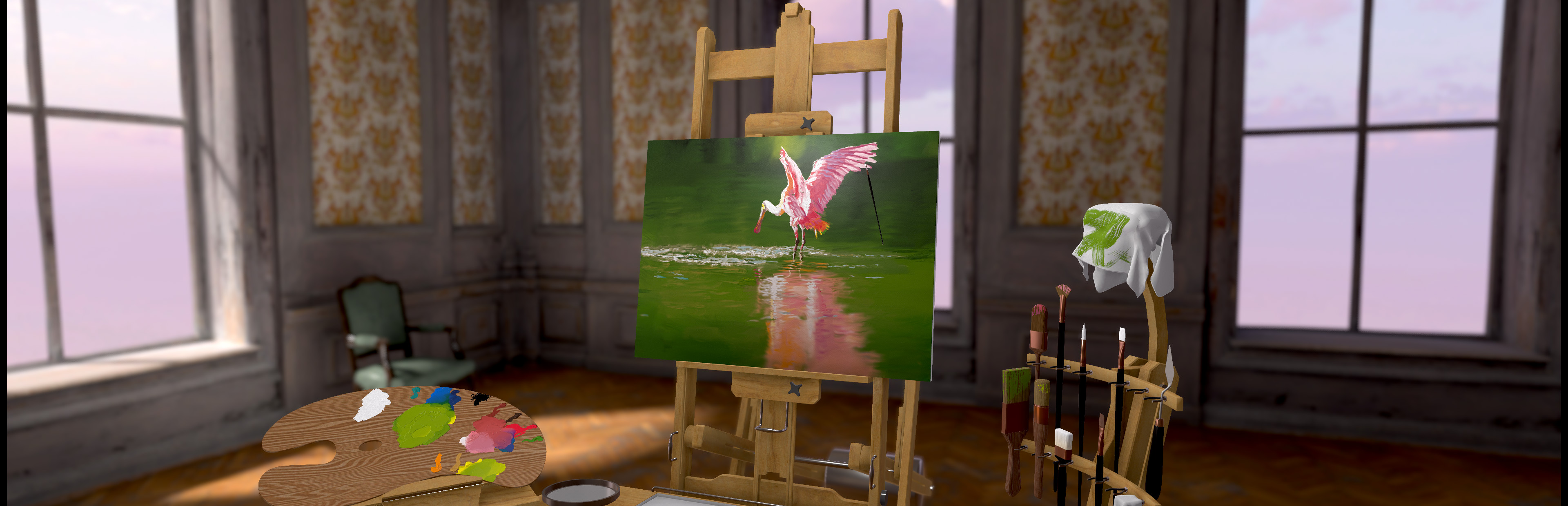
addedYou can now mount your paintings in the Manor and Loft studios by approaching a wall, and even have them sitting in a customizable frame.
addedThe painting settings have moved to a little panel on the palette, where you can now set the canvas mixing sensitivity, paint thickness, and an all new infinite paint toggle. I've revamped the canvas mixing sensitivity at 0 to properly never mix with what was on the canvas. With the mixing sensitivity at 0 and the infinite paint toggle enabled you can doodle away at your heart's content!
fixedI've fixed the hands being the wrong way around if you're starting in OpenVR as a leftie. Sorry about that!
changedI've changed the two inch brush to have a smoother look to its paint.
changedIf you're enjoying the update, please leave a store review! That really helps out. Thanks!

Vermillion - VR Painting changes

addedYou can now mount your paintings in the Manor and Loft studios by approaching a wall, and even have them sitting in a customizable frame.
addedThe painting settings have moved to a little panel on the palette, where you can now set the canvas mixing sensitivity, paint thickness, and an all new infinite paint toggle. I've revamped the canvas mixing sensitivity at 0 to properly never mix with what was on the canvas. With the mixing sensitivity at 0 and the infinite paint toggle enabled you can doodle away at your heart's content!
fixedI've fixed the hands being the wrong way around if you're starting in OpenVR as a leftie. Sorry about that!
changedI've changed the two inch brush to have a smoother look to its paint.
changedIf you're enjoying the update, please leave a store review! That really helps out. Thanks!
  • You can now mount your paintings in the Manor and Loft studios by approaching a wall, and even have them sitting in a customizable frame.

  • The paint now looks a whole lot glossier. It's pretty damn tasty if you ask me. You can still reduce or disable the specular highlight using the slider on the lamp, but will you want to? I think not.

  • The painting settings have moved to a little panel on the palette, where you can now set the canvas mixing sensitivity, paint thickness, and an all new infinite paint toggle. I've revamped the canvas mixing sensitivity at 0 to properly never mix with what was on the canvas. With the mixing sensitivity at 0 and the infinite paint toggle enabled you can doodle away at your heart's content!

  • You can grab anything from a distance now, so you don't have to reach and stretch or bump into the real world.

  • I've fixed the hands being the wrong way around if you're starting in OpenVR as a leftie. Sorry about that!

  • I've changed the two inch brush to have a smoother look to its paint.

  • A dry palette knife is now an excellent tool for smoothing paint on the canvas. Try it, it's something else.

If you're enjoying the update, please leave a store review! That really helps out. Thanks!

Source

Steam News / 10 October 2023

Open original post

Changelog.gg summarizes and formats this update. How we read updates.