
In this update4
Full notes
Full Unity-Chan: Desktop Companion update
Read the full published notes in a cleaner layout. The original post stays linked below.
Repeated intro
Hey hey! Another month of development has passed, and I've got some new features to show off!
What changed
- Gameplay
- Server
- UI and audio
Unity-Chan: Desktop Companion changes
First off, I'd like to thank all of you who are interested in the project and supporting it. Thanks to your suggestions and ideas, the game keeps getting better and better! 🧡🤎
If you'd like to get more involved in the development process, come and join our Discord Server! We discuss new features, chat about games we've played and share memes! 😀
Unity-Chan: Desktop Companion Official Discord Server!
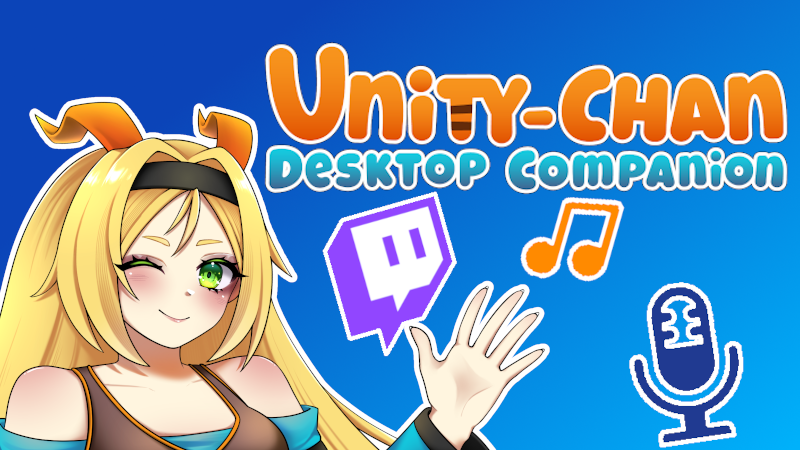
Twitch chat support 🎥
It was a feature I've wanted to add for a very long time. Since the initial inspiration for the project came from the Neuro-sama streams, I've always wanted to create a way for people to let their mascot interact with viewers in a broader way.
For now, I've created a very basic integration - Unity-chan will occasionally read the chat and pick a message to respond to. But thanks to simplicity, the set up is extremely easy: just type in your channel in Integrations->Twitch Settings, enable the integration and that's it!
You can also change the minimum time between Unity-chan's responses if you don't want her chatting constantly - I recommend setting it to at least 60 seconds.
Music Module 🎶
This one started as a simple thought - "hey, I need to add some music to Kohaku's Room... and maybe on the desktop too." Then I started tinkering, and decided it would fit the integration theme perfectly if I added a real music player module. So now, the music works more like a dedicated music app inside the game - complete with importing music from folders and separate playlists!
Currently I added 3 playlists: Desktop, Room and Mini-game (currently mini-game one doesn't play anywhere yet, but I reserved the spot for future updates 😉).
If you don't add any mp3 files to the music directory, the default tracks will be used. Once you paste music into the playlist directory, just click the Refresh button and your songs should appear. Or simply restart, that works too 😁
Voice to Text module 📢
This one's pretty self-explanatory: from now on, you can speak to Unity-chan instead of typing! From the user's side, just open the Phone Call App, select your microphone and hit the Call button. Then you can minimize the app and go to chat messages etc. - Unity-chan will stay on the call until you end it.
On the technical side, the speech-to-text module works completely offline. I decided to use the Recognissimo asset to speed up development, and it also has support for a lot of languages! To expand the supported languages, all you need to do is download the appropriate VOSK model and place it in the game directory
I tested it with English and it worked great—and if you want even better accuracy, you can download larger speech models.
What I love about this feature is how well it works with Twitch support—it essentially turns Unity-Chan: Desktop Companion into an AI co-host for streamers! Perfect for filling in moments of silence and engaging with your chat.
Smaller stuff
Added top bar on main phone screen with time and special value - Fixed day-night cycle and room lights - Improved the voice of the tutorial helper - Fixed several typos in English translation - Fixed the app sometimes not being in front of other apps - Changed detecting name by Steam account and not Windows one - Fixed Unity-chan sometimes 'sticking' to the minimized windows - Fixed room entry sequence on other monitors - Fixed Virus Offense boss dialogue with Polish translation issues
Thank you for reading! I hope I'll be able to surprise you with next news soon 😀
Byeee JacopoDev
Source
Changelog.gg summarizes and formats this update. How we read updates.