
In this update6
Full notes
Full ThreatGEN: Red vs. Blue update
Read the full published notes in a cleaner layout. The original post stays linked below.
What changed
- UI and audio
- Balance
- Events
- Security
- Gameplay
- Server
ThreatGEN: Red vs. Blue changes
Summary
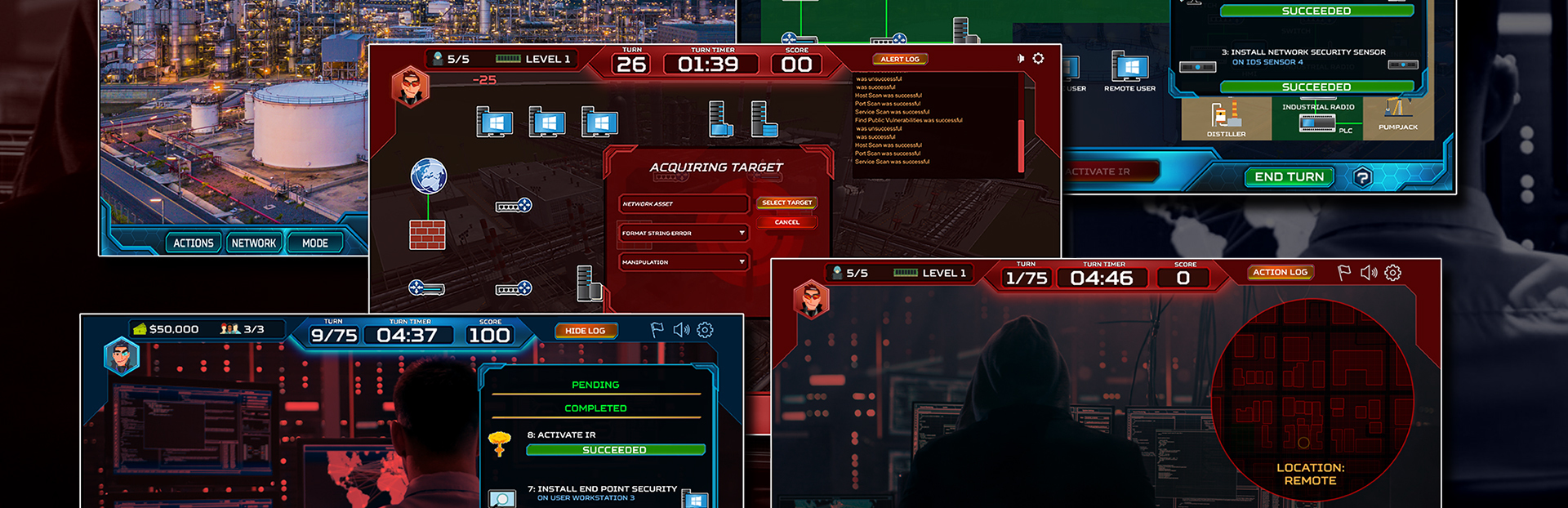
The 1.4.1 update provides many visual and textual fixes and updates to the user interface, as well as enhancements to performance and game balance. However, the primary focus of this update is the implementation of user analytics for Professional, Education, and Enterprise Edition licensees. (For more information, visit our website: https://threatgen.com/red-vs-blue/)
The analytics roadmap has two levels. Level 1 Analytics, rolled out this update, provides the following:
User statistics (games played with dates, duration, total turns, score, win condition, games won or lost, red team or blue team, games won or lost as each team, human or computer opponent, wins and losses versus each type of opponent, score, successful compromises, and successful detections)
Ability to filter by game, team, and opponent type
Ability to sort by, and easily view, statistics for each match (useful for events, assignments, labs, and competitions)
Level 2 Analytics, available in Q1 2021, will include:
Individual cybersecurity category scoring and analysis such as governance, ICS security, physical security, security policy, and cybersecurity strategy
Expanded statistics tracking such as actions played, research performed, and assets attacked
Current Release Notes
1.4.1 Release Notes (Professional Only)
Added Level 1 Analytics
Added web caching to improve game load time
Added CRC to state packets to minimize “out of sync” issues on unreliable network connections
Added current registered/activated username/email to the settings/about UI
Added copy/paste functionality to activation input fields
1.4.1 Release Notes (General)
Adjusted game balanced to reduce disproportionate blue team disadvantage
When red team compromises network devices, they can see the connected devices, or devices that device “knows about” (similar result as a host scan)
Added shield icon legend in red team UI
Added current resource pool indicators to the action tree UI
Added copy/paste functionality to all lobby input fields
Changed the “Tech Inspection” action to “Threat Hunting” and made wiki updates, accordingly
Changed “Reset” action wording to “Reboot”
Updated appearance of “Cipher” character
Minor audio bug fixes and updates
Minor visual and text fixes and updates
What’s Next?
Professional
Level 2 Analytics
Educational scenarios and labs
Accompanying curriculums
LMS support
Tabletop exercise mode
General
Additional network environments
Scenarios
Campaign mode
Join our Discord Server!
Source
Changelog.gg summarizes and formats this update. How we read updates.