
In this update8
Full notes
Full The Midnight Walkers update
Read the full published notes in a cleaner layout. The original post stays linked below.
What changed
- Server
- Gameplay
- UI and audio
- Balance
- Fixes
- Performance
The Midnight Walkers changes
Server Maintenance Notice
To ensure stable service, server maintenance is scheduled as follows.
Server Maintenance Schedule
2026-04-09 04:00 ~ 05:00 (UTC)
2026-04-08 21:00 ~ 22:00 (PDT)
2026-04-09 06:00 ~ 07:00 (CEST)
2026-04-09 04:00 ~ 06:00 (UTC)
2026-04-08 21:00 ~ 23:00 (PDT)
2026-04-09 06:00 ~ 08:00 (CEST)
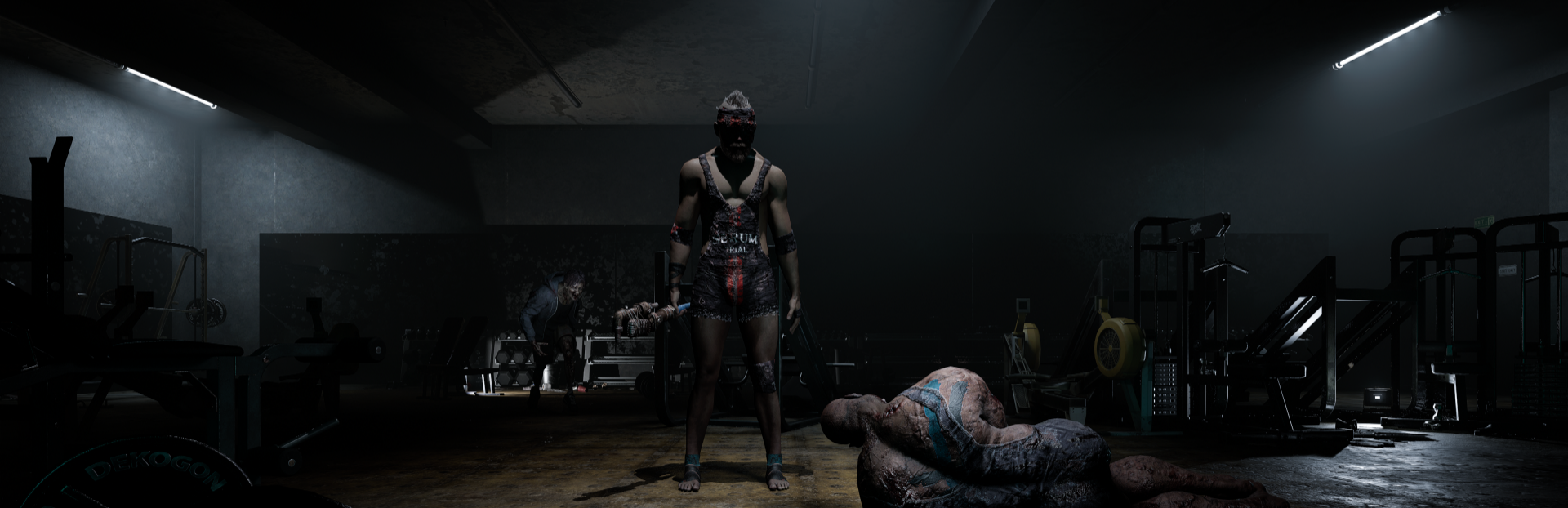
Smasher Loot Added
A new Loadout set obtainable by defeating Smashers has been added.
Smasher Bandana
Smasher Top
Smasher Bottom
Smasher Hand Wrap
Smasher Foot Wrap
Spectate System Changes
When you die and there are no surviving allies, the game will now go directly to the results screen instead of switching to Spectate mode.
We plan to overhaul the Spectate system over time to ensure a fairer gameplay environment. The Spectate system was originally introduced so that players could watch their teammates' gameplay after dying, assess the situation, and understand the flow of combat. However, we have identified cases where the Spectate feature was being used in ways that were not intended, and the low accuracy of the Spectate view has also caused misunderstandings, with players being falsely suspected of cheating or abnormal play.
As a result, in this patch, we have restricted Spectate when there are no surviving allies as a first step. This is not intended to completely remove Spectate, but rather a preemptive measure to reduce the issues currently caused by the feature and to develop it into a more appropriate form.
Going forward, we are also reviewing other forms of post-death information, such as death cams and combat reports. We will provide a separate update once the specific direction has been finalized.
UI Improvements
When matchmaking is complete and you are entering a game, the matchmaking button will now display an 'Entering' status. You cannot cancel matchmaking while in the 'Entering' state.
Notification indicators have been improved to be more noticeable.
Bug Fixes
Fixed an issue where mail with long titles in the mailbox would render outside the UI area.
Fixed an issue where 'Enhanced Crowbar' could not be Equipped by some Classes.
Known Issues
Some objects in the starting room may appear abnormally.
The client may occasionally crash when changing floors or while in Spectate mode.
Mouse clicks may become unresponsive in certain situations.
This can be resolved by pressing the ESC key twice.
If this issue occurs after reconnecting to the game, please report it through the HELP CENTER.
The game may occasionally crash during shader compilation.
Crouch/Stand inputs can be used while grabbed by a Zombie.
If a Zombie grab attack occurs while using a smoking item, the Cigarettes display may appear abnormally.
After a player dies from a Zombie grab attack, the Zombie may not return to normal AI behavior.
The game may occasionally freeze when a Zombie grab attack occurs in certain situations.
When DLSS Frame Generation is enabled in the graphics options, some UI elements may display abnormally.
When wearing the new Armor 'Silent Zip-Up Jacket', some weapons and the Escape pod tracking device may be obscured by the Armor in third-person view.
Important Notes:
Matchmaking will be unavailable 30 minutes before maintenance begins.
There is a risk of item loss if maintenance begins while you are in a game.
Please make sure to safely exit the game before maintenance begins.
We will continue to do our best to provide a better gaming experience. Thank you.
Source
Changelog.gg summarizes and formats this update. How we read updates.