
Full notes
Full The Link update
Read the full published notes in a cleaner layout. The original post stays linked below.
What changed
- UI and audio
- Store
- Gameplay
- Performance
- Fixes
1 .Settings Integration: All voice-related settings have been moved to System Voice Settings. A new independent button for Motion Capture Window Settings has been added.
Display Player Positioning Feature: By opening the Motion Capture Window Settings, you will now see a "Show Player Position" option. This feature allows you to store a standing Position, making it easier to return to the original position while gaming. Once show player position activated, the player’s position will also be displayed in the Hitbox Setup window to help you place your hitbox
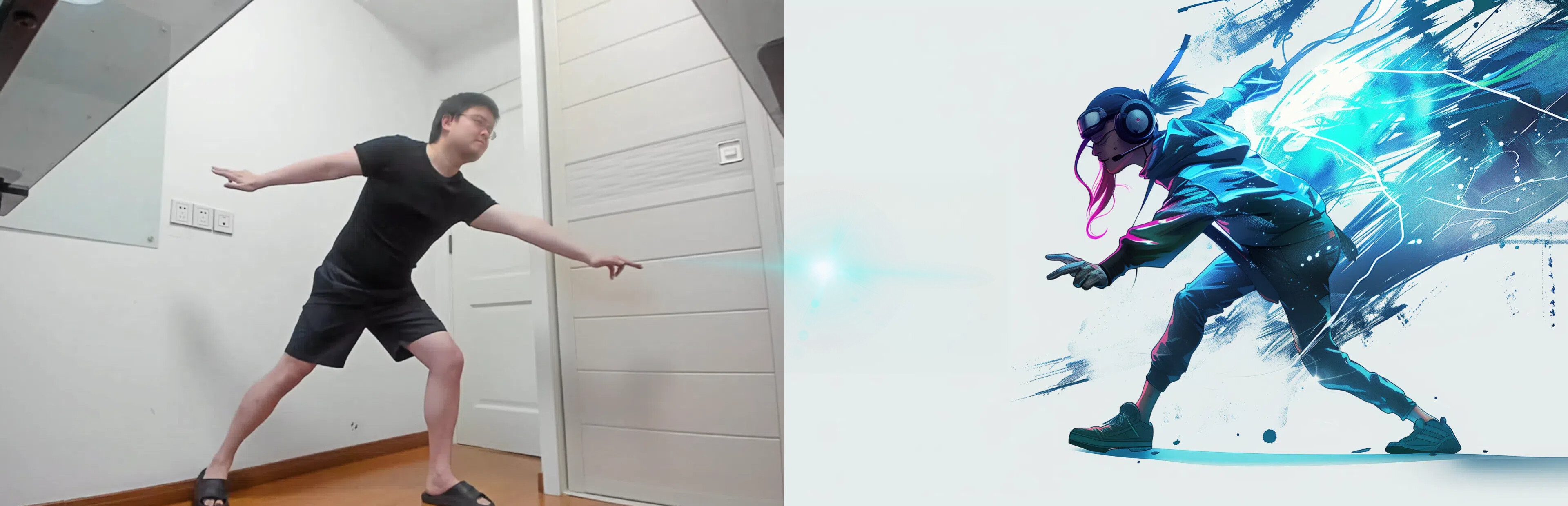
- Ultra Recognition ModeUltra Recognition Mode is now available! When activated, this feature allows you to track both custom hand gestures and full-body movements at the same time. Currently, the enable/on/off switch is located under Wrist to Mouse Output.
Tracking Options and Default Similarity Optimization: The default tracking option for pose recognition is now set to both hands, and leg tracking will toggle on or off simultaneously. After saving data, the system will now generate a default similarity value as a reference, depending on the tracking options you choose.
Quick Dropdown Menu: Now, when you hover over "Add Pose" or "Switch Output", a dropdown menu will automatically appear, allowing for quicker and easier addition or editing of inputs and outputs.
Default Name When Adding to Favorites: When adding a link to Favorites, the name input box in the pop-up window will now be pre-filled with the current link's name for convenience.
Fixed a bug where dragging a link with the mouse would make it excessively long and could mistakenly disable the link.
Wheel scroll gesture have been added to Simple Mouse Mode
Other Small Bug Fixes:
NOTE: If the recent update causes you any problem, you can right-click the link in the Steam library, select Properties, go to the Betas tab, and choose a legacy version to revert to the previous version.
Source
Changelog.gg summarizes and formats this update. How we read updates.