
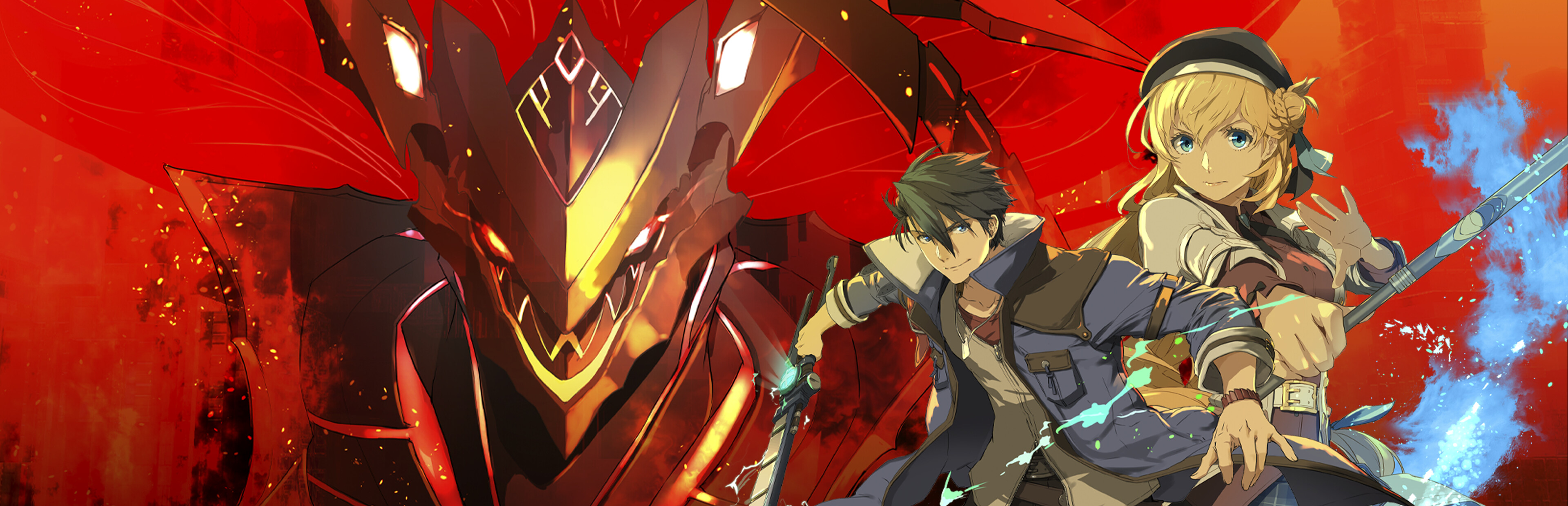
Full notes
Full The Legend of Heroes: Trails through Daybreak II update
Read the full published notes in a cleaner layout. The original post stays linked below.
What changed
- Gameplay
- UI and audio
- Performance
- Events
The Legend of Heroes: Trails through Daybreak II changes
Hi everyone,
Trails through Daybreak II is releasing today, and as always with our PC ports, it's my pleasure to share some information about the features and improvements we packed into this version of the game.
What is a bit different about this release compared to many of our previous ones is that it is a direct sequel to a game where we already tried to include everything and the kitchen sink in terms of PC features - something at which we succeeded pretty well! You can read more about some of the PC features of Trails through Daybreak (I) here. Before moving further along, I'm happy to announce that we've managed to include every single PC-specific feature and enhancement that we provided in the first game, and further improve on some of them! To elaborate a bit on what this means, I'll briefly recap the most important features.
Overview and Highlights
Arbitrary resolution and aspect ration support. As you can see above, we really do mean "arbitrary". As always, this is quite a lot of work to get right across the many UI elements in a fully-featured JRPG.
Variable frame rates up to 360 FPS supported in-game -- up to 500 FPS via config file, but no guarantees on that.
A wealth of graphics options, here are a few of them:
Configurable level of detail and draw distance for characters, environment, and lights, with a very large range from low to ultra.
Shadow quality options, including resolution and filtering, with high-end options for variable penumbra PCSS shadowing and high-quality HBAO+ local environment shadows.
Highly adjustable rendering quality with MSAA, SGSSAA and trSSAA options, as well as portrait supersampling, minimap anti-aliasing and more!
Scalable quality for screen-space reflections, volumetric lighting, tesselated water rendering, high-resolution cube maps, and more, from settings appropriate for Steam Deck to ones that go far beyond the console versions and can put high-end PCs to work.
Various general and gameplay features and improvements:
Asset caching for blazing fast loading times.
Configurable multitasking behaviour - choose whether to pause on overlays or focus loss, whether to confine the cursor, and whether to continue playing audio when in the background.
Turbo mode supported as either a toggle or hold-down action, and with an individual choice of speedup factor for various game scenarios.
Highly configurable message auto-advance.
Timed autosaves with a large number of slots so you never lose any progress.
Additional battle information options such as always displaying the turn order.
Fully customizable input specifically tuned for PC:
A new targeting mode optimized for mouse: "Free Look". This works quite differently from what the console version does, but our testers who play with mouse and keyboard love it. Do give this a try if you are interested!
Additional direct shortcuts for various (sub-)menus, such as directly going to the items screen (with the default shortcut "i"). A keyboard has a lot of keys, and there's no reason not to use them.
Full cursor-driven mouse menu support across the many UIs in the game. This is just another point in this list but it is a very non-trivial amount of work.
Dynamic automatic or manual button prompts, which respect your custom rebindings, and can also show secondary bindings.
Bonus features and full platform support:
The fan-favorite background music information display feature returns! Now with even more information regarding the origin of each music track.
Steam Recordings timeline support with event and game mode tracking. Since
Source
Changelog.gg summarizes and formats this update. How we read updates.