
Full notes
Full Survive Ten Days update
Read the full published notes in a cleaner layout. The original post stays linked below.
What changed
- Compatibility
- Gameplay
- UI and audio
- Maps
Survive Ten Days changes
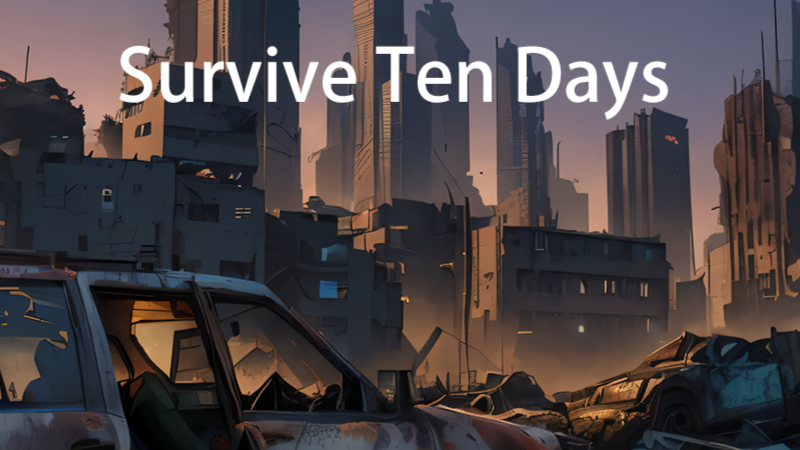
We have finally completed the first playable version, below are the game description and operation instructions, the game is still in beta stage
If you are interested, you can join the QQ group: 960907296, thank you!
Game background
Players play the role of a few survivors in the apocalypse and try their best to survive longer.
As time goes by, the rate of zombie generation will increase, reaching its peak after 10 days.
Advanced special zombies will be randomly refreshed. These zombies are highly threatening, please pay more attention to them.
After the house/base is cleared, it will turn into a safe state and no zombies will be generated in the short term.
All materials will be automatically refreshed after 2 days of searching, and camp tasks will also be refreshed after 2 days.
Faction bases can be traded. Completing tasks can increase favorability. When the favorability reaches 100, NPCs can be controlled. Hostile camps will launch attacks.
The camp population will disappear when it reaches 0, and will be randomly repopulated in a safe base after that.
Character
Character professions can be freely chosen, and each profession has different skill focuses.
Each character can choose up to three personalities, and the character's appearance can be customized
Each character has different initial equipment, but the initial weapons are all pistols
Operating instructions
Movement: WASD movement, Shirt key to run, space bar to climb, Ctrl to crouch/recover to stand
Viewing angle: Hold down the left mouse button to rotate the viewing angle, and use the mouse wheel to zoom in and out.
Interaction: Pointing the mouse at an interactive item will highlight the object/character. Press and hold E to open the box, and short press E to engage in character dialogue.
Items: The I key can recall the backpack, the M key can open the map, and the number 123 key can quickly select the corresponding weapon.
Combat: After equipping a weapon, press the right button of the mouse to enter aiming mode, and the left button of the mouse to attack
Others: Press the F key to turn on the flashlight
Source
Changelog.gg summarizes and formats this update. How we read updates.