
In this update1
Full notes
Full SUPERVERSE update
Read the full published notes in a cleaner layout. The original post stays linked below.
What changed
- Gameplay
- UI and audio
SUPERVERSE changes
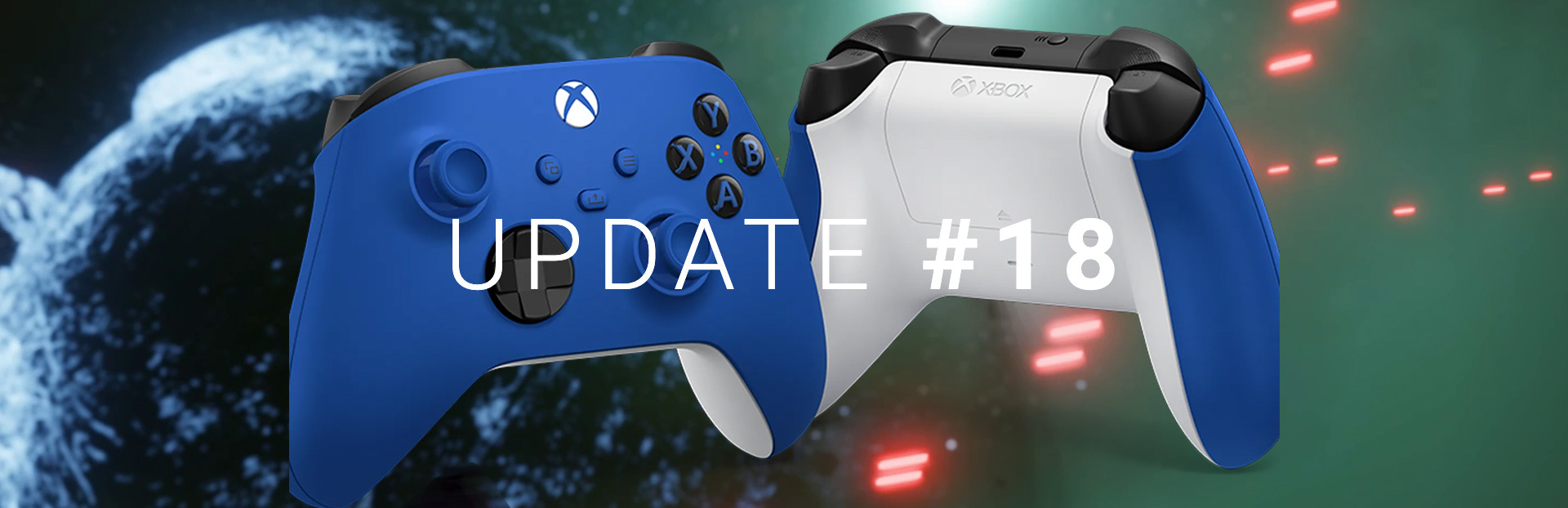
The 18th update of SUPERVERSE extends the options to maneuver the spaceship using a game controller and introduces one more way to play the game.
You can now use the D-Pad on a game controller to rotate the spaceship in a clockwise direction by pressing RIGHT on the D-Pad and to rotate the spaceship in a counterclockwise direction by pressing LEFT on the D-Pad.
The Thruster can now be activated and precisely controlled by pressing the Right Trigger (RT).
Using D-Pad for rotation and RT for controlling the speed of the spaceship matches the controls you can find in many racing games with top-down view. This also matches the controls you have when playing the game using a keyboard.
We shuffled the default buttons layout and the buttons for activating Primary and Secondary Weapon have been moved to Right Bumper (RB) and Left Bumper (LB).
The Shield can be activated by pressing the Left Trigger (LT).
To summarize, you can now use the game controller to maneuver the spaceship using one of the following combinations:
D-PAD LEFT / RIGHT for rotation and RT for thrust
LEFT THUMBSTICK for rotation and thrust combined
RIGHT THUMBSTICK for rotation and RT for thrust
Changelog
Update #18 | 2021-06-14
Added
Extended game controller usability: D-Pad Left / Right can be used for rotating the spaceship Counterclockwise / Clockwise.
Changed
Thrust control moved to Right Trigger (RT).
Shield control moved to Left Trigger (LT).
Primary Weapon control moved to Right Bumper (RB).
Secondary Weapon control moved to Left Bumper (LB).
Settings menu options order changed.
Localizations updated.
Source
Changelog.gg summarizes and formats this update. How we read updates.