
In this update1
Full notes
Full SUPERVERSE update
Read the full published notes in a cleaner layout. The original post stays linked below.
What changed
- Performance
- Gameplay
- UI and audio
- Compatibility
- Balance
- Fixes
SUPERVERSE changes
The fourteenth update of your favorite SUPERVERSE game is the biggest update released so far. It includes many improvements, changes, performance optimizations, bug fixes, changes in the game balance, and the new game content.
Tutorial
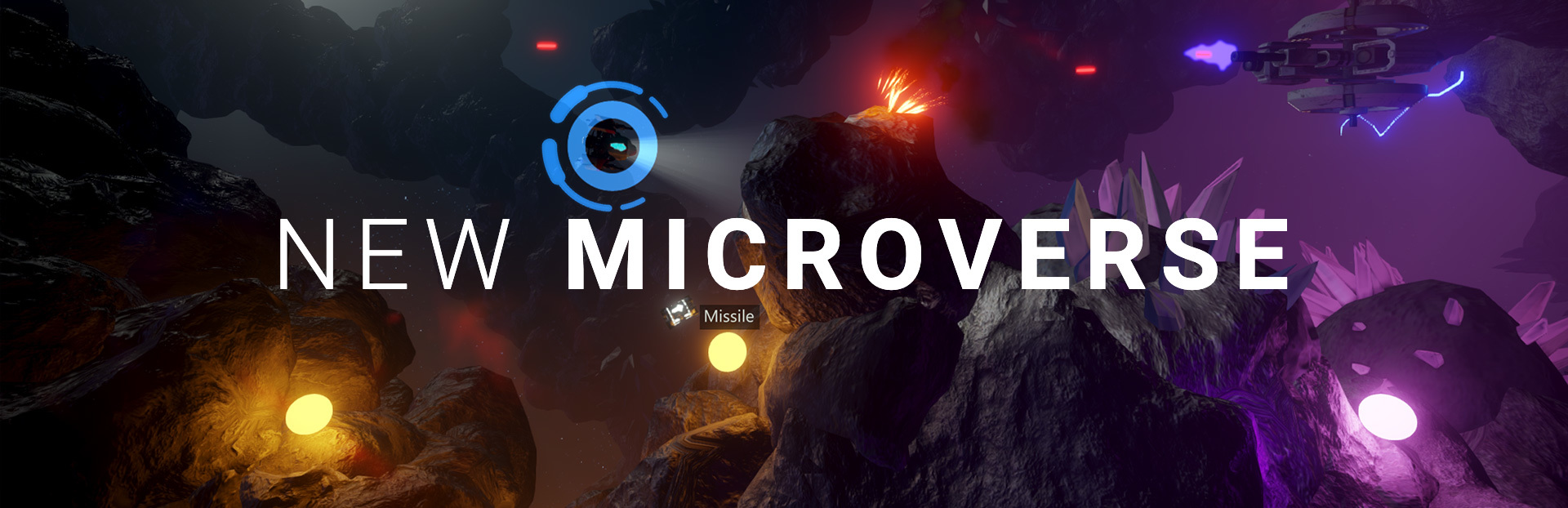
A new microverse to start from. The Tutorial will introduce the player to the foundations of the gameplay, the game mechanics and the game controls.
Once successfully completed, the tutorial will be left optional to play.
More Settings
We had to re-think the display Gamma functionality and implement it in a different fashion than it was done in the previous versions of the game. The new version of display Gamma runs well on all the displays. Gamma is now adjustable through Settings > Video > Gamma option.
New EXPERIMENTAL setting has been introduced, allowing you to turn the mesh-instancing feature. Mesh-instancing could increase the performance on some slower configurations. Turn it on using Settings > Video > Mesh instancing option.
Settings > Game > Enemy HUD visibility option allows you to change the way enemy ships are visually marked. The energy scale can be presented permanently over the enemy ship, or it can be presented only when the enemy ship has been hit and is low on energy.
Integration with Steam
This is the first version of the game that links with Steam's library and makes calls to Steamworks API.
Opening Steam layer, by pressing SHIFT + TAB keys or a dedicated button on a game controller, will pause the game. Closing the layer will resume the game automatically.
More Steam related features will be introduced in the forthcoming updates.
Steam Summer Sale
It's already hot. And SUPERVERSE offer during Steam Summer Sale is hot too:
https://store.steampowered.com/app/1056170/SUPERVERSE/ SUPERVERSE game is currently available in Early Access for Windows and Linux (through Steam Play and Proton).
Changelog
Update #14 | 2020-07-02
Added
The new Tutorial universe introduces the player to the gameplay, game mechanics and controls.
Meteor shower in the background of the main menu on the first run of the game.
The new version of display Gamma runs on all displays, adjustable through Settings > Video > Gamma option.
New Settings > Game menu introduced.
- Settings > Game > Enemy HUD visibilityConstant option introduced, enabling easier spotting of enemy ships. Turned on by default.
New EXPERIMENTAL Settings > Video > Mesh instancing option added. Turned Off by default. Mesh instancing could increase the performance on slower configurations.
Initial integration of Steamworks SDK added.
Opening Steam layer (SHIFT + TAB) pauses the game, closing it continues the game.
Sparks have been used for the first time in the new Tutorial universe.
Changed
Game balance changed: all the players' ships are stronger now.
Music playback improved in situations during scene changes.
Weapon Upgrade item name is now displayed beside the item.
Texts added and updated.
Bigger logo in the main menu.
More compact Settings > Video menu.
Fixed
Shorter game startup time for at least 1.5 seconds. Removed unused texture files and materials, and reorganized pre-loading of game assets.
Instant game quitting: The window now closes immediately and the music shuts down.
Fixed menu to refresh in some situations.
Fixed situation when a transparent material is not rendered at all.
Source
Changelog.gg summarizes and formats this update. How we read updates.