
In this update4
Full notes
Full Summoners War update
Read the full published notes in a cleaner layout. The original post stays linked below.
Repeated intro
Greetings from Com2uS!
What changed
- Gameplay
- Performance
- Server
- UI and audio
- Balance
- Events
Summoners War changes
v9.2.2 has been updated on Steam today, and an auto update will be held to install the new version.
The process won't take long, but you may experience a sudden crash if you are logged in when the update begins.
Please make sure to come back to the Village and end your game safely to save your game data before the update starts.
========================
UPDATE SCHEDULE BY SERVER
Global - 12:45 AM PDT
Europe - 9:45 AM CEST
Asia - 3:30 PM TST
Korea - 4:00 PM KST
Japan - 4:30 PM JST
China - 3:30 PM CST
========================
※ You won't be able to enter [World Arena, Arena Interserver Battle, and World Guild Battle] during [12am - 12:45am PDT], and other content can be played normally.
=====================================
v9.2.2 Update Details
=====================================
▶ [Deck Preset] Improvements
A Load Runes/Artifacts feature has been added.
: A feature to load Rune/Artifact info from a Monster saved in a Deck Preset and engrave it onto another Monster has been added.
: This feature is available in the [Rune/Artifact Management] screen of Attack/Defense Deck Presets, the Default Monster menu, and the World Arena Monster menu.
HOW TO USE
: Select the target Monster to engrave Runes/Artifacts onto. From the [① Load Deck Preset Runes] menu, ② select the Monster saved in the Preset for the desired content.
: When you press [③ Load], the Rune/Artifact info of the selected Deck Preset Monster will be temporarily engraved onto the target Monster.
A Load Attack Deck feature has been added.
: A feature to load Monster/Rune/Artifact info from a Deck Preset saved in another content has been added to the Attack Deck management screen.
: This feature is available on the Attack Deck Preset screen.
HOW TO USE
: Select the desired content's Preset deck from the [① Load Deck] menu on the Attack Deck management screen.
: Press the [② Load] button to load the Monster/Rune/Artifact info from the selected Deck Preset as-is.
※ Only decks from content that use the same number of Monsters can be loaded.
A Load Previous Siege Battle Runes/Artifacts feature has been added.
: The [Siege Battle] Rune/Artifact settings from the v9.2.0 update can now be loaded directly from the [Rune/Artifact Management] menu.
※ Please note the following additional improvements currently in development. The content below is scheduled to be available through the v9.2.3 update at the end of May.
A feature to modify the Rune/Artifact engrave info of Monsters registered as a Preset from the battle standby screen will be added.
The [Load Runes/Artifacts] feature on the battle preparation screen will be improved to also load Rune/Artifact info from Monsters saved in Deck Presets.
A Load Defense Deck feature will be added. Defense decks from Arena/Arena Interserver Battle/Siege Battle/World Guild Battle can be loaded from the Preset selection list.
Numbering will be added to Deck Presets for more convenient management.
An indicator will be added to the Preset selection and Deck Edit screens to show whether any Runes/Artifacts are equipped on multiple Monsters.
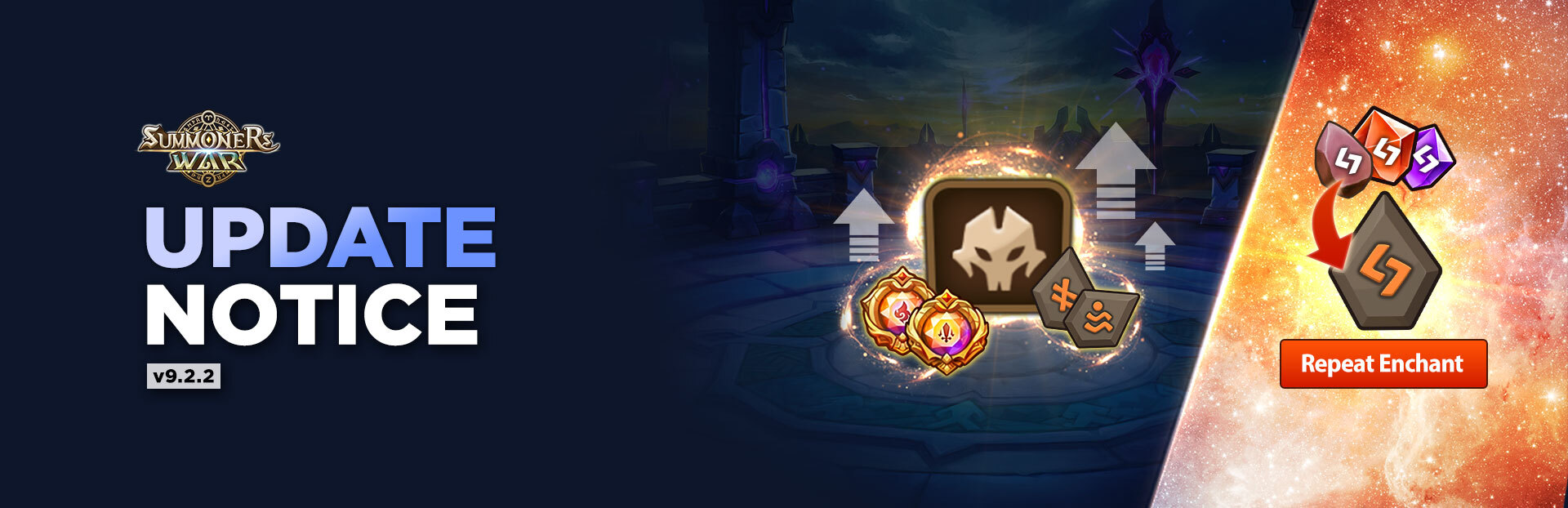
▶ [Gem/Grindstone] Repeat Enchant Feature Added
You can set desired values and automatically enchant up to 10 times until the condition is met.
- AccessAvailable in the [Rune > Power Up > Enchant] menu.
Set Values: You can set your target property and value. The value can be set within the min-max range of the selected Gem/Grindstone.
Enchanting: The process will proceed automatically until one of the following conditions is met.
The target property and value condition have been met.
10 attempts have been completed.
All Gems/Grindstones in possession have been used up.
You can cancel at any time by pressing the Stop button while in progress.
▶ [Power-up Circle] Improvement
An [Awaken] menu has been added for more convenient Monster awakening.
This feature is also available through the existing Monster awakening menu.
▶ Other Improvements and Changes
When sorting Monsters by Attack Speed, the sorting rule for Monsters with the same total Attack Speed has been changed.
: (As-is) Sorted by Monster Attribute
: (To-be) Sorted by base Attack Speed in descending order (if base Attack Speed is the same, sorted by Attribute)
[Challenge Battle] The color of the pick checkmark for the Summoner on the right side of the replay screen has been changed for clearer distinction between both Summoners.
You can now visit other Summoners' islands while a Scout Battle is in progress.
[Summonhenge] A feature to activate/deactivate Blessing of Summoning/Splendid Blessing of Summoning/Brilliant Blessing of Summoning on demand via an ON/OFF toggle has been added.
The maximum number of Blessing of Summoning/Splendid Blessing of Summoning/Brilliant Blessing of Summoning that can be held has been increased from 3 to 5.
[World Arena > Goodwill Battle] The size of the tournament rule selection menu when creating a tournament has been adjusted.
▶ [Shop > Recommended] Limited-Time Choice Shop
Choice Shop Period: May 15, 12:00 AM - Jul. 6, 11:59 PM (server time)
Participate in the Special Package Free Giveaway Event to obtain Package Tickets and exchange them for your desired items in the Choice Shop!
GO TO EVENT
※ Package Tickets can be used until Jul. 6, 11:59 PM (server time).
▶ [Shop > Recommended > Special] 12th Anniversary Light/Dark Summon Special Pack
Sale Period: After the v9.2.2 update on May 13 - Jun. 30, 11:59 PM (server time)
▶ Game Error Fixes
[Deck Preset] Fixed an issue where the game returned to the title screen when saving a Preset in which the same Rune/Artifact was engraved on multiple Monsters within the same deck.
[Deck Preset] (Android) Fixed an issue where Rune/Artifact info was not applied correctly when entering battle after changing a Deck Preset on certain app players using a 32-bit operating system.
[Temple of Chaos] Fixed an issue where the Attack Speed of Monsters placed via a Deck Preset was displayed using the default Monster's info instead of the Preset info.
Fixed an issue where, when selecting the Inbox as the Energy recharge method in Repeat Battle and Scout Battle, Energy was not sorted by shortest expiration time.
Source
Changelog.gg summarizes and formats this update. How we read updates.