
In this update7
Full notes
Full Starfield update
Read the full published notes in a cleaner layout. The original post stays linked below.
What changed
- Balance
- Gameplay
- Performance
- Store
- UI and audio
- Compatibility
Starfield changes
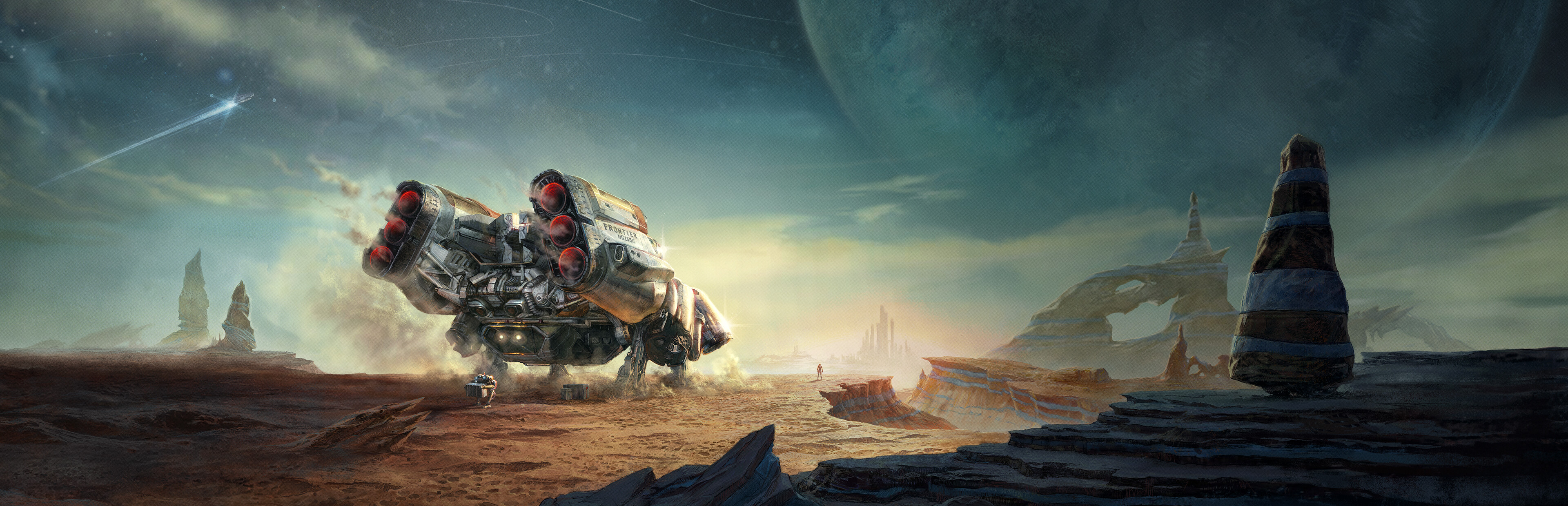
Starfield’s latest free update is here and is bringing a highly-requested feature: the REV-8 land vehicle! Now is your chance to explore new frontiers (and reach new heights) in your very own land cruiser.
Ready to head out in the REV-8? Visit your favorite city’s ship technician to install a vehicle module and you’re good to go! Once you have the module in your ship of choice, the REV-8 will automatically deploy right outside your ship wherever you land. You can even show off your personal style by customizing the REV-8 with unique colors.
As you’re touring planets in Starfield, you’re bound to run into some hostile elements. The REV-8 is equipped with a powerful mounted turret as well as armor for additional protection when driving. Your boosters can help get you out of a sticky situation quickly, but they’re not just forward boosters… you can also hit the boosters to add some jump to your ride, letting you sail through the air and reach areas that would have previously been much tougher to get to.
Also available in the August Update are new Xbox Series S display settings to mirror existing Xbox Series X settings.
New settings:
Frame Rate Target: You can now choose between 30, 40, 60 or an Uncapped frame rate on VRR displays. If you do not have a VRR display running 120hz, you will still be able to select from 30 or 60. Screen tearing may occur at times when selecting 60 on a non-VRR display.
- PrioritizeYou can now prioritize between Visuals and Performance while trying to maintain the frame rate target. If you’re choosing a frame rate target of 60 or above, we recommend changing this to Performance. Prioritizing Visuals keeps the highest resolution while maintaining full detail for special effects, lighting, and crowds. Prioritizing Performance lowers internal resolution and detail for special effects, lighting, and crowds. Both modes may adjust internal resolution dynamically when scenes or action get heavier as well. When switching between modes, you will see the lighting change briefly as the system catches up to the new mode.
VSync: You can now toggle between VSync off or on. Choosing off will separate the game frames from the monitor's refresh rate and may result in screen tearing. Toggling On will synchronize the frame rate to the monitor's refresh rate avoiding screen tearing but limiting number of frames.
Read on for the full August Update patch notes.
Features
Added the new Rev-8 Vehicle which can be purchased from the ship technician
Added Xbox Series S performance options
General
General performance and stability improvements
Creations UI fixes and improvements
Gameplay
Addressed an issue that could prevent fully scanning the planet Beta Marae I
- Gameplay OptionsAddressed an issue with Legendary weapons that could cause the Well Fed and Hydrated effects to refresh
- Gameplay OptionsAddressed an issue with switching weapons that could cause the "You are now Hydrated" notification to appear frequently
- Gameplay OptionsAddressed an issue that could cause Sustenance effects to stop working in NG+ variants
Fixed an issue with reloading the Novastrike sniper rifle
Resolved an issue that caused other characters to hold the Novastrike rifle incorrectly
Fixed a visual issue with the Magshot reload animation in zero-g
Extreme Temperature Entry Spacesuit can now be put on displays
Addressed an issue that could cause multiple items to spawn on display stands
The Rattler displayed on the Trackers Alliance headquarters wall can now be interacted with
Gravity Well no longer pulls NPCs into the ships in the Chop Shop
Adjusted map location markers in cities to improve fast travelling
The apartment in The Well in New Atlantis now has a map marker
The marker for Shepherd's General Store in Akila should display properly
Fixed an issue that caused the Rapid Legendary effect to not properly apply to melee weapons
Addressed an issue that could cause Lyle Brewer to become hostile to the player as a follower
Updated the status text for the Shielded Grip and Large Shielded Grip mods for the Plasma Cutter
Adjusted the balance on Mysterious Tracker’s Voice audio
Resolved an issue that could cause unexpected noises upon entering the Lodge for NG+ variants
Ships
Fixed an issue that could cause Ship docking bridges to remain extended
Addressed an issue with modifying a landed non-home ship that could cause a duplicate ship model to appear on the landing pad
Shipbuilder: Ship module variants and flip versions will now correctly revert to the original when pressing the Cancel button
- Ship DecorationAddressed an issue with the Ecliptic Claymore that could allow objects to be placed outside of the ship
Graphics
Fixed an issue that would cause the Frame generation setting to be turned off when DLSS was selected for Upscaling (PC)
Fixed lighting for ship and station interiors in photo mode
Improved quality of reflections in shallow puddles
Addressed an issue with upscaling that could cause visual artifacts on planets when viewed from space
Helmets will now toggle correctly for companions who are downed in photo mode
UI
Addressed an issue with the Ship and Inventory menus on 21:9 resolutions
Fixed an issue with how large Carry Capacity is displayed in the inventory with large font enabled
Addressed an issue with how The Cue Ball and Ping Pong Ball display in the inventory menu
Outposts
Flood lamps decoration items will now correctly toggle off and on at outposts featuring a power source
Source
Changelog.gg summarizes and formats this update. How we read updates.