
Full notes
Full Stack Attack update
Read the full published notes in a cleaner layout. The original post stays linked below.
What changed
- Performance
- Gameplay
They don't limit the version number so I'm just gonna be unhinged about it until it matters.
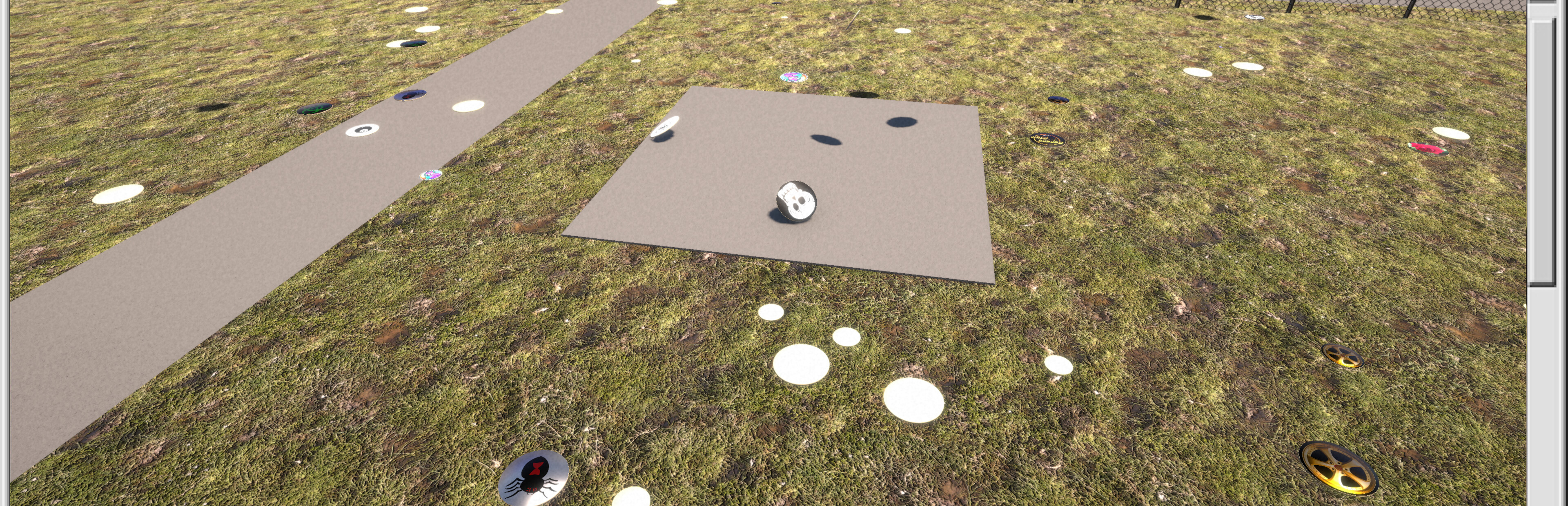
Speaking of not limiting things, the game was hitting INSANE framerates and taking up to 70% of GPU power
Yea, that was a dumb oversight on my part, my apologies. I've hard limited it to 60fps and vsync off. Might make that a setting but, honestly, I don't think this game needs to be that granular.
Anyways, fix'd.
Also, if you're seeing multiples of the planets, vanilla, and Sleep Fox collections, I'm sorry to put this on you but, it's a Steam Cloud issue from the previous version saving custom caps (So you can use different computers but have your custom caps across them all)
And, when I cleaned up the StreamingAssets folder, Steam Cloud still has the old caps and reloads them.
So, go to the local files for the game, then into the StackAttack_Data folder, then into StreamingAssets (This is where you'd add custom caps) Delete all but the example folder (The example folder is also safe to delete but you might want it if you want to make your own caps/smashers later)
THEN, and this is the important bit, delete the steam_autocloud.vdf file This is what's re-adding the old data. Deleting it will trigger Steam to properly update the cloud save data and remove the old files
Source
Changelog.gg summarizes and formats this update. How we read updates.