
In this update8
Full notes
Full STACK & the Grumblepuff from Above update
Read the full published notes in a cleaner layout. The original post stays linked below.
What changed
- Events
- Gameplay
- UI and audio
- Maps
- Performance
- Server
STACK & the Grumblepuff from Above changes
Hello! A new update is available: 1.14
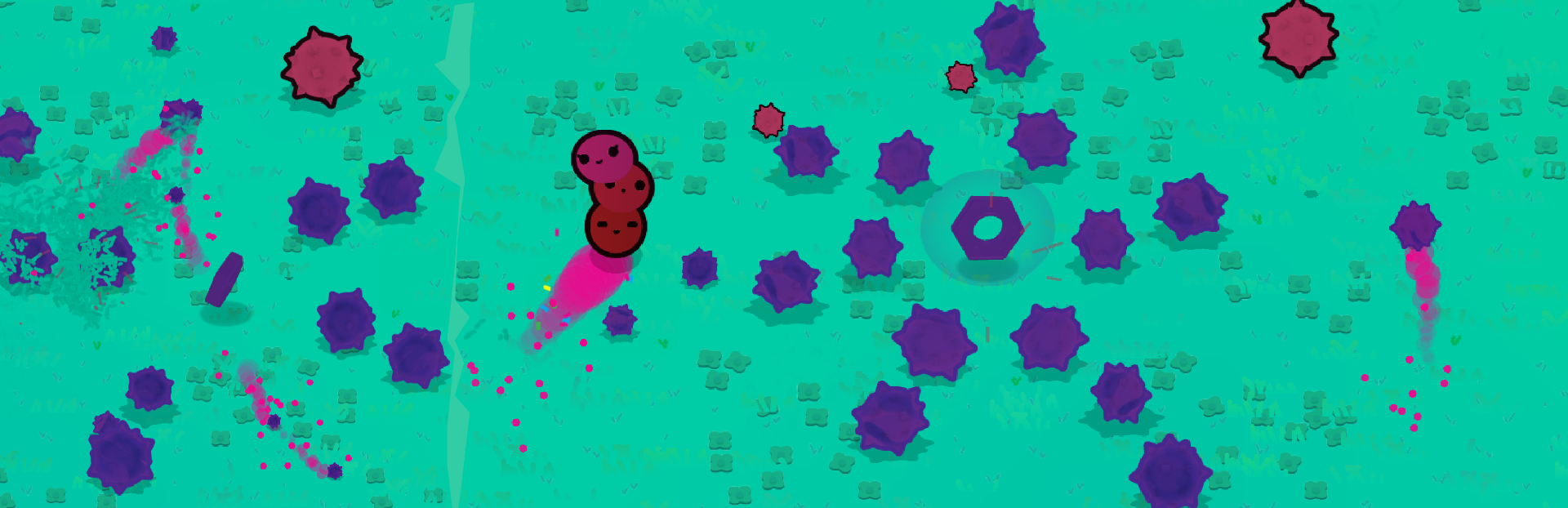
This update adds new challenges in the form of “Challenge Cogs” these mysterious entities will fight back and reward coins when defeated. Grass is way grasser! Dark Mode added, and datapackles now support variables and basic arithmetic.
Bugs can be report in "Menu > Info > Feedback / Bugs". Hope you have a charmful time with it!
Game
Achievement “Cog-ful!” added.
Challenge cogs improved, now provide a challenge to collect them.
Challenge cogs now reward coins when collected.
Added challenge cog sound effects.
More grass added to levels and story map.
Startup music plays when game first starts.
Level 3 visibility limited.
Smash particles updated and changed to grass/dust.
Improved blending of rainbow coloured player.
Tree dialog text updated slightly.
Improved pause screen, player now flies into sky.
Sand texture improved.
Nighttime snow texture improved.
Updated firefly sprites.
Updated balloon sprites.
Particles added to grumble collisions.
Challenge Cogs respawn after 45 seconds.
Popup Message improved.
- FixSandcastle particles improved.
Fix: Challenge cogs no longer despawn if 3000 pixels away.
Fix: Grumbles no longer are destroyed when colliding with other grumbles or the player when they shouldn’t be.
Fix: Smash particles now match their level/environment.
Fix: Game autosaves when entering a level.
- FixBold and italics paragraph text improved.
- FixAlt+Tab crash hopefully fixed. *
- FixPause screen fixed in multiplayer.
Fix: Achievements/Notifications won’t appear during splashscreen.
Fix: Can no longer interact with elements underneath a menu.
Fix: Can no longer view story map while player death animation plays.
Fix: Hat now correctly changes in perspective.
Fix: Grumblepuff now depths correctly in relation to the player.
Fix: Collision is now checked during cutscenes. *
Fix: Boulder/Rocks now have collision.
System
Game now autosaves when settings are modified.
Ant Bezier curves now only show Debug Mode, not the Console.
Fix: Custom buttons can no longer be activated while textboxes are open.
Options Tab
Dark Mode option added.
Assist Mode option added.
Dyslexic Font option added.
Assist Move, Assist Dodge and Assist Collect options hidden in Assist Menu.
Moved Phone Mode and Scroll Direction options down.
- Fix“Automatic Controller” spelling mistake fixed.
Fix: Reset setting button text will now bounce when mouse hovers over it.
Stats Tab
Fix: Text upscaling on unit of bar graph.
Info Tab
Added new community button.
Updated datapackle and feedback buttons.
Fix: Transparency of GUI matching rest of game.
Achievements Tab
Renamed “UNLIMITED POWER!!” to “UNLIMITED POWER!”
Achievement UI improved.
GUI
Challenge cogs collected appear during levels.
All achievement icons have been updated.
Smoothed default cursor slightly.
Changed timer mode last 4 seconds colour from red to the player’s colour.
Fix: Minimap radar is now always white.
Fix: Tree dialog fixes in textbox.
Datapackles 1.0
All commands now support variables, such as !var1.
All commands with numbers now support basic arithmetic operation, such as !var1*3+7.
Various commands now provide slightly clearer error messages.
“coinLarge” renamed to “cog”.
“/run” will now bring up a list of datapackles which can be run.
“/help” now opens up documentation link.
“/set local variable” to set custom variables.
- FixImproved readability of comments in datapackles.
Fix: Clicking on the library will no longer place “/” into the code preventing code from being run properly.
Fix: “/datapackle” will now create a blank .datapackle instead of a .ini.
Fix: Console will now provide error if unknown command.
*Thank you for the feedback.
Source
Changelog.gg summarizes and formats this update. How we read updates.