
HomeGamesUpdatesPricingMethodology
Steam News17 January 20215y ago

Fourth biweekly patch

After a massive update two weeks back, we decided to focus more on polishing out the features currently in the game during this update period.

Full notes

Full Sketchbots update

Read the full published notes in a cleaner layout. The original post stays linked below.

What changed

0 fixes3 additions1 change0 removals
  • UI and audio
  • Gameplay
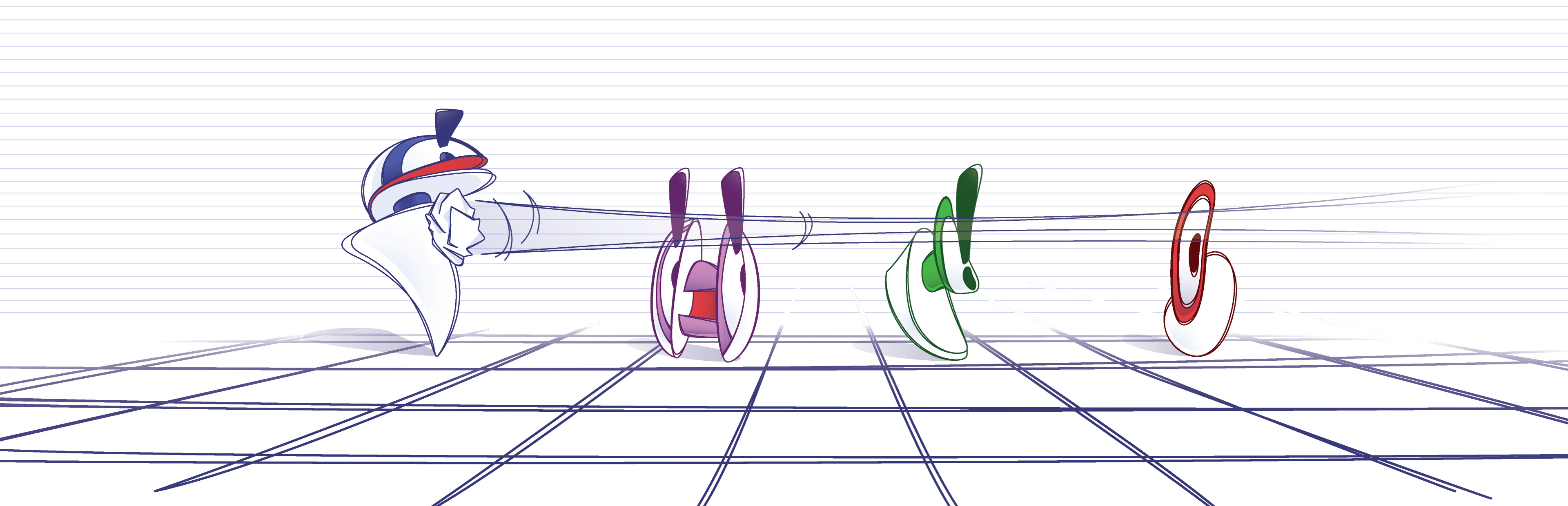
addedAfter a massive update two weeks back, we decided to focus more on polishing out the features currently in the game during this update period. You'll notice a whole array of new sounds, both from the UI and the playing environment. You'll also see a couple of new robot models. We did our best to make them as distinct as possible so players would clearly see which is which on first glance.
addedA lot of the UI fonts have been cleaned up, you'll no longer see as many individual elements with varying font sizes from one another. And since we introduced an option to share levels, it was only fitting to rework the level editor to make it more user friendly.
changedAnd you know how when you previously made a mistake, you had to go through the pain of remembering how the graph looked like before it? We finally put an end to the trouble by allowing players to simply CTRL+Z (or press the Undo button on the UI) and revert the graph to the previous state.
addedWe hope you enjoy the new update!

After a massive update two weeks back, we decided to focus more on polishing out the features currently in the game during this update period. You'll notice a whole array of new sounds, both from the UI and the playing environment. You'll also see a couple of new robot models. We did our best to make them as distinct as possible so players would clearly see which is which on first glance.

A lot of the UI fonts have been cleaned up, you'll no longer see as many individual elements with varying font sizes from one another. And since we introduced an option to share levels, it was only fitting to rework the level editor to make it more user friendly.

And you know how when you previously made a mistake, you had to go through the pain of remembering how the graph looked like before it? We finally put an end to the trouble by allowing players to simply CTRL+Z (or press the Undo button on the UI) and revert the graph to the previous state.

We hope you enjoy the new update!

Source

Steam News / 17 January 2021

Open original post

Changelog.gg summarizes and formats this update. How we read updates.