
Full notes
Full Signal Simulator update
Read the full published notes in a cleaner layout. The original post stays linked below.
What changed
- Gameplay
- UI and audio
- Balance
- Maps
- Server
- Performance
Signal Simulator changes
NEW:
AutoCalibration - a system that can be activated from the terminal. It will disable antenna rotation while calibrating the antennas. It will be slower than manual calibration, but you can manually calibrate the antennas to speed up the process.
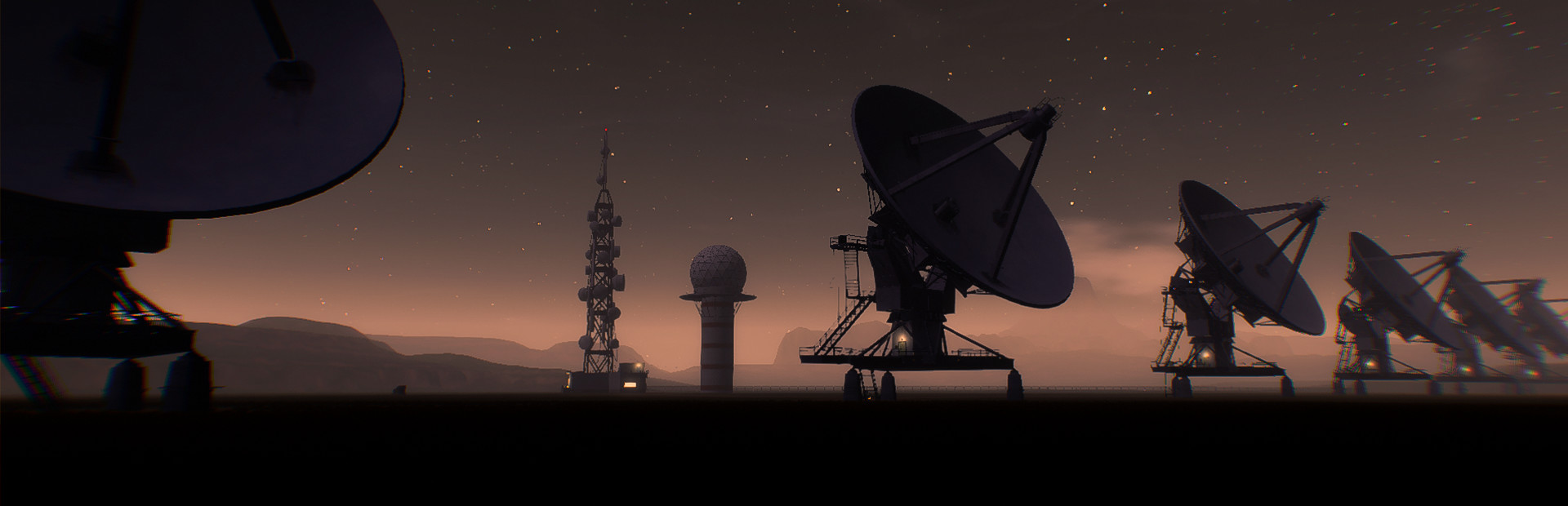
Changes to the antenna position to look like the Very Large Array, in Socorro, NM, USA . Also the number of the antennas is increased.
Antenna activation/deactivation changes. Instead of using separate switches to deactivate the antennas, will be added a rotational button to change between power usage and antenna detection.
Command Line Memory - Arrow Up/Down switch between written commands
Aurora Borealis Generation - not every night, but there is a big chance to be visible.
The BOINC Project
New signal and Ambient sounds - Credits to Tokyo
A Community paragraph in Credits Page to credit everyone helping improving the game. ( Community Help )
Terrain Size increased
Optimize animated textures like antennas, planets, etc. - Right now they are always active reducing the current framerate with around 10%. Not much, but it is something.
Power Surge - In power surge there is a 5% chance of antenna to shutdown. Every antenna has a control panel where you can reactivate it. When an antenna is deactivate it will block to movement to every other antenna.
Using Second Mouse Button, you can now push the vehicle. Just in case it stuck somewhere.
Added additional physics restriction to the vehicle. Now should be more stable.
Add Ultra Option For Foliage Details, increasing the density of the grass.
Volumetric Fog - Check the Graphics option
Improved Sun Lights and Sun Shafts
New terminal Commands : CalStart / CalibrationStart - Start Auto Calibration CalStop / CalibrationStop - Stop AutoCalibration BOINCSTART / BOINCSTOP - Start/Stop Boinc Project
Server freeze chance decreased wtih 100%
Analyzing an anomaly will show a pixelated planet that will refine it time.
Exiting the scanner will reset all the current data except it a signal is detected.
New Upgrade - Boinc Speed
New Upgrade - Boinc Module Chance
New Upgrade - Calibration Speed The BOINC Project: The System will activate a computing jobs that will try to unlock modules for you. You can check the progress to the Signal Main Monitor. When signal is detected the monitor will switch to normal. When the project is active will increase server heat generation and energy consumption. FIXES:
Rest System Camera position / Rotation
Rest System timescale
Terrain Sound Detection
Terrain Reflection when cloudy
Radio Button Volume Rotation
Weather detection wrong icons
Skyscanner sky/target offset
Skyscanner audio is trying to play even when the scanner is closed.
Kitchen Chair colliders
Vehicle Rotation on Reset
Sitting on bench and driving the vehicle at the same time
Outdoor Sound entering the Antenna Server Room are still playing
If Player is on the antenna at start of the game didn't Activate the Outdoor sounds
Some typo errors
Power Button Material on reboot
Duplicated resolutions in Graphics when using more than one monitor
Starting a new game (for a second time/Deleting the old save) in some rare is cases causing a crash.
Source
Changelog.gg summarizes and formats this update. How we read updates.