
Full notes
Full Shoppe Keep 2 update
Read the full published notes in a cleaner layout. The original post stays linked below.
What changed
- Gameplay
- Store
- UI and audio
Brand new main menu Hello all, I'm excited to announce that a brand new Shoppe Keep 2 update is now live! This is one of our most important patches yet in terms of making sure that the game is accessible to newcomers, but one which also adds a bunch of features long time players will appreciate.
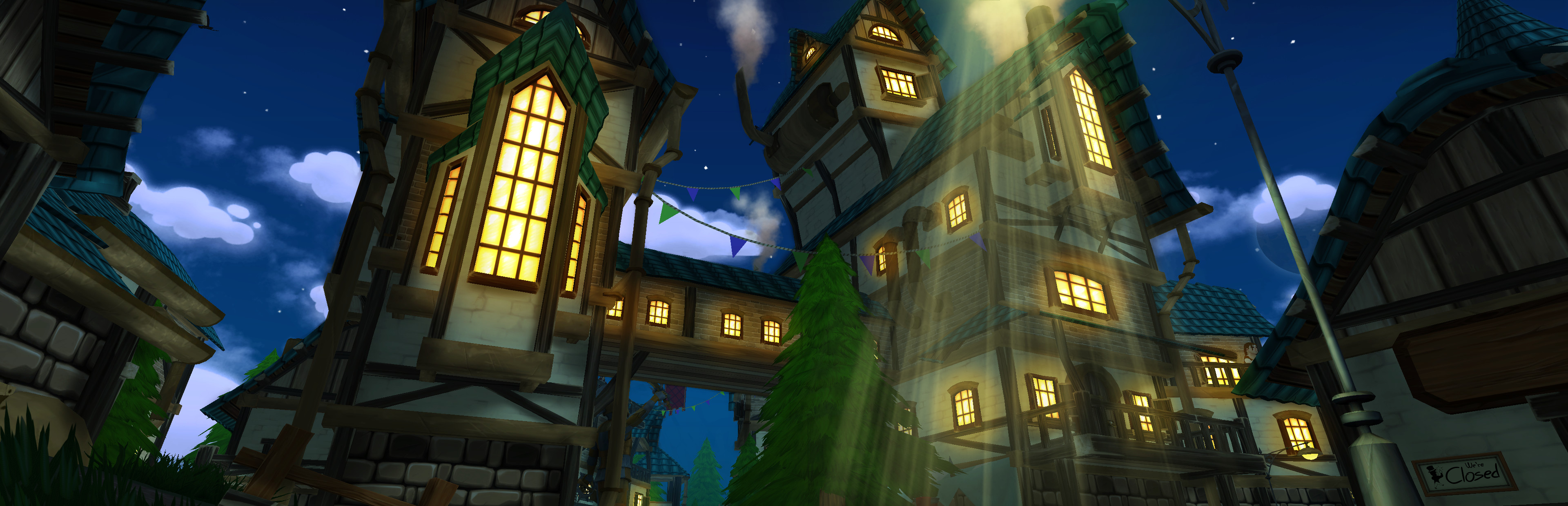
New Orc Shoppe visuals The update introduces a revamped tutorial, now better suited to guide new players into the world of Customerania. As well as a new main menu and loading screens, today's update also introduces a number of new recipes and, updated Elf and Orc shoppes, and various quality of life improvements.
Wilted plants
Additions
Brand new main menu - Revamped tutorial with new animations and objectives - All helper bots now have their own personal chests allowing for extra bot storage - New theme music - Orc Shoppe has its own individual design - Elf shoppe has its own individual design - 3 new loading screens - Plants left fully grown will wilt over time becoming useless - 2 new cooking recipes added for Level 4 town - 2 new growable plants added, dropped by Violet Valley and Savannah enemies - Violet valley and Savannah have their own respective ores to mine - 7 new Blacksmithing recipes for Level 4 town - 2 new Alchemy recipes added for Level 4 town - Savannah now has a perpetual dust storm effect - Quests can now have multiple objectives - Notice added to the management house door stating next unlockable town building and how long until next order arrives - A signpost now shows directions towards the furniture vendor, cook, blacksmith and alchemist near the management house - Happy/unhappy faces pop up near the appeal metre when it changes
Signpost
Changes
Ability to imprint a whole display with an item - Seasonal features turned off - Tutorial now starts during daylight hours - New tutorial cut scene - Tutorial now displays a message at the end informing the player they are going to be kicked to the menu - You now start with 300 muns - Furniture vendor map location quest removed - Displays can only be purchased from vendors area - Initial quest line altered - Stat tracking is disabled every game until a stat is manually selected to declutter the UI - When initial crafters are locked they have notes stuck on their doors with progress towards unlocking them - Celebratory notes pop up when an upgrade is unlocked or the town gates pop open, as well informing of some new features that become available - Tutorial arrow is more visible - More immersive note when buying the pedestal the first time - More immersive note on the gates of town at the beginning - To sleep, you now have to hold down the button rather than tapping it - Crafters are represented in the world map - Skill panels display information about what increases skill XP - Blacksmith received a dialog option concerning which trees can be cut down - Some tree resources moved around - Hired employees window enlarged
Quest with multiple objectives
Fixes
Spider legs rotation and size fixed - When helper bot fuel is full you can no longer put more fuel in - "Absorbed Etheral" correctly shows when interacting with him at the alchemist house - Trophies in the management house no longer float during the tutorial - Rain in the tutorial hits the ground properly - Sleep achievement texture fixed - Sold items journal displays correct % of sold items
Locked crafter note Thanks, The Shoppe Keep 2 Team
Source
Changelog.gg summarizes and formats this update. How we read updates.