
In this update3
Full notes
Full Sheva update
Read the full published notes in a cleaner layout. The original post stays linked below.
Repeated intro
Hey everyone!
What changed
- UI and audio
- Gameplay
Sheva changes
We just released a major update to the tutorial and onboarding experience.
The goal here is simple: make Sheva easier to learn without slowing you down.
What’s Changed
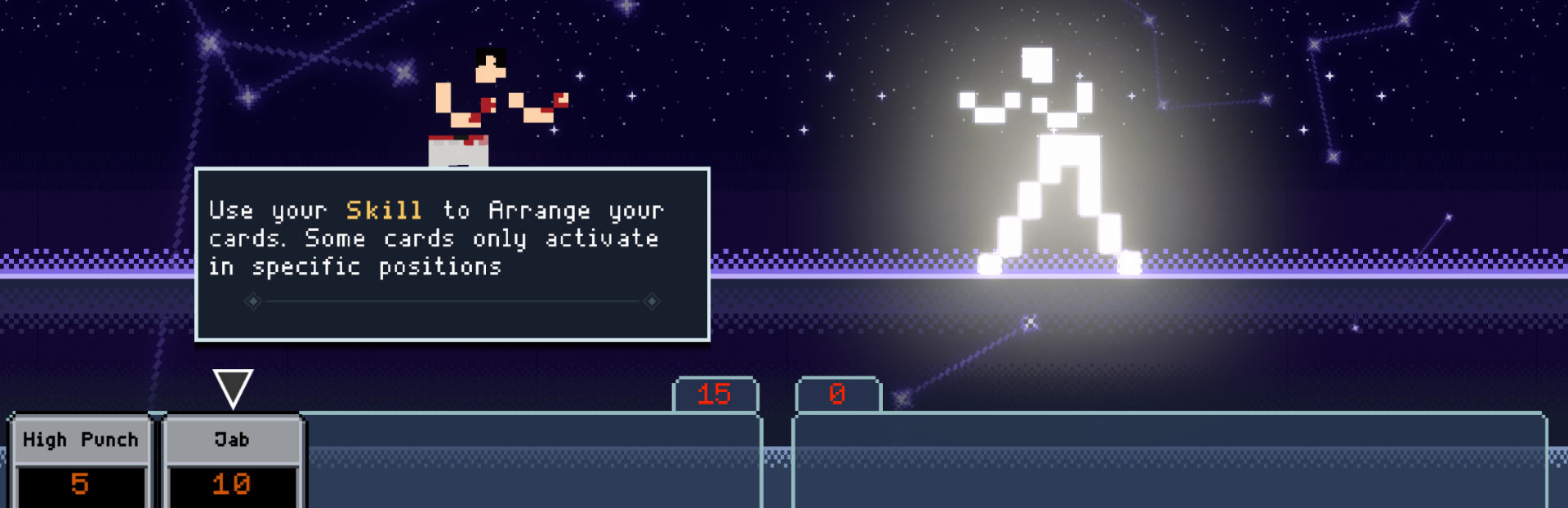
New Tooltips in Tutorial Each tutorial step now includes tooltips to explain what’s happening as you play.
Streamlined “How to Play” The guide has been shortened from 14 items to 6, focusing only on what you actually need.
Auto Popup Removed The “How to Play” screen no longer shows automatically when starting a run. You can still access it anytime from the options menu.
Why This Matters
The first few minutes of a game should feel clear and intuitive - not overwhelming (which, based on feedback, wasn’t always the case).
This update is focused on reducing that friction, so players can understand the game faster and get into the fun part sooner.
What’s Next
We’re getting close to our vision for the 1.0 version of the game, but there are still a few things we want to lock in:
Improved AI
Updates to cards, powers, and talismans
Regarding the level select screen we shared a few posts ago - we’ve decided to scrap that idea. It didn’t fit well with the current system, and the existing structure has been getting good feedback.
We know some of you might be disappointed, but we believe this is the right call for the game.
We’d love to hear your feedback - especially if you’re new or just went through the updated tutorial.
(If you want to replay it, you can reset your progress in the Settings.)
Cheers, Ben
Source
Changelog.gg summarizes and formats this update. How we read updates.