
Full notes
Full Sandboxels update
Read the full published notes in a cleaner layout. The original post stays linked below.
What changed
- Gameplay
- UI and audio
- Fixes
- Maps
Sandboxels changes
We worked hard to bring some highly requested features and improvements to this new Sandboxels update.
New machines
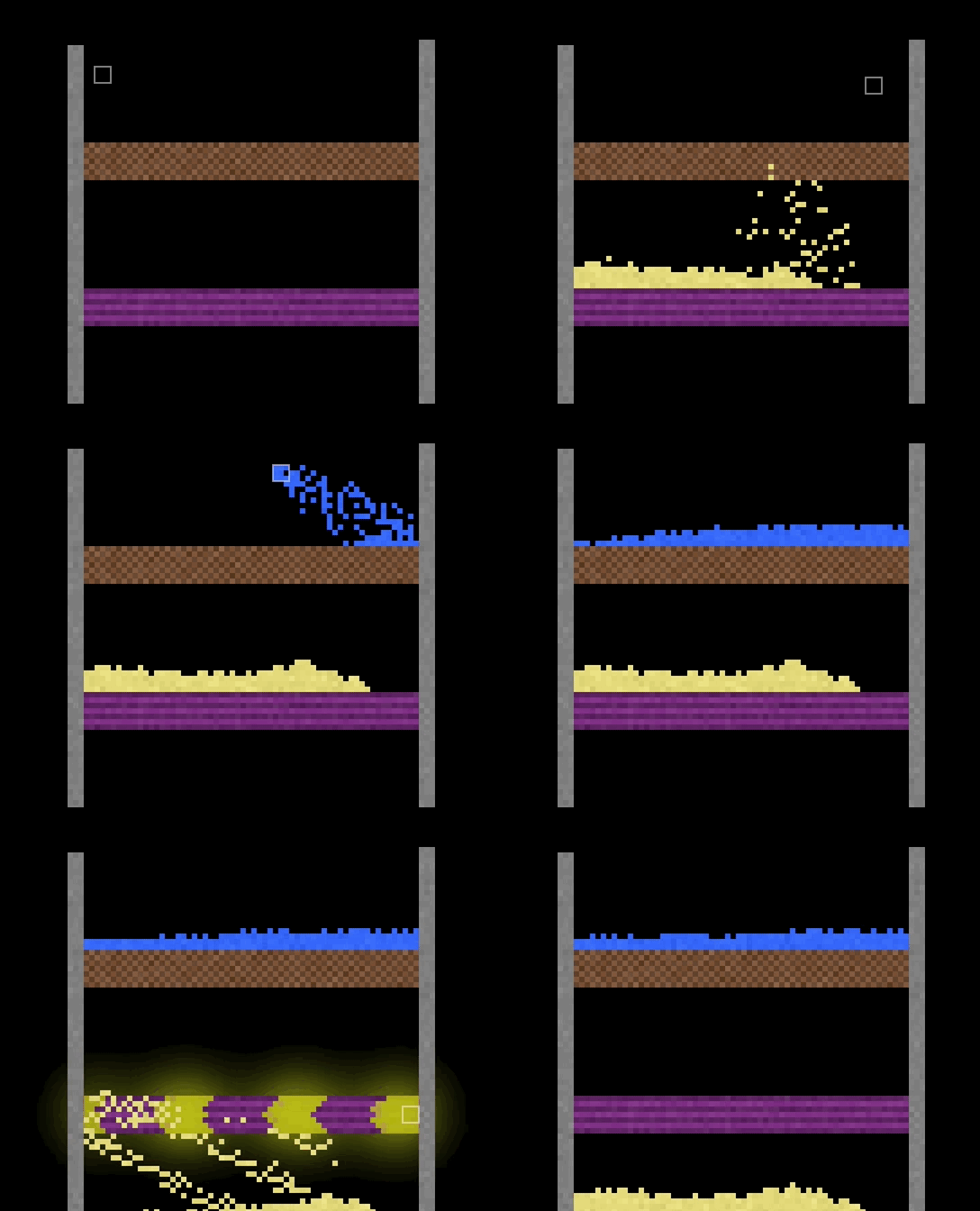
First, we added the Filter! It acts like a sieve, allowing only certain elements to pass through.
It also has a cousin called the Gate, which only allows pixels through if it is powered by electricity.
Pipes can interact with these new machines, transferring pixels between them.
The new “Shift-Select” option brings extra functionality to existing elements. Just hold shift while selecting any of the following elements:
Erase - Only erase certain elements
Cloner - Clone multiple elements
Filter - Allow specific states or multiple elements
Sensor - Sense specific elements
Portal - Set unique channels
Void - Only delete certain elements
Random - Randomly place specific elements
Explosion - Custom explosion radius
Antibomb - Explode into specific elements
To make room in the Machines category, we merged a few elements and expanded functionality into others. Old saves will seamlessly migrate once loaded into the game.
LEDs R, G, and B -> A single customizable LED
Superheater and Freezer -> Heater and Cooler (Heat or Cool them to control temperature)
Tesla Coil and Shocker -> E-cloner
New graphics
As you may have seen in recent YouTube / TikTok videos, background images and an Outline View are now here!
Steam post imageThere are 6 default background images to choose from, but you can also use any image URL! To try the Outline View, press the ‘5’ key or select it in Settings.
We also improved the UI — Element buttons have a pixelated and colorful border. No more boring grays!
New tools
We added a Ruler tool for taking measurements! This was originally to support people with myopia (nearsightedness), but it can be pretty helpful for everyone.
The Drag tool has also been greatly improved! It’s now much faster and smoother, letting you move pixels at record speeds.
New everything
There were over 60 more changes and bug fixes we didn’t talk about!
Ever tried to place Humans with Replace Mode enabled? Or use them on a Cloner? Yup, it’s fixed.
Here is the complete changelog for this update:
[c]+ Filter[/c]
[c] + Only allows the first element it touches to pass[/c]
[c]+ Gate[/c]
[c] + Only allows pixels to pass if electrified[/c]
[c] + Only conducts electricity into itself and Wire[/c]
[c]+ Canvas background images[/c]
[c] + Some presets and custom image URLs[/c]
[c]+ Outline View (Press 5)[/c]
[c]+ 2-wide and 4-wide brushes[/c]
[c]+ Ruler tool in Special to measure lengths and angles[/c]
[c]+ Manual element control[/c]
[c] + Shift-clicking certain element buttons prompt the user for more information[/c]
[c] + Erase tool allows only deleting certain elements[/c]
[c] + Cloners allow multiple comma-separated elements[/c]
[c] + Filters allow states (solid, liquid, or gas) or multiple elements[/c]
[c] + Sensors allow sensing specific elements[/c]
[c] + Portals allow the setting of channels[/c]
[c] + Void allows only deleting certain elements[/c]
[c] + Random tool allows pre-selected element choices[/c]
[c] + Explosion allows custom radius[/c]
[c] + Antibombs allow pre-selected explosion elements[/c]
[c]~ Replaced LED Red, Green, and Blue with a single customizable LED[/c]
[c] ~ LEDs in old saves are automatically converted to the new element[/c]
[c]- Merged Superheaters and Freezers with Heaters and Coolers[/c]
[c] + Heaters can be heated to heat the same as a Superheater[/c]
[c] + Coolers can be cooled to cool the same as a Freezer[/c]
[c]- Removed Tesla Coil and Shocker[/c]
[c] ~ These elements in old saves are automatically converted to E-cloners[/c]
[c]~ Drag tool is faster and smoother[/c]
[c]~ Pixelated and colorful button borders[/c]
[c]+ Translations for Swedish[/c]
[c]+ Parital translations for Japanese, Thai, Arabic, Hebrew, and Viossa[/c]
[c][Changes][/c]
[c]+ Pipes can transport pixels directly with Filter and Gate[/c]
[c]~ Pipes no longer conduct heat[/c]
[c]~ Brightened blue stage in Pipes[/c]
[c]~ Incomplete pipes darken after being initialized[/c]
[c]+ Oxygen can be used to dispose Molten Lead in reactors[/c]
[c]+ Electrolysis of raw Salt[/c]
[c]+ Smashing hot Cooked Meat releases Grease[/c]
[c]+ Worms can compost Lettuce, Tomato, Corn, Pickle, and Bread[/c]
[c]+ Rats can eat Spiders[/c]
[c]+ Caramel and Herb make peppermint-colored sugar[/c]
[c]+ Baking Soda can be made with Lye and Carbon Dioxide[/c]
[c]+ Melting Ash with Dirt creates Tuff[/c]
[c]~ Poison Gas no longer makes Slag from molten elements[/c]
[c]~ Perfume can exist at room temperature[/c]
[c]~ Acid doesn't dissolve Mercury or Diamond[/c]
[c]~ Sulfur ignites when hot[/c]
[c]~ All Cloud types can be smashed like Rain Cloud[/c]
[c]~ Thermite burns into less Iron[/c]
[c]~ Rock Wall deletes Light when placed over it for better eclipses[/c]
[c]- Removed Gallium-Sodium reaction[/c]
[c]~ Copper Sulfate reacts with more carbs[/c]
[c]~ Rainbow recipe uses Pointer instead of Flash[/c]
[c]~ Bless deletes Strange Matter instead of turning it into Neutron[/c]
[c]+ Static recipe[/c]
[c]+ Malware can mix with some metals to create machine parts[/c]
[c]+ Tea stains Paper[/c]
[c]+ Unique fire color for Tin[/c]
[c]~ Element buttons are consistently spaced on all sides[/c]
[c]~ Recolored Pyrite[/c]
[c]~ Acid has a smoother texture[/c]
[c]~ Purple Gold is slightly more purple[/c]
[c]~ Hyphae and Lichen are grainier[/c]
[c]~ Recolored Random button[/c]
[c]~ Recolored Balloon button[/c]
[c]~ Recolored Confetti button[/c]
[c]~ Recolored Hair button[/c]
[c]~ Recolored Pistil button[/c]
[c]~ Reordered colors in many buttons for consistent "lighting" look[/c]
[c]~ Rice, Candy, Nut Oil, Dye, Rainbow, and Spray Paint buttons display with dark text[/c]
[c]+ Firefly alias 'Lightning Bug'[/c]
[c]~ Shortened hiding setting labels[/c]
[c]~ Language should automatically be set from browser preferences (Untested)[/c]
[c]~ Re-saving after saving automatically fills in name, author, and description[/c]
[c]~ Save browser thumbnails are crisper[/c]
[c]~ Steam Deck compliance[/c]
[c][Technical][/c]
[c]+ 'onShiftSelect' element property, called when selecting element while holding Shift[/c]
[c]+ 'onlyConduct' element property, list of the only elements to conduct electricity into[/c]
[c]+ 'renderTool' element property, renderer function called once per frame while selected[/c]
[c]+ 'updateOrder' element property, prioritizes (positive) or deprioritizes (negative) tick order (integer; default 0)[/c]
[c]+ autoResizeRatio(height,width) function (e.g. (16,9))[/c]
[c]~ 'shiftDown' variable is set even when in a menu[/c]
[c][Bug Fixes][/c]
[c]~ Fixed: Placing Humans with Replace Mode causes a gory mess[/c]
[c]~ Fixed: Using Human on Cloners cause a gory mess[/c]
[c]~ Fixed: Bottom pixels can be cut off on certain window sizes[/c]
[c]~ Fixed: Line-drawing preview is opaque when using a theme[/c]
[c]~ Fixed: Text in Debug popup can't be selected[/c]
[c]~ Fixed: onClicked passes "unknown" when no element is selected, now passes null[/c]
[c]~ Fixed: onMouseDown doesn't get called on mobile[/c]
[c]~ Fixed: onMouseDown is called when clicking out of a menu[/c]
[c]~ Fixed: Using Heat Ray on Stained Glass can make Rainbows[/c]
[c]~ Fixed: Saves with pipes containing invalid elements fail to load[/c]
[c]~ Fixed: Some Fireflies stay illuminated after hitting another[/c]
[c]~ Fixed: Liquid/gaseous pixels with 'skip' property can be displaced by denser pixels[/c]
[c]~ Fixed: Salt isn't considered a food and can't be eaten by Humans[/c]
[c]~ Fixed: Corn can't be dragged or put into Pipes[/c]
Enjoy! :)
Source
Changelog.gg summarizes and formats this update. How we read updates.