
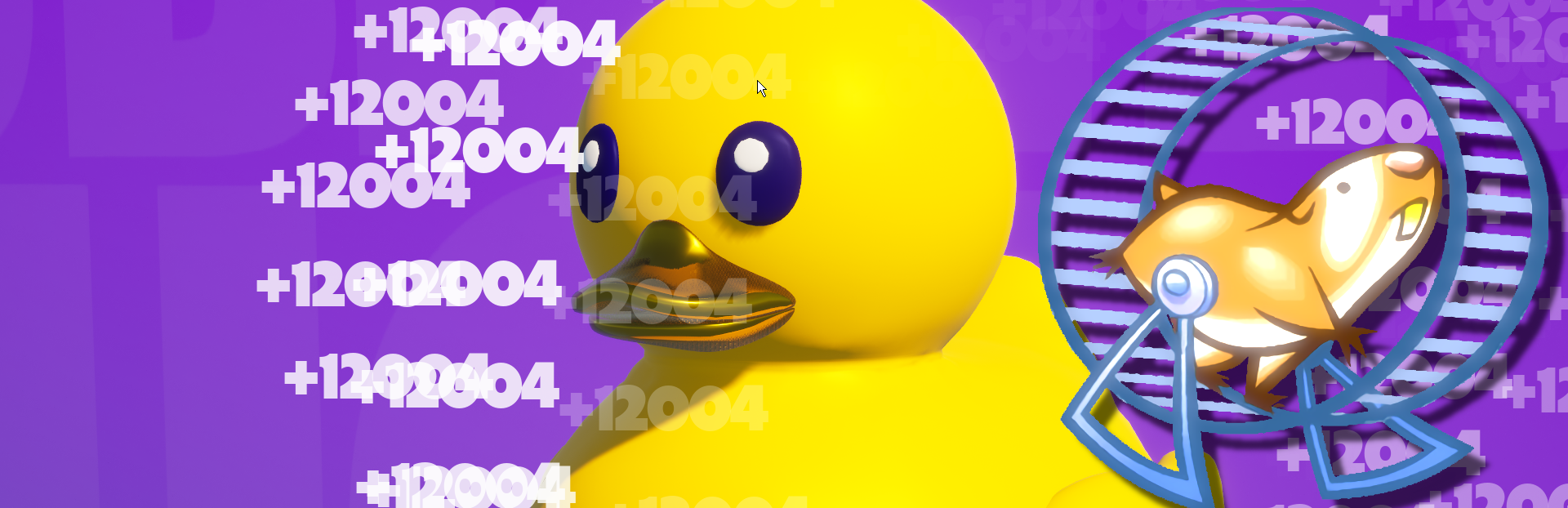
In this update4
Full notes
Full Rubber Duck update
Read the full published notes in a cleaner layout. The original post stays linked below.
What changed
- Gameplay
- UI and audio
Rubber Duck changes
V1.0.3 comes with several updates based on your feedback. Let's list them:
CPI Increase
Increase the CPI for all items, some will get slight increase, others will get large increase. If interested to learn more about the increase criteria, we can discuss that in the game's Discussions page. And this was not limited to specific list of items, all items got an increase, including the most powerful items!
Before:
After:
Hamster (In-Game Auto-Clicker)
Adding an in-game auto-clicking mode (Hamster), so you don't have to go with a third party app that would most likely blocks you from using your computer normally.
It can only be available for you after reaching your first Billion, and you can set it's power to 2x, 3x or 4x from the little slider next to the Hamster button. So for example, if your current Clicking Power is 555 and you set the Hamster to On at 3x, this means each click will be 1665 (555*3). You may need to toggle the Duck's sound & animation to Off from the top right corner when on the Hamster auto-clicker mode.
Taking this example:
My CPI is actually +3001 but the hamster is running at 2x and that makes it +6002, so we're not only leaving the Hamster to auto-click for us, but also to double, triple or quadruple the Clicking Power for us. Clicking power back to your own value when Hamster is turned off (I doubt you will turn it Off!).
The previous 2 updates won't work under the -OG launch argument that preserve the original game's vision (just in case anyone wanted it).
Hi Resolution Screenshots
Added a Screenshot button in the UI, just in case you want a high resolution clean screenshot of your customized duck for any purpose (Steam F12 don't produce that clean upscaled resolutions).
Tooltips
Added some tooltips here & there, mostly on the UI buttons in order to make sure to deliver all the info related to a button or system in case it is not clear, like for example:"where does the new Screenshotting tool will be storing the screenshot files?". Or,"What does the Save button actually saves?!".
Source
Changelog.gg summarizes and formats this update. How we read updates.