What changed
0 fixes0 additions4 changes0 removals
- Balance
- Maps
- UI and audio
- Gameplay
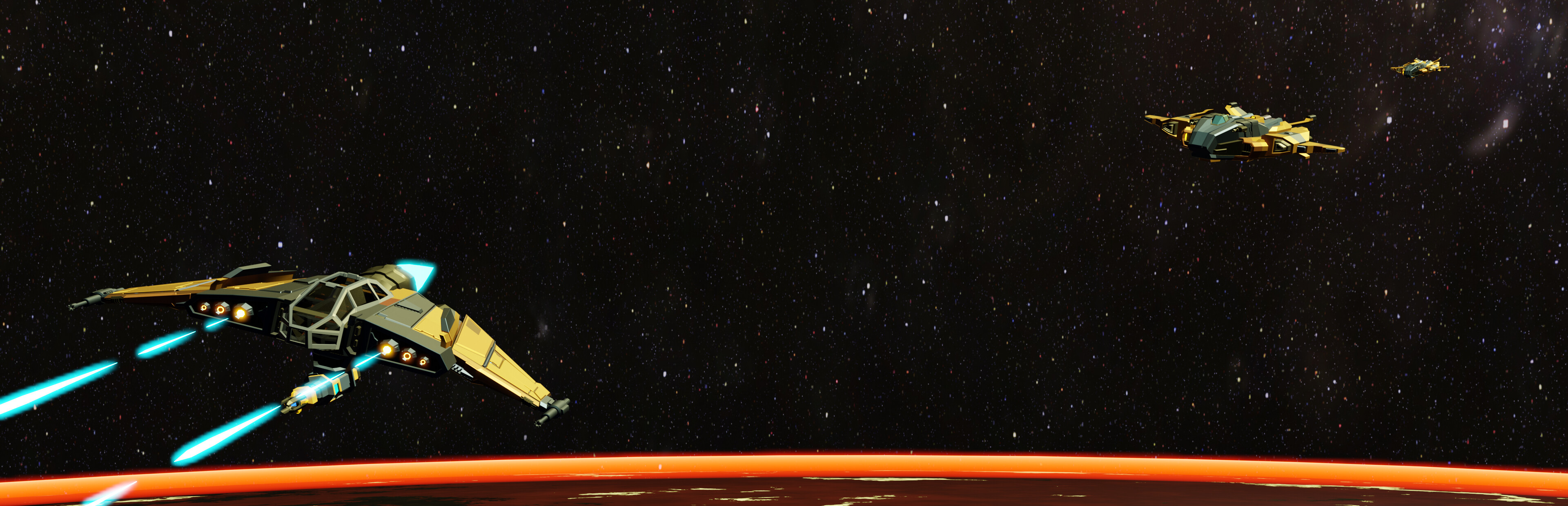
changedThis patch update brings in several changes: - Bugfix for "Locate Missing Scientists" wherein the mission would start from the perspective of an external camera rather than the player cockpit. - Enemy weapon damage has been tuned down, making the later levels (where enemy fighters have advanced AI) more forgiving. - Saurian Raptor Elites have received a visual upgrade, looking distinct from their vanilla counterparts.
changedGamepads like the Xbox controller are now partially supported . It is not recommended to use a gamepad for this game, and stick to using VR controls (which should track the rotation of your controllers whenever you grab the flightstick in-game). However the following mappings should now work for gamepads. This may be useful for players who want to map such controls to a HOTAS flightstick
changedControls: Fire -> Right trigger Fire secondary -> Right shoulder Next Target -> Button South ("A" on Xbox) NextIff -> Button North ("Y" on Xbox) Scan Front -> Left Trigger Shield Distribute -> Hold Button West ("X" on XBox) and use D-pad up/down or left/right to balance Toggle Turret (Tornado Only) -> Hold Button West and right stick press Match Target Speed-> Button East ("B" on Xbox); exclusive to using gamepad controls
changedMovement: Rudder -> Left stick X-axis Throttle -> Left stick Y-axis Pitch and Yaw -> Right stick
Rogue Stargun changes
changedThis patch update brings in several changes: - Bugfix for "Locate Missing Scientists" wherein the mission would start from the perspective of an external camera rather than the player cockpit. - Enemy weapon damage has been tuned down, making the later levels (where enemy fighters have advanced AI) more forgiving. - Saurian Raptor Elites have received a visual upgrade, looking distinct from their vanilla counterparts.
changedGamepads like the Xbox controller are now partially supported . It is not recommended to use a gamepad for this game, and stick to using VR controls (which should track the rotation of your controllers whenever you grab the flightstick in-game). However the following mappings should now work for gamepads. This may be useful for players who want to map such controls to a HOTAS flightstick
changedControls: Fire -> Right trigger Fire secondary -> Right shoulder Next Target -> Button South ("A" on Xbox) NextIff -> Button North ("Y" on Xbox) Scan Front -> Left Trigger Shield Distribute -> Hold Button West ("X" on XBox) and use D-pad up/down or left/right to balance Toggle Turret (Tornado Only) -> Hold Button West and right stick press Match Target Speed-> Button East ("B" on Xbox); exclusive to using gamepad controls
changedMovement: Rudder -> Left stick X-axis Throttle -> Left stick Y-axis Pitch and Yaw -> Right stick
This patch update brings in several changes: - Bugfix for "Locate Missing Scientists" wherein the mission would start from the perspective of an external camera rather than the player cockpit. - Enemy weapon damage has been tuned down, making the later levels (where enemy fighters have advanced AI) more forgiving. - Saurian Raptor Elites have received a visual upgrade, looking distinct from their vanilla counterparts.
Gamepads like the Xbox controller are now partially supported. It is not recommended to use a gamepad for this game, and stick to using VR controls (which should track the rotation of your controllers whenever you grab the flightstick in-game). However the following mappings should now work for gamepads. This may be useful for players who want to map such controls to a HOTAS flightstick
Controls: Fire -> Right trigger Fire secondary -> Right shoulder Next Target -> Button South ("A" on Xbox) NextIff -> Button North ("Y" on Xbox) Scan Front -> Left Trigger Shield Distribute -> Hold Button West ("X" on XBox) and use D-pad up/down or left/right to balance Toggle Turret (Tornado Only) -> Hold Button West and right stick press Match Target Speed-> Button East ("B" on Xbox); exclusive to using gamepad controls
Movement: Rudder -> Left stick X-axis Throttle -> Left stick Y-axis Pitch and Yaw -> Right stick