
In this update10
Full notes
Full Pingo Adventure update
Read the full published notes in a cleaner layout. The original post stays linked below.
What changed
- Gameplay
- Performance
- UI and audio
- Compatibility
- Server
Pingo Adventure changes
v0.2.4
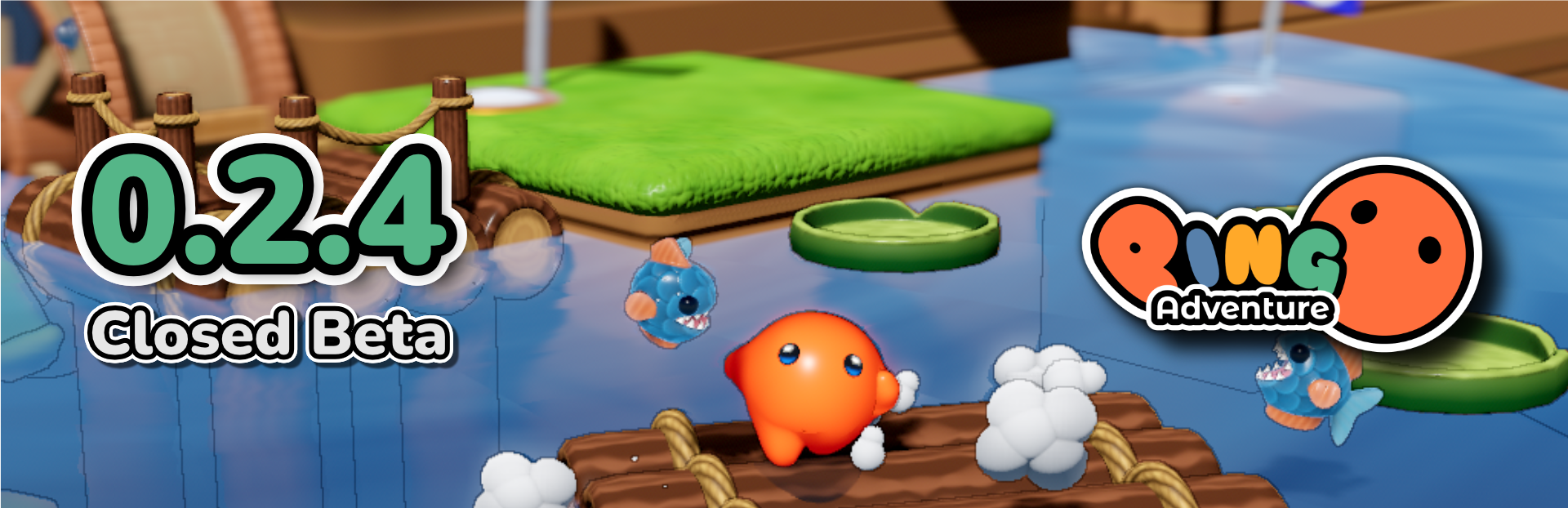
Smoother Gameplay & Better UX It's been one month since the last update, so you can expect a huge update from 0.2.4!
No more lag
In the previous versions, the game will always stutter whenever there's new object enter the screen. The lag is caused by the process of shader compilation and there's no built-in solution that works out of the box in Godot 3.x.
A custom shader caching solution was implemented to force shader compilation to happen in the loading screen beforehand, so there will be no more lag in the runtime.
And not just Pingo, any game made in Godot 3.x is free from the lag now, as the shader caching solution has been open sourced and free to use under MIT license!
Better UX
Customization is now optional, you can start the game right away from Level Select screen without going through the Customization screen.
Animations are added to some UIs when they are showing up and Confirmation Popup has improved a lot in terms of looks and feels.
Arcade Mode
Since Pingo Adventure will be showcasing in GDC 2023, "Arcade Mode" is implemented to act as a restricted mode for showcase purpose, in order to:
Hide Settings - Hide Quit button in Main Menu - Play video after idle for a while - Only show selected levels
Even though it is not a feature made for player, but you can still test it out by pressing Ctrl + F2 or Select + Start to toggle the Arcade Mode. Have fun!
Thanks for Playing
0.2.4 will probably be the last update for the closed beta.
Thanks to all the passionate playtesters and their constructive feedbacks, Pingo Adventure has improved so much since the day closed beta launched. Therefore, Credits page is added in this update to list down all the helpful playtesters, thank you!
Join our Discord server now to follow the development!
Changelog
General
Turn off physics interpolation warnings
UI
General
Fix no BGM after exit game level
Arcade Mode
Toggle with Ctrl + F12 or Select + Start
Showing "ARCADE" label after version string in main menu
Remove buttons to Settings and quit game
Show IdleScreen after a while without any input
Quit game(return to LevelSelect) on idle(IdleScreen shows up)
Confirmation Popup
Add animation on pop up
Add background color to header
Selected button with solid background color
Consume cancellation input like Escape key and B(XBox controller)
Game
Show "Game Over" text on game lose to ensure smoother transition when loading GameOverScreen
Life counter is not showing on changed
Customization
Made optional in LevelSelect
Make sure costume with collider doesn't collide with game objects
Remove empty costume slots
LevelSelect
Animation on shows up
Add preview of customized Pingo
Settings
Hide EditorSection pingo pattern background, as it occasionally overflowing
PauseMenu
Fix header blocking mouse click to exit button
Game Score
Animation on shows up
Interruptible
Credits
List all playtesters
Game
General
Pingo invert pull direction
New extra life sticker texture
Intro Level
Rope doesn't automatically let go when out of range
Bring back Sprout enemies
Level1
Bring back Sprout enemies
Boss
Barrel destroyed on hit
Fix dragon will never breathe fire at last cabin
Optimization
Tune shader cache size
Source
Changelog.gg summarizes and formats this update. How we read updates.