
Full notes
Full Pact of Steel update
Read the full published notes in a cleaner layout. The original post stays linked below.
What changed
- Maps
- Gameplay
- UI and audio
- Balance
- Store
New Bridge Map
We are starting this update by adding a new map to our Bridge Campaign. This level follows the same concept as the previous one.
You can now blow up one of the bridges on every map in the campaign. This means that enemies can no longer walk on that path forcing it into a single lane map. Any enemies standing on the bridge when it was destroyed will be killed and points will be rewarded to the user. It will instakill any amount of health/armor, and full money is awarded.
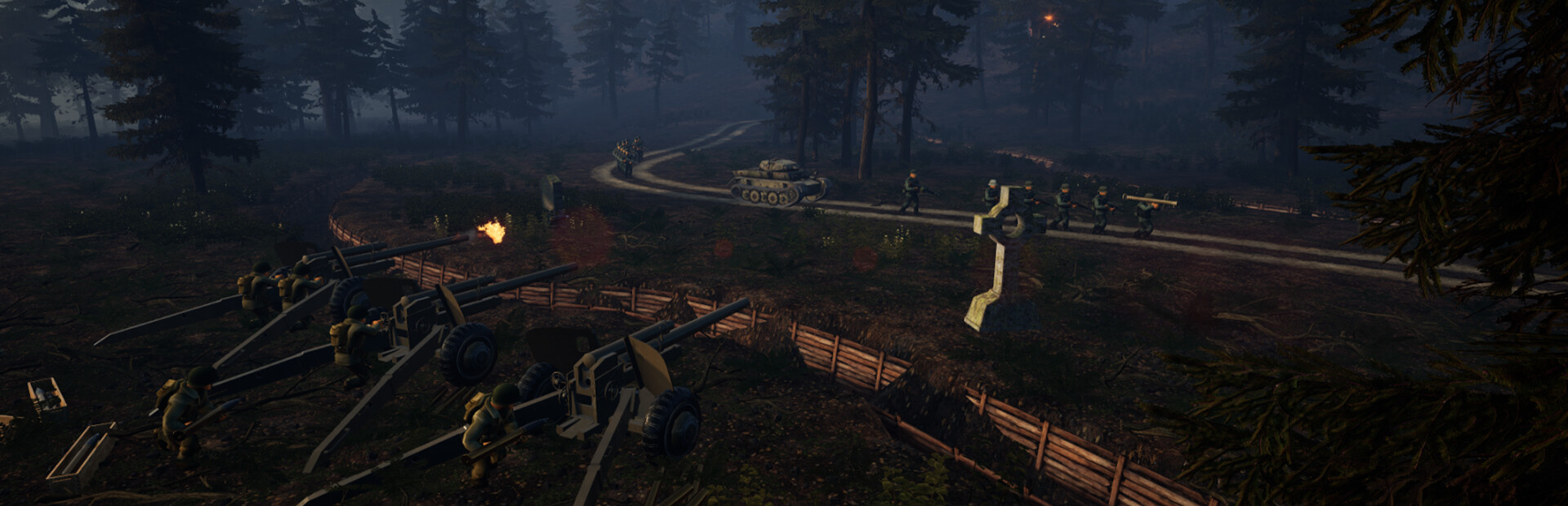
Reworked the entire bridge campaign wave structure and increased starting money to 1300. This consists of many new unique enemies such as the Panther, Pershing, Jeep, Kubelwagen, and many more. There is a new unique spawning truck, which enemies will periodically spawn out the rear of a truck and will continue doing so until it's destroyed.
Some minor changes to the original map, where more foilage was added to make it look fuller.
All maps also have changed illumination so all shadows will be deeper and overall maps will look nicer.
Tutorial Remake
Included in this update is a new Tutorial remade from the ground up. It still follows a similar flow as our old Tutorial, but we have improved upon it. Starting off by integrating the Tutorial into the main menu to make everything smoother:
This remake will make the Tutorial more clean, run smooth, and will make it easier for us to add to it in the future. We also explain more stuff and hopefully explain it more clearly. We now include all updated features like Squads and plan to update the Tutorial in the future with our updates accordingly.
Play Menu Update
Along with the Tutorial changes, comes change to the Play Menu. It has been redesigned and now includes more data for the player to view. So lets start with looking at the new initial view when you click into the Play Menu:
You will now see the two gamemodes displayed and have helpful options like the Guide. Another thing to note is that the Guide and Tutorial buttons have been separated now.
Now lets look at the Campaign/Freeplay menus:
Campaign/Freeplay Menus Changes:
Combined the Campaign/Freeplay Menus, adding a button to swap between the modes
Made the Difficulty selection button into a dropdown selection
Swap Faction button is now always on the top right
Added more hover tooltips
Added details about the selected map
Added a Map/Path view toggle for the selected map
Added an Armor Warning Icon when selecting maps, it shows when hostile armor will be present
Hovering the Armor Warning Icon will tell you what wave to first expect an Armored Vehicle
Changed the setting of the Play Menu to a strategic planning office building
The new Play Menu setting:
Hovering over the Armor Warning Icon:
Other Menu Improvements
We have also slightly updated our menus to make them more readable and helpful. Examples being adding tooltip explanations, outlined text, text size, and stuff like that. We have also added more data to view in the Shop.
Additions to the Shop:
Added Unit's stats
Added Unit's descriptions
Added more hover tooltips
Made Faction Credits more visible, and other text more readable
Smoother Camera transition to the Shop
View the new Shop additions:
Bug Fixes [Fixed] Aligned mines to match slope of terrain [Fixed] Collision with path messing with mine placement [Fixed] Being able to place units on bridges if placing it inside the pillars [Fixed] Tutorial popup not showing on new saves [Fixed] Camera not returning to Main Menu position after clicking back in the Play Menu [Fixed] Mine Units Teleporting Through floor [Fixed] Mine Unit Being Stuck On Hills [Fixed] Tanks dont align to floor while placing [Fixed] Background audio cutting out when sound limit was hit [Fixed] Miscellaneous audio issues
Source
Changelog.gg summarizes and formats this update. How we read updates.