
Full notes
Full Overtrick update
Read the full published notes in a cleaner layout. The original post stays linked below.
What changed
- UI and audio
- Gameplay
- Fixes
Overtrick changes
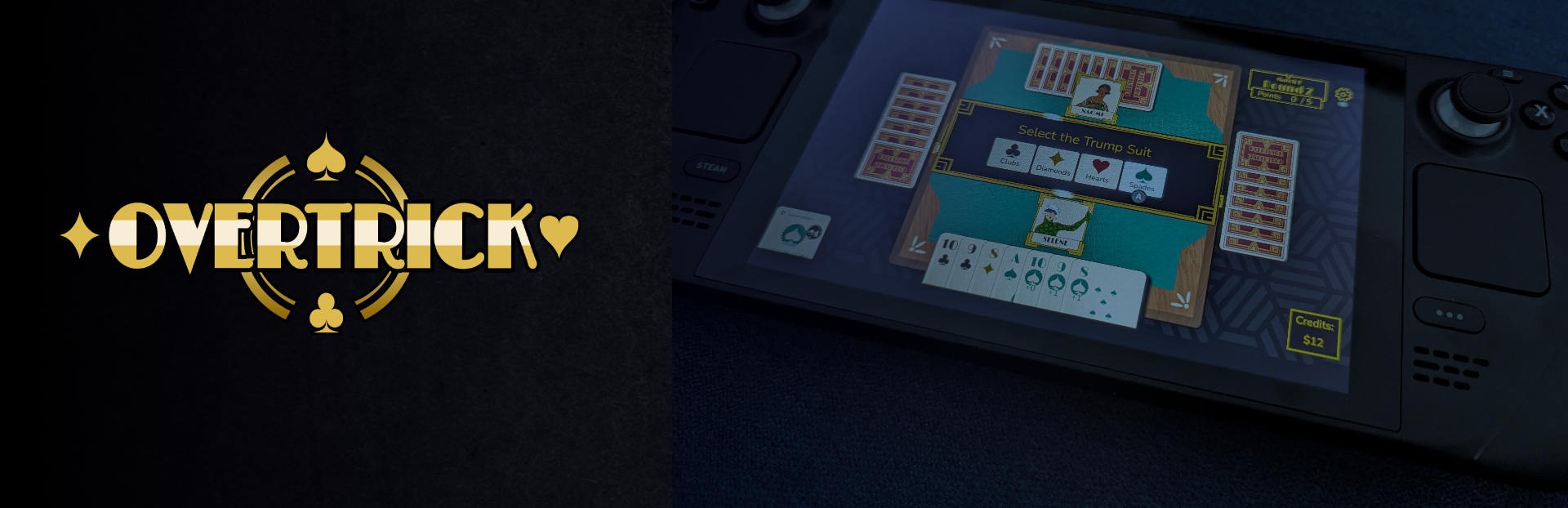
For all you gamepad controller and Steam Deck players, this one’s for you! I added icons and glyphs to Overtrick’s UI, to make it clearer which buttons to press when using a controller. Generally, you can use the left d-pad or left control stick to navigate through your cards or any menus, “A” to select something, and “B” to deselect.
Steam Deck is currently my preferred way of playing Overtrick, and if you have suggestions on how to make it even better, please let me know!
I also made a few updates and bug-fixes, including:
Passive Special Card Icons. Players found the special card icons in the top-left hard to read, so I made them bigger, and added a solid background, so that they don’t blend with any patterns in the background.
Title Screen Background. Lots of people said the new background looked like stars, so I decided to lean into that, and make them actually look like stars!
Card Drag and Drop. After some players found it laggy or clunky, I tightened it up a bit.
Card-Play Sound Effects. Tweaked some of the SFX around playing cards.
Fixed Text Formatting. Cards like Mirror Mirror were showing raw bbcode markup text.
Fixed Special Card Activation. Fixed a bug where players could activate disabled special cards, leading to weird edge-cases (like playing “Play Something Else” when the opponent only had one card left that they could play).
Tutorial Help Text. You can now hover over keywords (like “trick” and “trump”) in the tutorial, for a definition of the word.
Player Turn Indicator. Whoever’s turn it is to play a card now moves a bit to show that it’s their turn, and the frame around them shines periodically. This replaces an orange background that players found distracting and unhelpful.
Source
Changelog.gg summarizes and formats this update. How we read updates.