
Full notes
Full Oh! Robot: Legendary Mechanic update
Read the full published notes in a cleaner layout. The original post stays linked below.
What changed
- Gameplay
- UI and audio
- Store
Oh! Robot: Legendary Mechanic changes
Hello, gamers!
Thank you for playing the demo version.
1.🤖 Game Logo 🤖
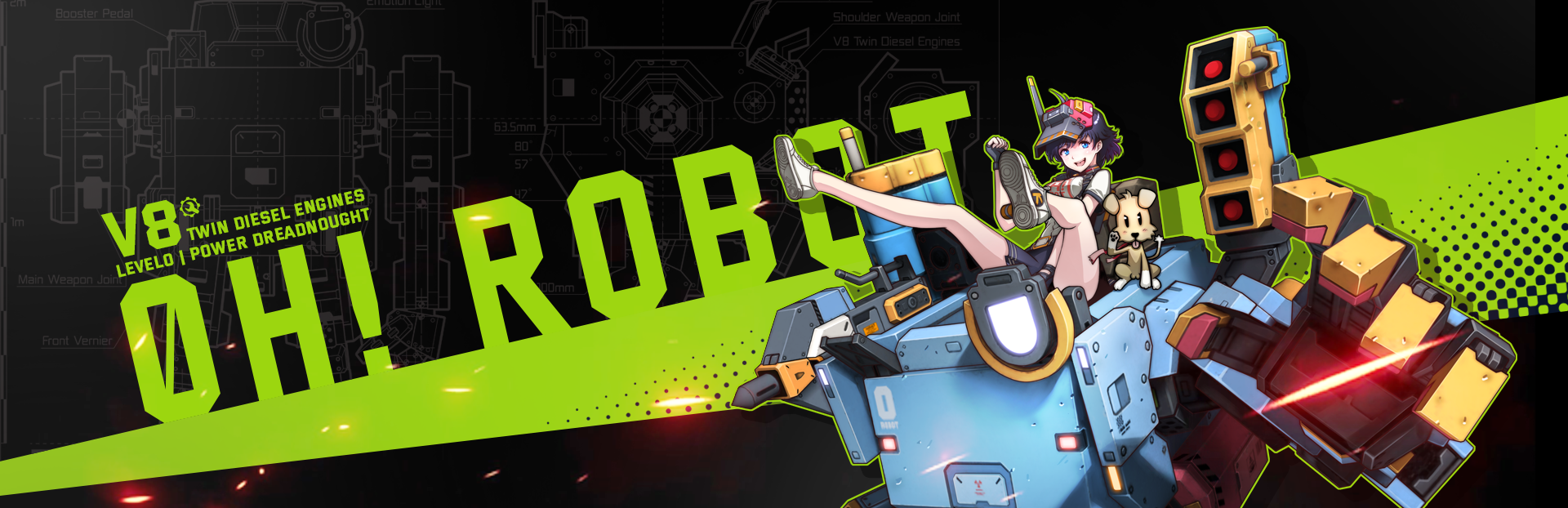
Since the game aims for a manga style, specifically a "Super Robot" vibe, I referenced classic titles from that genre for the logo.
I also incorporated a crosshair (aim) into the design to emphasize the shooting aspect.
2. 🏆Results Page🏆
Inspired by the fact that the protagonist is a "geeky high schooler," I designed the results page using an arcade-style layout centered around school grades.
(I plan to finalize this soon by adding new illustrations.)
Visual presentation for low scores
Visual presentation for high scores
3. ⚠️ Danger Indicators⚠️
I've added "Danger Indicators" for projectiles flying in from a distance to help players react more quickly.
Displaying the danger indicator guide and...
Displays a danger indicator on the HUD as the projectile approaches.
A rampaging robot holding a mortar.
4. 🎯Removing the Crosshair 🗑️
This was a decision made after much deliberation over various user feedback. Taking a cue from "The Ascent"—a game I thoroughly enjoyed—I decided to remove the crosshair. Now, the mouse only dictates the player's facing direction.
As a result, the UI/UX feels much cleaner, making the game accessible and fun for both beginners and veterans.
For gamepad users, I've also added an option to adjust the sensitivity of the right joystick.
Players are going to ask for stick sensitivity adjustments!
5. 🎯 Auto Lock-on 👾
Previously, locking onto enemies was handled through the crosshair. With the crosshair gone, I’ve implemented Auto Lock-on support.
Now, even beginners can experience gameplay that feels like a pro's.
6. 🕹️ UI/UX Improvements 🕹️
In Story Mode, I moved all menus to the left side. Navigation via the gamepad's analog stick is now supported.
(I'll be expanding this to the entire menu system and adding mouse support soon, so please stay tuned!)
Before and
After
7. ✏️New Illustrations🎨
To capture that 90s analog aesthetic, I am continuing to create all the artwork using pencil sketches.
This is a sketch for the results page.
I'm thinking about where to use this.
Your support makes this game’s development possible. Thank you so much!
🔥NEVER GIVE UP! NEVER SURRENDER!🔥
🎬 Youtube View store page
Source
Changelog.gg summarizes and formats this update. How we read updates.