What changed
0 fixes1 addition0 changes0 removals
addedClean install on Steam Deck. No plugins, no manual setup - install, launch, play - Resolution auto-detected on first launch - Medium graphics preset applied automatically, with volumetric clouds enabled - Medium preset delivers 55–65 FPS, reaching up to 75 FPS once textures fully load - 30 FPS cap recommended for battery-saving sessions, 40 FPS as the comfortable middle ground - UI fully accessible via touchscreen and trackpad - Default keyboard and mouse controls work out of the box through Steam Input WHAT'S NEXT - A 40 FPS cap option will be added to the display settings for Deck players, currently available in Full game build only - An official Steam Input default configuration is being prepared The demo is live. Step into the realm wherever you choose to play, test the strategist within you, and start sharpening the mindset you'll need for the full game on launch day. _____ The realm is preparing to travel with you.
NEED: No End changes
addedClean install on Steam Deck. No plugins, no manual setup - install, launch, play - Resolution auto-detected on first launch - Medium graphics preset applied automatically, with volumetric clouds enabled - Medium preset delivers 55–65 FPS, reaching up to 75 FPS once textures fully load - 30 FPS cap recommended for battery-saving sessions, 40 FPS as the comfortable middle ground - UI fully accessible via touchscreen and trackpad - Default keyboard and mouse controls work out of the box through Steam Input WHAT'S NEXT - A 40 FPS cap option will be added to the display settings for Deck players, currently available in Full game build only - An official Steam Input default configuration is being prepared The demo is live. Step into the realm wherever you choose to play, test the strategist within you, and start sharpening the mindset you'll need for the full game on launch day. _____ The realm is preparing to travel with you.
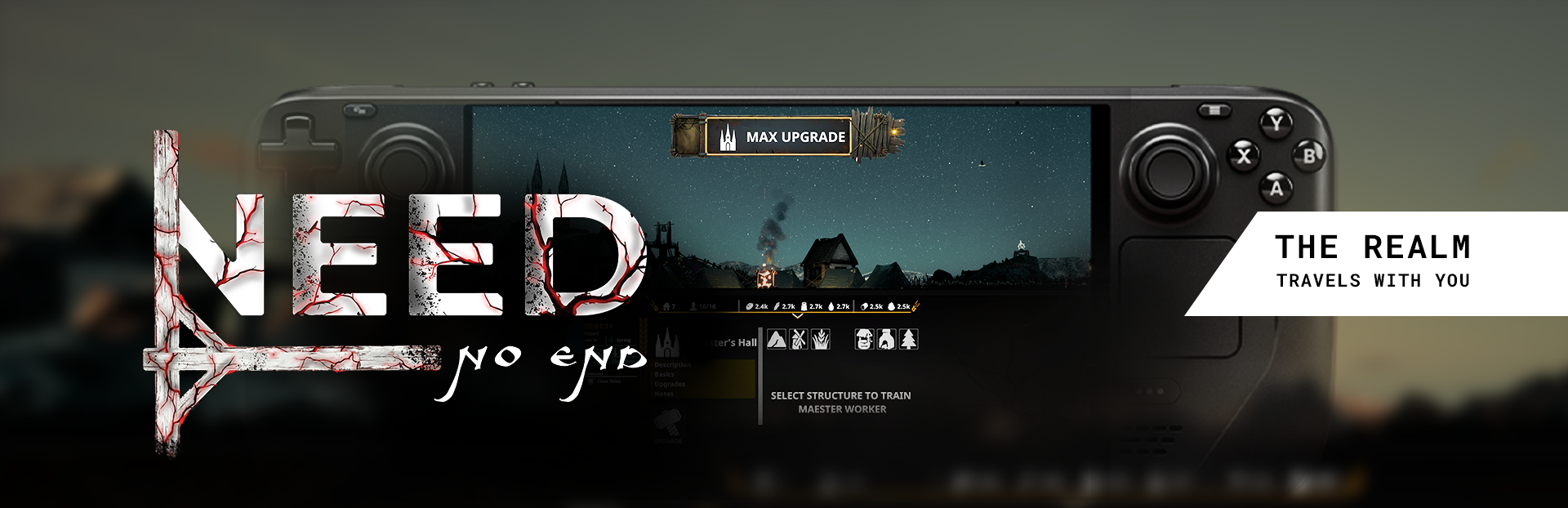
Steam post image The realm is meant to travel with you. Wherever you feel a need to play, it should be ready.
NEED has been tested internally on Steam Deck, and the early results are very good. The game build for Deck players is nearly finished. Steam post image INTERNAL TESTING RESULTS
Clean install on Steam Deck. No plugins, no manual setup - install, launch, play - Resolution auto-detected on first launch - Medium graphics preset applied automatically, with volumetric clouds enabled - Medium preset delivers 55–65 FPS, reaching up to 75 FPS once textures fully load - 30 FPS cap recommended for battery-saving sessions, 40 FPS as the comfortable middle ground - UI fully accessible via touchscreen and trackpad - Default keyboard and mouse controls work out of the box through Steam Input WHAT'S NEXT - A 40 FPS cap option will be added to the display settings for Deck players, currently available in Full game build only - An official Steam Input default configuration is being prepared The demo is live. Step into the realm wherever you choose to play, test the strategist within you, and start sharpening the mindset you'll need for the full game on launch day. _____ The realm is preparing to travel with you.
May your realms stay thriving and your mind stay sharp.