
In this update2
Full notes
Full Mycelium Heaven update
Read the full published notes in a cleaner layout. The original post stays linked below.
What changed
- Maps
Mycelium Heaven changes
MYCELIUM HEAVEN DEVLOG #1 - ARTE
Hiii! Today we are going to talk about Mycelium Heaven’s art.
🌲Why?⏰
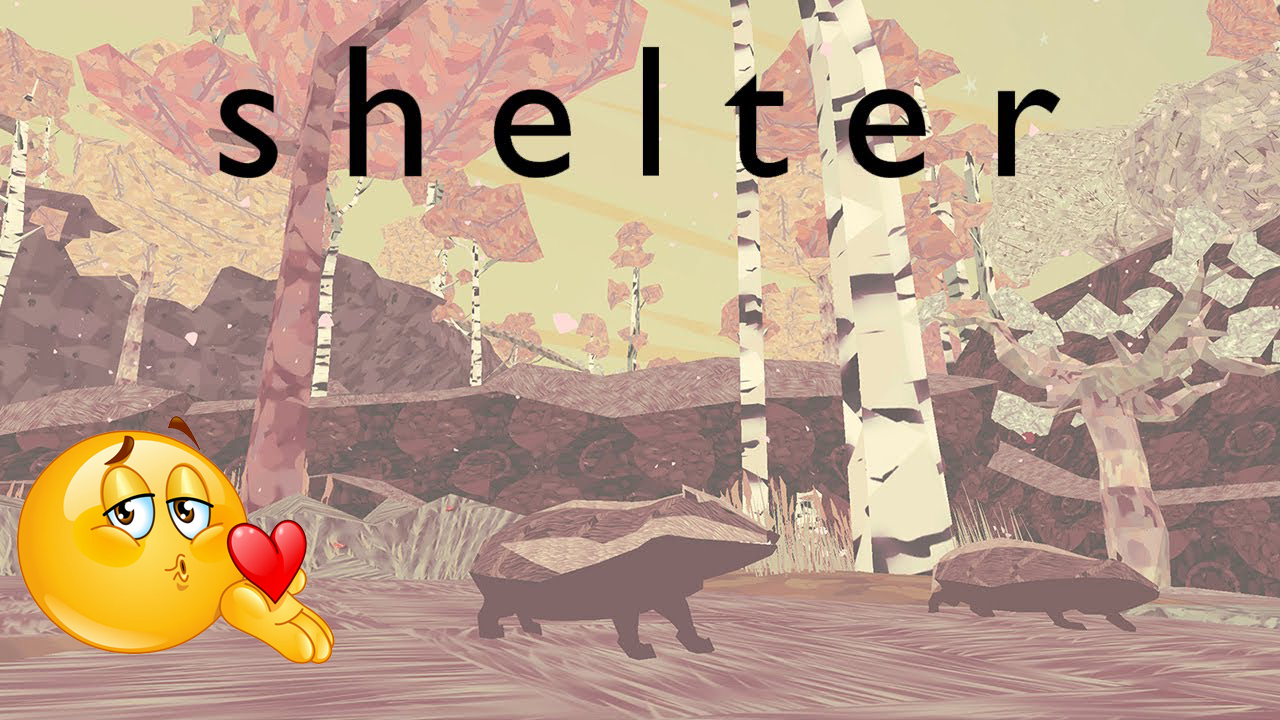
I knew I wanted to make the style 3D and low poly so I could produce the assets in a reasonable amount of time with a distinct look. I really like heavily textured, stylized 3D games, so I took inspiration from "Shelter".
I don’t usually work with sketches, and since this game was made for a Jam, to see what I wanted to do first I just opened Blender, made some cute low poly models, and then jumped to Substance Painter to give them the final look. After a bit of trial and error, I arrived at some textures that I liked. Then I just made the rest of the assets to match the look.
One thing that I was aming for is that a frame from my game needed to be distinct enough to be recognisble. I like it when you see a screenshot and you can inmediately say “hey, that’s from that game”.
🖥️How?🖱️
My asset-making pipeline is basically this:
First, I look for references. Sometimes they go on a Notion page; most of the time, they are a few tabs open in my browser.
Then I make a little drawing in a notebook (a very optional step).
After that, I make a 3D version of it in Blender, trying to stick to the level of low-poly that I have established.
A very important step here is to vertex paint the different parts of the model so I can apply different colors and patterns more easily later.
Finally I go to Substance Painter and give it some life. I use the vertex color as a color ID map to create masks and apply color more easily.
Here is where I usually experiment the most and try different looks. Most of what I do is based on basic colors and patterns, so iterating is quite fast.
And when it’s done, the model and the texture (yes, the entire game is made only with base colors, I really like the plastic look) goes to Unreal, and it’s ready to go.
I hope you enjoyed my little rambling about game art!
See you in the next one 😉
Source
Changelog.gg summarizes and formats this update. How we read updates.