
Full notes
Full Mushroom Crusher Extreme update
Read the full published notes in a cleaner layout. The original post stays linked below.
Repeated intro
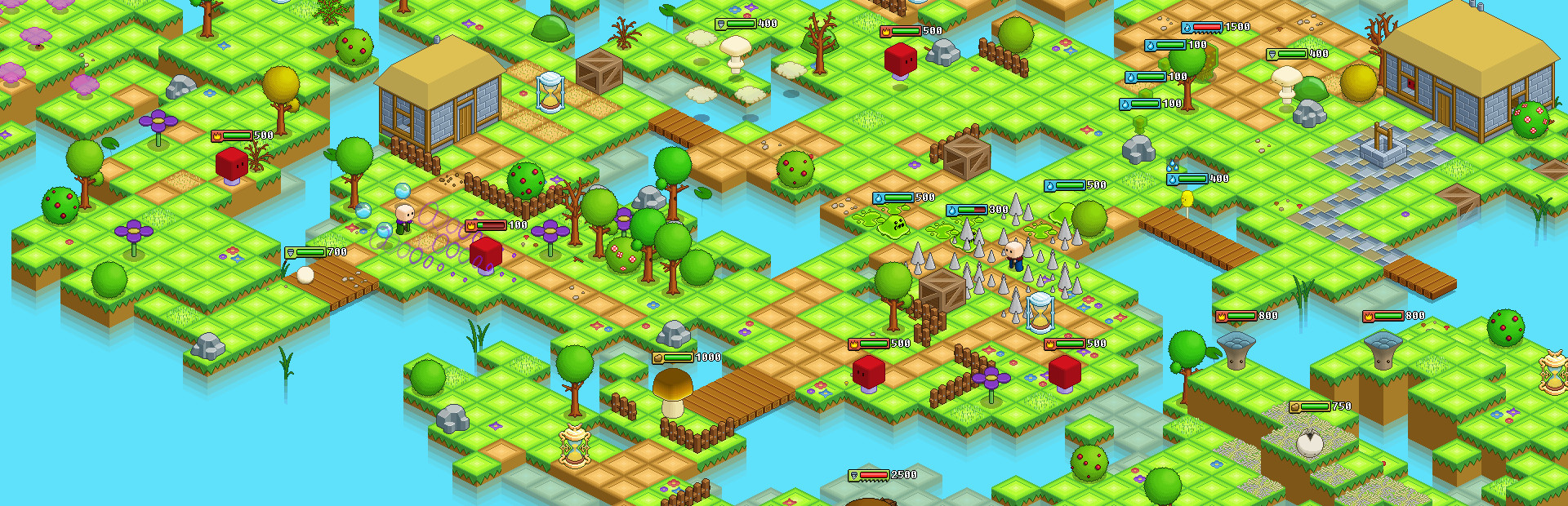
Hey-ya! We have just released a new MCE update, introducing HUD adjustment menu. You can now move around, adjust size and remove some interface elements altogether - so, you know, get creative! The update also contains several Trinket adjustments, new Dictionary entries, some bug fixes and more. Drop by our devblog for more details. MCE Version 0.96.5 - February 16th, 2017
What changed
- UI and audio
- Balance
- Gameplay
- Fixes
Mushroom Crusher Extreme changes
Features:
HUD Adjustment Menu
Customize the in-game HUD to suit yourself. The menu can be accessed from Options -> Graphics
Move and scale all HUD elements in the game
Toggle ON or OFF various HUD elements, by default some elements are toggled OFF
Change the orientation of values on all HUD elements, for example: changing of collected Spores are shown above, below, left or right from the Spore icon
Anchoring HUD elements
All HUD elements are tied to a specific point on your screen, always staying at a certain distance from that point
You can anchor elements to any corner or side of the screen or even in the center
If the game’s aspect ratio changes due to different resolution settings, all of your HUD elements will follow their anchors
Adjustments
Online Player Health Bar - shows your Co-op partner’s health
Resistances HUD element - shows your current elemental resistances
Movement Speed HUD element - shows current movement speed
Spell Stats HUD element - that shows your Spells’ damage and cooldowns
Vertical Condition Icons HUD element - works like the regular Condition Icons HUD element, but elements are aligned vertically
Added a new basic Trinket stat: post-hit invincibility time
Affects the time Zenon spends invulnerable after getting hit
As a result, Trinket #2's negative special was replaced with this stat
A couple of other Trinkets also get some of their stats replaced with it
Added a couple of new Dictionary entries
Every enemy type now has its own height, so some Spells now miss short targets on lower levels, but hit taller ones
Spore counter font is displayed in yellow color when all spores in the level have been collected
Enemy counter font is displayed in yellow color, when all enemies have been defeated in a combo
ThunderStorm no longer deals extra damage to frozen enemies but still melts them
Trinket #25 now has a special effect
Improved responsiveness of enemy and player damage in Online Co-op for Client player
Some of the more common basic affixes among Trinkets were replaced with rarer ones
The first Trinket drop now unlocks a level earlier
Trinket unlocks in Level 4 instead of Level 5
If you have an existing save file, there is a chance you may be unable to get this trinket, due to this change
Fixes:
Improved the accuracy of all Trinket stats
You can no longer start a game with no Spells equipped
Fixed a bug where Jolting condition wouldn't stun enemies in offline mode
Mad Squirrel now prioritizes closer player or the player it can reach by rolling
Skeleton now prioritizes closest player that it can walk to
Fixed a bug where in Local Co-op, equipment menu would keep unequipped items marked as red
Skeleton behavior fixed when players are invisible
Source
Changelog.gg summarizes and formats this update. How we read updates.