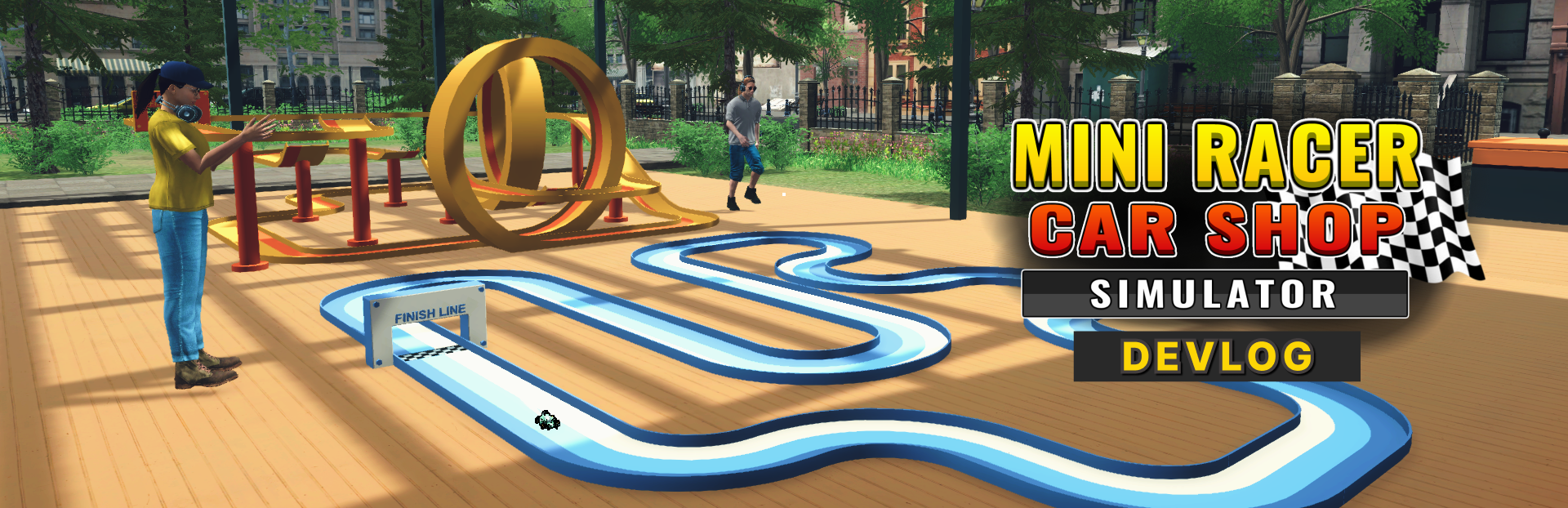
Hi everyone, In this devlog, we want to highlight a feature many players have been asking for that is game controller support.
In this update2
Full notes
Full Mini Racer Car Shop Simulator update
Read the full published notes in a cleaner layout. The original post stays linked below.
What changed
0 fixes3 additions5 changes0 removals
Compatibility
Store
Gameplay
UI and audio
changedIn this devlog, we want to highlight a feature many players have been asking for that is game controller support .
changedBased on feedback from our previous games and demo sessions, we’ve heard loud and clear that many of you prefer using a controller while playing. That’s why in Mini Racer Car Shop Simulator , we’ve made sure to include controller support as a built in option from the start .
added🎮 Your Choice to Use Controller or KeyboardYou can now play the game entirely with a gamepad controller , whether you're managing your shop, customizing your cars, or taking them out for a race. Movement, interaction, menus, and even other interaction are all supported.
added🎮 Your Choice to Use Controller or KeyboardOf course, keyboard and mouse are still fully supported as well and for both input types, we’ve added a layer of flexibility through custom keybinding .
added🛠️ Customizable Keybinding for Both Controller and KeyboardWe understand that every player has their own comfort zone when it comes to controls. That’s why you can now remap buttons and keys to match your preferences. Whether you're using a controller or a keyboard, the input layout is fully configurable through the settings menu.
changed🛠️ Customizable Keybinding for Both Controller and KeyboardThis means: - Adjust button layout for your gamepad to feel just right - Set keyboard key that suit your playstyle - Mix and match as needed to fit your setup
Mini Racer Car Shop Simulator changes
changedIn this devlog, we want to highlight a feature many players have been asking for that is game controller support .
changedBased on feedback from our previous games and demo sessions, we’ve heard loud and clear that many of you prefer using a controller while playing. That’s why in Mini Racer Car Shop Simulator , we’ve made sure to include controller support as a built in option from the start .
addedYou can now play the game entirely with a gamepad controller , whether you're managing your shop, customizing your cars, or taking them out for a race. Movement, interaction, menus, and even other interaction are all supported.
addedOf course, keyboard and mouse are still fully supported as well and for both input types, we’ve added a layer of flexibility through custom keybinding .
addedWe understand that every player has their own comfort zone when it comes to controls. That’s why you can now remap buttons and keys to match your preferences. Whether you're using a controller or a keyboard, the input layout is fully configurable through the settings menu.
Hi everyone,
In this devlog, we want to highlight a feature many players have been asking for that is game controller support.
Based on feedback from our previous games and demo sessions, we’ve heard loud and clear that many of you prefer using a controller while playing. That’s why in Mini Racer Car Shop Simulator, we’ve made sure to include controller support as a built in option from the start.
🎮 Your Choice to Use Controller or Keyboard
You can now play the game entirely with a gamepad controller, whether you're managing your shop, customizing your cars, or taking them out for a race. Movement, interaction, menus, and even other interaction are all supported.
Of course, keyboard and mouse are still fully supported as well and for both input types, we’ve added a layer of flexibility through custom keybinding.
🛠️ Customizable Keybinding for Both Controller and Keyboard
We understand that every player has their own comfort zone when it comes to controls. That’s why you can now remap buttons and keys to match your preferences. Whether you're using a controller or a keyboard, the input layout is fully configurable through the settings menu.
This means: - Adjust button layout for your gamepad to feel just right - Set keyboard key that suit your playstyle - Mix and match as needed to fit your setup
Our goal is simple, we want you to enjoy the game in the way that feels most comfortable to you. Whether you’re playing on a controller, using keyboard and mouse, or switching between both we’ve made it possible.
That's all for now thank you! Wishlist Mini Racer Car Shop Simulator on Steam today and be the first to know when the full game ready! Thanks for following along! Happy Racings 🏁