
Full notes
Full MIGHTY 1990 update
Read the full published notes in a cleaner layout. The original post stays linked below.
What changed
- UI and audio
- Gameplay
- Maps
Picking Up Where We Left Off
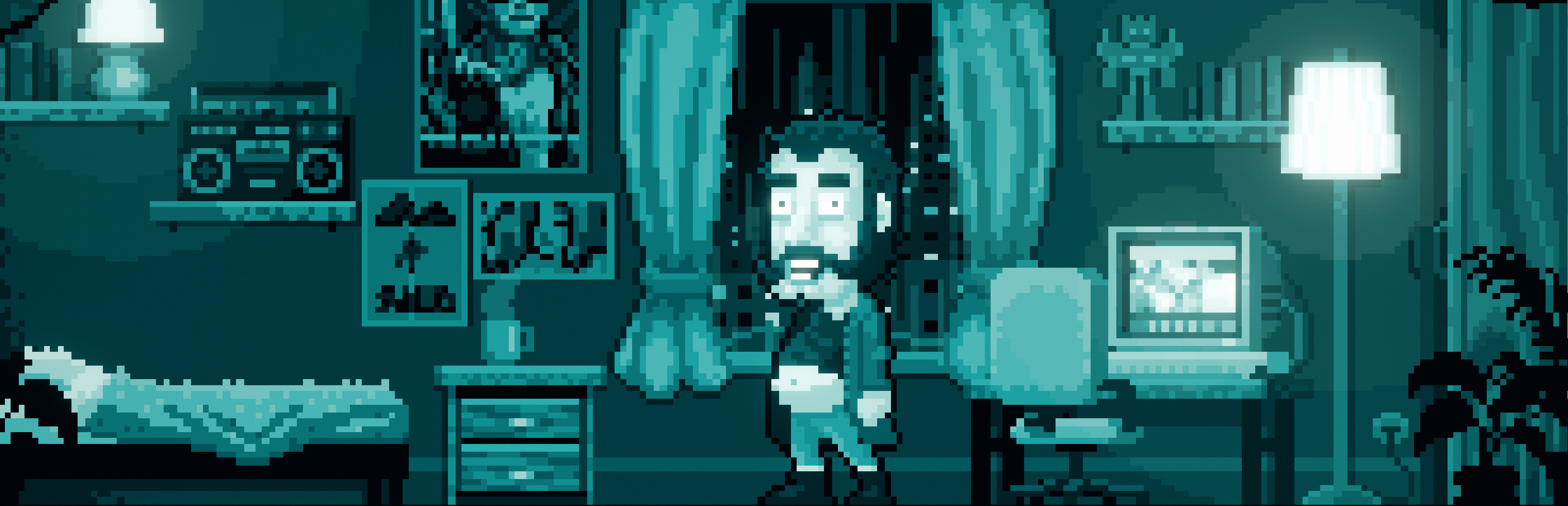
In our first DevLog, I introduced MIGHTY 1990 as a keyboard-driven adventure game inspired by late ’80s and early ’90s classics. I also touched on why I’m removing pixel hunting and how that might change the way we explore. This time, I want to dive deeper into how the UI is being re-invented, what I’ve borrowed from classic systems like LucasArts’ SCUMM, and why I’m hoping this blend of old and new will offer a smoother experience—without losing that retro charm.
Why Pixel Hunting Can Feel Tedious
A lot of point-and-click adventures rely on scanning the screen for clickable objects. If you’ve ever used a “highlight hotspots” button, you know the routine: there’s a ton of hidden stuff, and it’s not always fun to find. Sometimes it’s just busywork.
Modern games do try to help—either by highlighting everything at once or making objects glow. But at the end of the day, you’re still waving your mouse around, hoping to stumble on something you can interact with. This can be especially frustrating if you just want to dive into the story.
A Nod to SCUMM: The LucasArts Inspiration
Back in the day, LucasArts popularized the SCUMM UI (Script Creation Utility for Maniac Mansion) in games like Monkey Island or Day of the Tentacle. You had a verb bar at the bottom (Look, Open, Push, Pull, etc.) and your inventory items below. This meant you moved your mouse down to select a verb, then moved back up to click the object on screen.
It was revolutionary at the time—no more typing out “Open Door” or “Look at Tree.” But you still had to wave your cursor around, checking what was clickable. Even if it was more organized than text parsers, the mouse-based approach created a new kind of “hunt”—the pixel hunt—especially if you didn’t know exactly where an object might be.
Modern adventures usually omit the SCUMM bar in favor of clickable objects directly on the screen, but the pixel hunting remains. So I asked: Could I keep the spirit of SCUMM (verbs and direct commands) without the repetitive mouse movement?
The MIGHTY 1990 Approach: Instant Interaction
My answer is to label all interactable elements with a number and map each action to a letter on the keyboard. Think of it as the SCUMM bar at the bottom, but instead of using the mouse to select “Look” and then click the object, you press L + 1 (Look at Object #1).
L + 1 → Look at the Desk G + 2 → Go to the Hallway T + 3 → Talk to Mom
Pros
No Pixel Hunting: You see at a glance which objects exist in the scene.
Faster Commands: No moving the mouse up and down to select verbs or scanning for objects.
Retro Vibes: It still feels like you’re issuing commands (like in SCUMM), but through the keyboard.
Cons
Might Feel “Too Easy”: Some players enjoy searching every pixel.
Less “Discovery”: You’re not stumbling upon hidden items by random clicking.
Adaptation Curve: People who grew up on point-and-click might find it odd at first.
Where Doubt Creeps In
Am I stripping away an essential part of the adventure game experience? Some folks love scanning for secrets. On the flip side, I’ve seen players in my previous game (ENCODYA) turn on hotspot highlighting and never turn it off—basically bypassing pixel hunting anyway.
So maybe it’s not such a big change. If people are already skipping the hunt, perhaps a direct, keyboard-driven UI is just a more honest approach.
I’d love your input:
Do you miss the SCUMM bar and the back-and-forth mouse movement it required?
How do you feel about labeling every interactable element on screen?
Would you prefer searching around for hidden objects, or do you like this direct approach?
Let me know your thoughts. I’m open to feedback and might tweak things based on what resonates with fans of classic adventures.
Thanks for Reading
If you haven’t yet, wishlist MIGHTY 1990 on Steam to keep track of updates. I’m excited to share more about the RPG dice system, the 16-color palette, and the weird, funny world I’m building. For now, though, I’m off to figure out how to make an even sillier puzzle.
Nicola
Source
Changelog.gg summarizes and formats this update. How we read updates.