
In this update4
Full notes
Full Mazey Village update
Read the full published notes in a cleaner layout. The original post stays linked below.
What changed
- Compatibility
- Balance
- Gameplay
Mazey Village changes
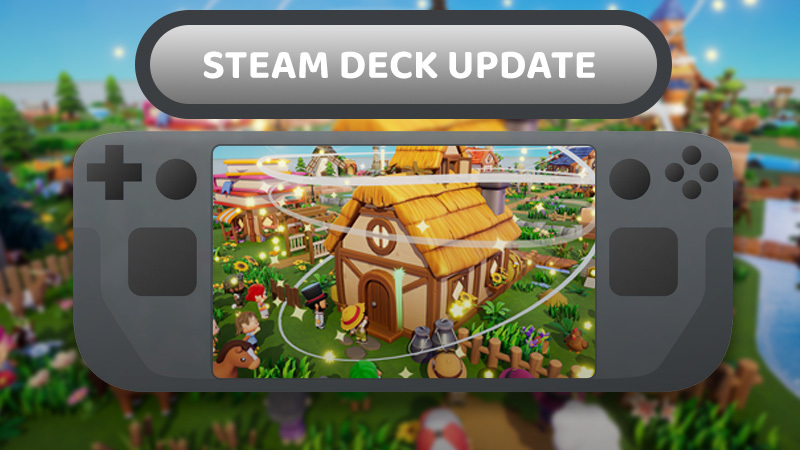
Mazey Village is Steam Deck Ready!
From the very beginning, we wanted Mazey Village to feel just as cozy curled up on the couch as it does behind a desk. While we're focusing on the PC Early Access launch first, we'd love to bring Mazey Village to consoles in the future. A Nintendo Switch version is something we'd like to explore for the full 1.0 release, but for now our priority is making the PC version the best it can be.
That being said...........
Full Controller Support 🎮
Mazey Village was designed with controllers in mind, so everything works naturally on Steam Deck.
Controls aren't currently rebindable in-game, but we've carefully designed the layout to keep everything comfortable, intuitive, and easy to use.
Steam post imagePerformance 🔋
We've tried to optimize our game as best as possible to make sure it runs smoothly on Steam Deck.
Depending on your preferred balance between visuals and battery life, you'll be able to choose from multiple graphics presets. Even on higher settings, the game delivers a smooth experience for Steam Deck, and lowering a few settings can greatly extend battery life while maintaining a nice graphic fidelity.
I've also recorded some gameplay running directly on the Steam Deck so you can see how it performs . Check out the video below 👇
Let Us Know What You Think! 🛠️ (as always)
If you run into any issues while playing on Steam Deck, or have suggestions for improvements, We'd love to hear from you.
I try to reply to everyone who reaches out, and I really appreciate everyone who's taken the time to report bugs, share ideas, or simply stop by to say hello. ^_^
See you in the village!
Your fellow villager, Bram
Source
Changelog.gg summarizes and formats this update. How we read updates.