
HomeGamesUpdatesPricingMethodology
Steam News23 June 202611d ago

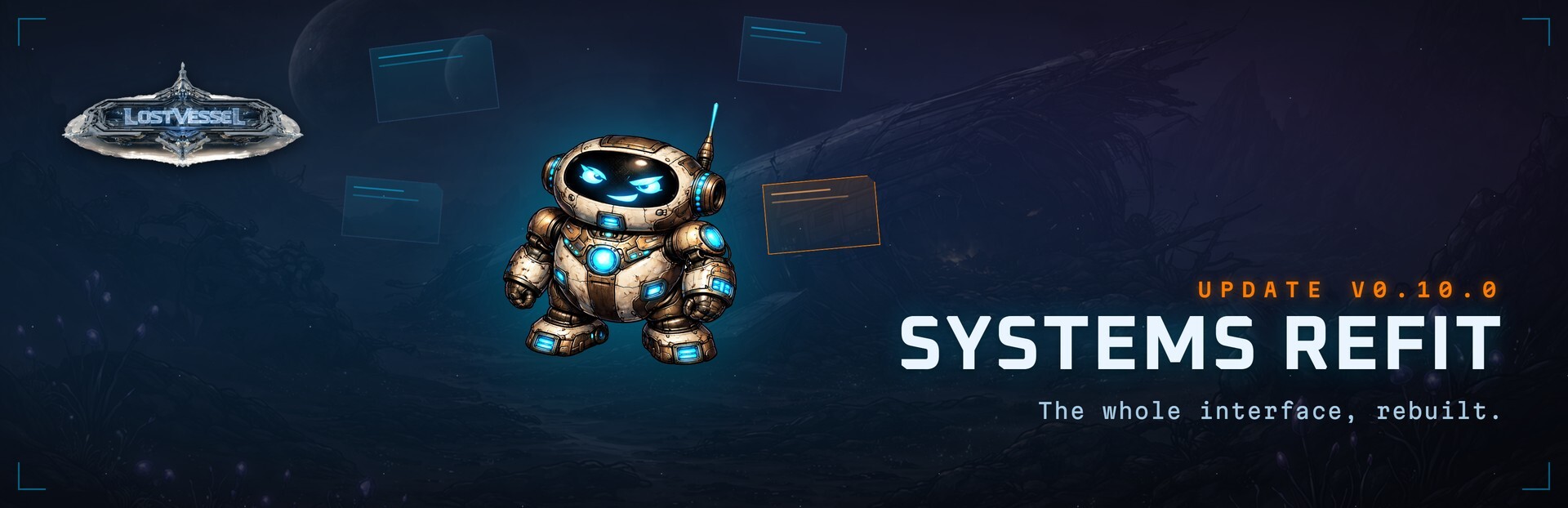
SYSTEMS REFIT: The Whole Interface, Rebuilt

The whole interface, rebuilt Lost Vessel's entire UI has been redesigned from the ground up. Every screen now shares one cohesive, framed sci-fi look instead of feeling pieced together.

In this update2

Full notes

Full Lost Vessel update

Read the full published notes in a cleaner layout. The original post stays linked below.

What changed

0 fixes1 addition4 changes0 removals
  • UI and audio
  • Performance
changedThe whole interface, rebuiltLost Vessel's entire UI has been redesigned from the ground up. Every screen now shares one cohesive, framed sci-fi look instead of feeling pieced together. Panels read like the Vessel's own hardware: machined frames, layered material, clear headers and per-stat icons throughout. Same game you know, in a sharper, more immersive shell.
changedWhat changedCleaner everywhere - styled tooltips in place of the browser default, readable stacked chat and activity log, and sharper combat feedback.
addedAnd a wave of polishCombat reads right when you melt through enemies - damage numbers rise clear of the foe, and every new enemy pops in so a run of one-shots looks like a stream of kills.
changedAnd a wave of polishMake it yours. Open Settings > Notifications & Display to tune the interface to your taste - dim the whole screen with Brightness, ease just the text with Text brightness, or flip on Small view to fit more on screen at once. Set it once and it sticks.
changedAnd a wave of polishCrash land. Rebuild. We will see you out there.

Lost Vessel changes

changedLost Vessel's entire UI has been redesigned from the ground up. Every screen now shares one cohesive, framed sci-fi look instead of feeling pieced together. Panels read like the Vessel's own hardware: machined frames, layered material, clear headers and per-stat icons throughout. Same game you know, in a sharper, more immersive shell.
changedCleaner everywhere - styled tooltips in place of the browser default, readable stacked chat and activity log, and sharper combat feedback.
addedCombat reads right when you melt through enemies - damage numbers rise clear of the foe, and every new enemy pops in so a run of one-shots looks like a stream of kills.
changedMake it yours. Open Settings > Notifications & Display to tune the interface to your taste - dim the whole screen with Brightness, ease just the text with Text brightness, or flip on Small view to fit more on screen at once. Set it once and it sticks.
changedCrash land. Rebuild. We will see you out there.

The whole interface, rebuilt

Lost Vessel's entire UI has been redesigned from the ground up. Every screen now shares one cohesive, framed sci-fi look instead of feeling pieced together. Panels read like the Vessel's own hardware: machined frames, layered material, clear headers and per-stat icons throughout. Same game you know, in a sharper, more immersive shell.

What changed

  • One cohesive look across every screen - the homepage, your skills and combat, the Forge, Research, Raiders, the Codex, your profile and the rest.

  • A redesigned skill nav rail with progress rings and at-a-glance status, plus a tidied top bar with Settings and your account tucked into clear menus.

  • Raiders, rebuilt into five clear tabs - War Room, Offense, Defense, Spoils and Territory - with a live command readout and a proper war board for territory.

  • Codex, profile and leaderboard got the same care: framed, readable, and a pleasure to browse, with profile backgrounds and name glows finally showing off properly.

  • Cleaner everywhere - styled tooltips in place of the browser default, readable stacked chat and activity log, and sharper combat feedback.

And a wave of polish

  • Combat reads right when you melt through enemies - damage numbers rise clear of the foe, and every new enemy pops in so a run of one-shots looks like a stream of kills.

  • Expedition crew counts update live on the Nexus as other survivors join, and your active expedition shows its progress ring the moment you load in.

  • Plenty of layout fixes: the survivor panel scrolls as one piece, tracked-goal names wrap instead of getting cut off, and the mobile view is tidier top to bottom.

Make it yours. Open Settings > Notifications & Display to tune the interface to your taste - dim the whole screen with Brightness, ease just the text with Text brightness, or flip on Small view to fit more on screen at once. Set it once and it sticks.

Crash land. Rebuild. We will see you out there.

Source

Steam News / 23 June 2026

Open original post

Changelog.gg summarizes and formats this update. How we read updates.