
In this update5
Full notes
Full Jack's 510 Racing update
Read the full published notes in a cleaner layout. The original post stays linked below.
What changed
- UI and audio
- Gameplay
- Balance
- Performance
Jack's 510 Racing changes
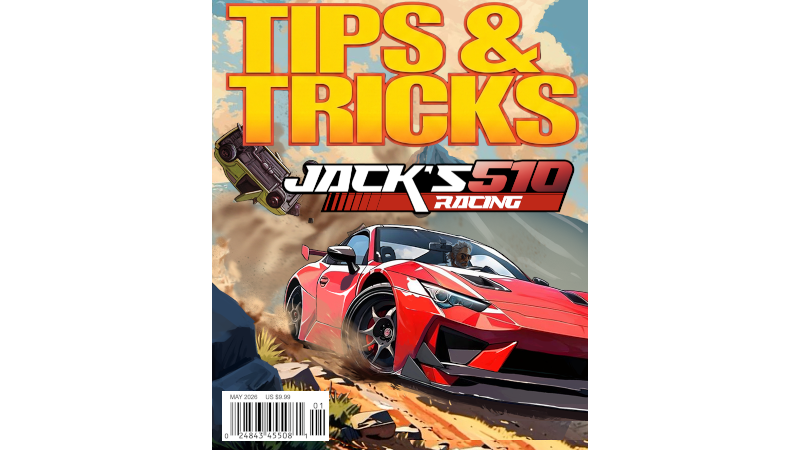
Welcome to the official guide to Jack's 510 Racing!
Essential Controls & Navigation
Getting Stuck? Press R on your Keyboard or West Button on your Gamepad to reset your position.
Camera Views: Change your perspective by pressing C on your Keyboard or North Button on your Gamepad.
Radio Controls: Skip tracks by pressing N on your Keyboard or Select on your Gamepad.
Pro-Tip: Want to listen to online music stations? Head over to Settings > Sound > Online Music to set it up!
Lost? Follow the Map Navigation on your HUD to find your way around.
Speed, Upgrades, & Maintenance
Hit the Gas: Use NOS or Rocket to gain a massive speed boost by pressing Shift on your Keyboard or East Button on your Gamepad.
Fueling Up: Your NOS isn't infinite. Visit the Gas Station to refill it.
Engine Upgrades: If you want sustained, permanent top speed, visit the garage to Install a Turbo or upgrade your engine.
Keep it Running: If your vehicle takes too much damage, pull over at the Mechanic to fully repair your car. Cars are slower the more damage they take.
Rockets vs. NOS (The Push Feature)
NOS Boost: Only functions while your wheels are firmly on the ground.
Rocket Boost: Works both on the ground and in mid-air.
The Pusher: While Rocket Boost or Nos is active, it acts as a pusher, violently shoving obstacles, traffic, and objects out of your way.
Secret Achievement Alert!
No Probe Tonight: Looking to unlock the UFO destruction achievement? You can't just crash into it normally. You must hit the UFO while your Pusher is active to successfully destroy it! Rocket Boost helps.
Performance & Optimization Tips
If you are experiencing frame drops or want smoother racing action, try tweaking these graphics settings:
Shadows: Turn off shadows completely to get a boost to your FPS.
Crowded Races: Use the Medium master graphics setting or lower for 10-car races instead of 20-car races.
If you have any other tips you've discovered, feel free to share them in the comments below!
Source
Changelog.gg summarizes and formats this update. How we read updates.