
In this update4
Full notes
Full IT Specialist Simulator update
Read the full published notes in a cleaner layout. The original post stays linked below.
Repeated intro
Hello everyone!
What changed
- Gameplay
- Server
- Fixes
- UI and audio
IT Specialist Simulator changes
Today marks exactly one week since the game’s release. Over 7,000 players have already played our game, which is currently in Early Access! We are incredibly grateful for that! Today we’re bringing an update containing bug fixes you’ve been reporting to us on Discord and via email. We’ve also added a few small features. You can expect the next update with new mechanics, tasks, applications and more in mid-December!
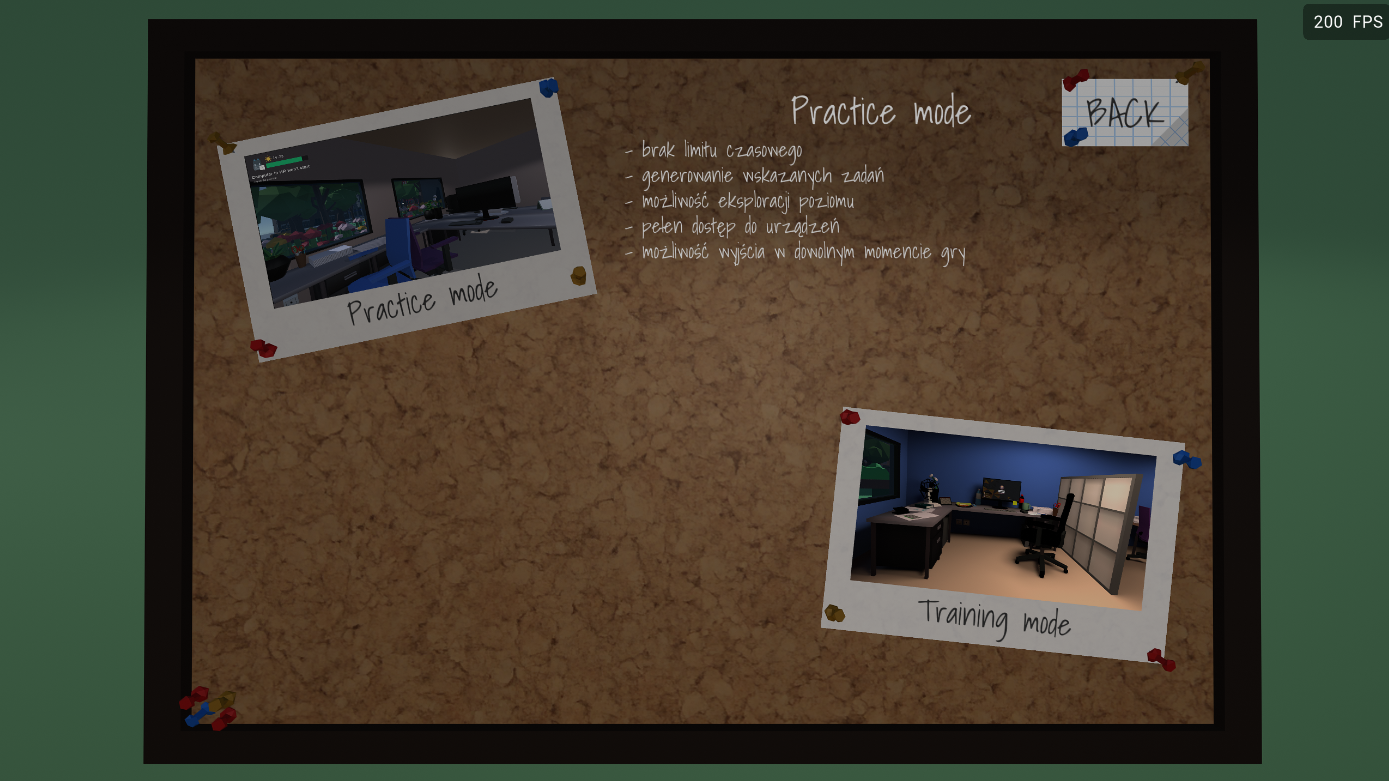
Freeplay Mode
We know that many of you are waiting for the freeplay mode. We are currently working on this mode. It will be handled through a dedicated app on the tablet, where you will select the device type and the task you want to train. Of course, this mode will have no time limits and will default to Easy mode, meaning all hints will be available.
Added:
System installation – added a new window view during the file-copying stage from the USB drive. If you disconnect the USB stick, you will receive an appropriate message. In previous views, the installer would simply close and the system would attempt to boot using the default option – Boot Menu
Unlocked system installation/repair tasks – due to fixing the bugs related to this part of the game
Fixed:
Tasks related to the BIOS no longer cause issues with booting computers – the problem occurred mainly in one specific task
Fixed the office printer task – the task was not checking one of the conditions (although it was still marked as completed)
The router now receives the correct IP address after restoring factory settings – previously it incorrectly received an x.x.122.1 address
The switch and router now receive the correct login and password after factory reset
Fixed the post-processing options in the menu (incorrect loading order)
FileExplorer app on the tablet – fixed the context menu, buttons no longer overflow the screen, scroll fixed
PDF Reader app on the tablet – scroll fixed, and opening a new PDF now correctly resets the view to page one
Network outlet data should now load correctly for Easy and Medium difficulty levels
Fixed an issue where pressing the Play button in the Menu triggered multiple animations
Changed:
Changed the BIOS startup key to F10
Rebuilt the boot sequence after launching from BIOS or after a blue screen
More tasks have been updated and now include a new type of hint
Changes to the PDF file system
Saving PDF files on the tablet – PDF files downloaded on versions EA 1.0.9 or EA 1.0.10 are not compatible. When you try to open them, you will see a corrupted file message
The system now installs with the Admin user folder – only when using newly downloaded ISO files
Changed the sequence for transitioning to the exit sequence after 23:00
Before you play
If you continue your playthrough using an old save, make sure to delete the old PDF files from both your computer and tablet. Additionally, reinstall the new version of OScypek onto your USB drive!
Source
Changelog.gg summarizes and formats this update. How we read updates.