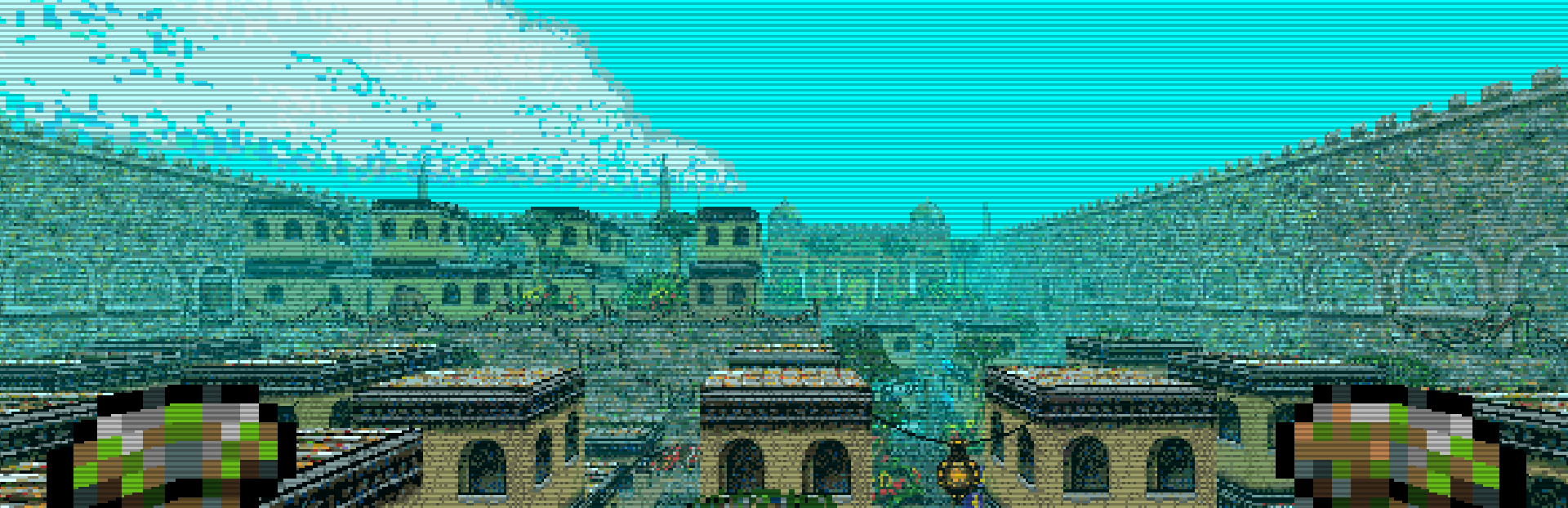
Window Size I have updated the options menu to increment the window size differently. Instead of increments of 1 unit, the game now increments the window size in units of 640.
In this update4
Full notes
Full Islands of the Caliph update
Read the full published notes in a cleaner layout. The original post stays linked below.
What changed
0 fixes1 addition6 changes0 removals
UI and audio
Gameplay
Maps
changedWindow SizeI have updated the options menu to increment the window size differently. Instead of increments of 1 unit, the game now increments the window size in units of 640. So when you push right, it will go from a width of 640 to 1280, then 1920 and so on. It will still be limited to the size of your monitor.
changedDefault KeysInstead of having strafe left and right controlled by the left and right arrows (those are cul (cursor left) and cur (cursor right) in the older versions of the game by default) they are now "A" and "D", and turn left and right has been changed from "A" and "D" to "Q" and "E" which seems to be standard for most grid based dungeon crawlers.
changedDefault KeysBut, because "Q" and "E" were the default keys for the Quest Log and Activate/Attack buttons, those have been changed to "L" for Quest Log, and "K" for Activate/Attack.
addedDefault KeysIf you have already started playing the game or changed your key-bindings, this should not effect you. It will only effect new players, or anyone who deletes the options.cfg file.
changed"Ihsaan to Ihsan"There were some alternate spellings of the City of Ihsan throughout the game's various dialogues and interfaces. These have all been changed to "Ihsan" to match up with the map.
changedMap UpdatePreviously using the strafe keys would change from the local map to the world map when viewing the map (key "M" by default). However, it would only work in one direction, so once you clicked strafe left twice, it would stop responding, and you had to click strafe right in order to return to the local map.
So when you push right, it will go from a width of640→1280↑So when you push right, it will go from a width of increased, buff
Islands of the Caliph changes
changedI have updated the options menu to increment the window size differently. Instead of increments of 1 unit, the game now increments the window size in units of 640. So when you push right, it will go from a width of 640 to 1280, then 1920 and so on. It will still be limited to the size of your monitor.
changedInstead of having strafe left and right controlled by the left and right arrows (those are cul (cursor left) and cur (cursor right) in the older versions of the game by default) they are now "A" and "D", and turn left and right has been changed from "A" and "D" to "Q" and "E" which seems to be standard for most grid based dungeon crawlers.
changedBut, because "Q" and "E" were the default keys for the Quest Log and Activate/Attack buttons, those have been changed to "L" for Quest Log, and "K" for Activate/Attack.
addedIf you have already started playing the game or changed your key-bindings, this should not effect you. It will only effect new players, or anyone who deletes the options.cfg file.
changedThere were some alternate spellings of the City of Ihsan throughout the game's various dialogues and interfaces. These have all been changed to "Ihsan" to match up with the map.
Window Size
I have updated the options menu to increment the window size differently. Instead of increments of 1 unit, the game now increments the window size in units of 640. So when you push right, it will go from a width of 640 to 1280, then 1920 and so on. It will still be limited to the size of your monitor.
Default Keys
Instead of having strafe left and right controlled by the left and right arrows (those are cul (cursor left) and cur (cursor right) in the older versions of the game by default) they are now "A" and "D", and turn left and right has been changed from "A" and "D" to "Q" and "E" which seems to be standard for most grid based dungeon crawlers.
But, because "Q" and "E" were the default keys for the Quest Log and Activate/Attack buttons, those have been changed to "L" for Quest Log, and "K" for Activate/Attack.
If you have already started playing the game or changed your key-bindings, this should not effect you. It will only effect new players, or anyone who deletes the options.cfg file.
"Ihsaan to Ihsan"
There were some alternate spellings of the City of Ihsan throughout the game's various dialogues and interfaces. These have all been changed to "Ihsan" to match up with the map.
Map Update
Previously using the strafe keys would change from the local map to the world map when viewing the map (key "M" by default). However, it would only work in one direction, so once you clicked strafe left twice, it would stop responding, and you had to click strafe right in order to return to the local map.
Now it will respond whichever direction you press. If you click strafe right, it will jump from the local map to the world map, and circle back to the local map if you keep clicking it. I hope it is more user friendly!