
HomeGamesUpdatesPricingMethodology
Steam News6 March 20264mo ago

3D Replay and Dev Mode

Hey orienteers! Thank you all for the great interest in the game. We're happily surprised by the response we've had since our early access launch. In the latest update, we have a some new functionality for you.

In this update3

Full notes

Full Infinite Orienteering: The Hiker's Path update

Read the full published notes in a cleaner layout. The original post stays linked below.

Repeated intro

Hey orienteers!

What changed

0 fixes5 additions1 change1 removal
  • Gameplay
  • Maps
  • UI and audio
addedIn the latest update, we have a some new functionality for you.
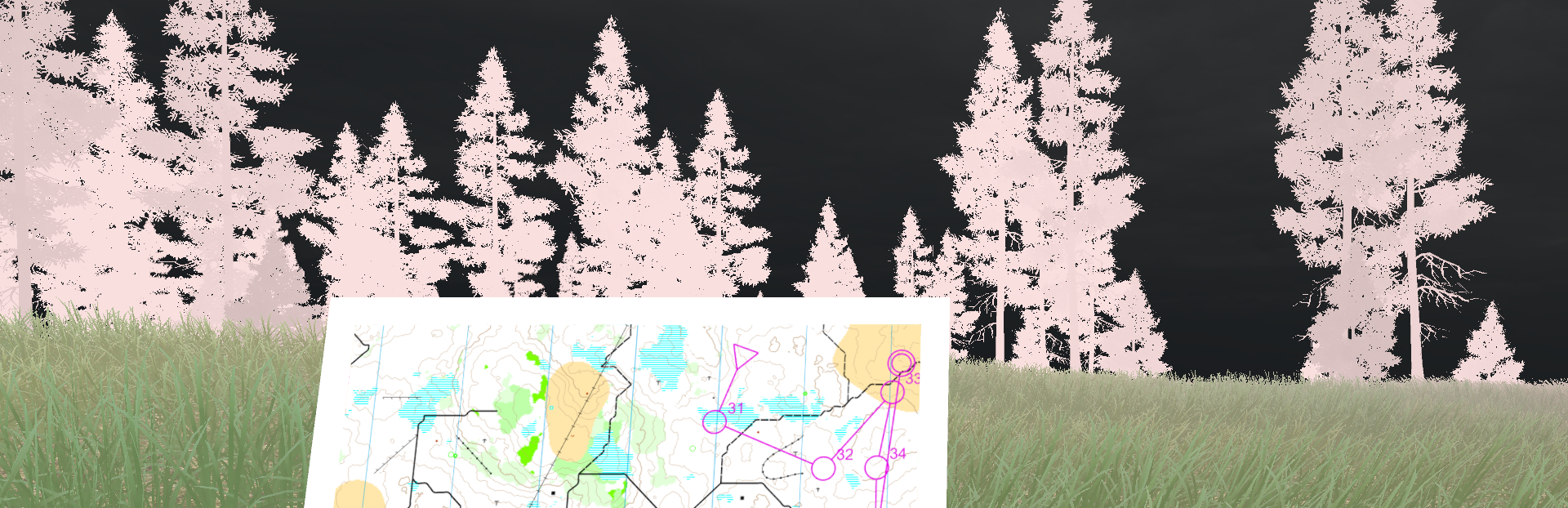
added3D ReplayWe've added the option to height displace the map in the replay mode, giving a better sense of terrain and contours. You're able to set the scale of the displacement to exaggerate height features.
addedDev ModeBased on initial feedback, we realized that those of you who mostly use the game as an orienteering training tool might be interested in our internal dev tooling, so we've opened it up. If you check the box Dev Mode before starting a new game, then you can press F1 on the keyboard or Right Stick on controller when you're in the game to access dev mode.
changedDev ModeToggle the HUD on or off (this will persist when leaving the dev mode fly cam)
removedDev ModeOne feature of the Dev mode is to remove the HUD.
addedNext upIn upcoming updates, we will add more entries to complete the handbook.

Infinite Orienteering: The Hiker's Path changes

addedIn the latest update, we have a some new functionality for you.
addedWe've added the option to height displace the map in the replay mode, giving a better sense of terrain and contours. You're able to set the scale of the displacement to exaggerate height features.
addedBased on initial feedback, we realized that those of you who mostly use the game as an orienteering training tool might be interested in our internal dev tooling, so we've opened it up. If you check the box Dev Mode before starting a new game, then you can press F1 on the keyboard or Right Stick on controller when you're in the game to access dev mode.
changedToggle the HUD on or off (this will persist when leaving the dev mode fly cam)
removedOne feature of the Dev mode is to remove the HUD.

Thank you all for the great interest in the game. We're happily surprised by the response we've had since our early access launch.

In the latest update, we have a some new functionality for you.

3D Replay

We've added the option to height displace the map in the replay mode, giving a better sense of terrain and contours. You're able to set the scale of the displacement to exaggerate height features.

Dev Mode

Based on initial feedback, we realized that those of you who mostly use the game as an orienteering training tool might be interested in our internal dev tooling, so we've opened it up. If you check the box Dev Mode before starting a new game, then you can press F1 on the keyboard or Right Stick on controller when you're in the game to access dev mode.

The Dev Mode features include:

  • Free fly camera

  • Set and recall player positions

  • Toggle the HUD on or off (this will persist when leaving the dev mode fly cam)

One feature of the Dev mode is to remove the HUD.

Next up

In upcoming updates, we will add more entries to complete the handbook.

And more importantly, we've seen your suggestions in reviews and the Steam Community, so we will do our best to add many or even most of them in the game in the near- to mid-term future.

Thanks all!

Source

Steam News / 6 March 2026

Open original post

Changelog.gg summarizes and formats this update. How we read updates.