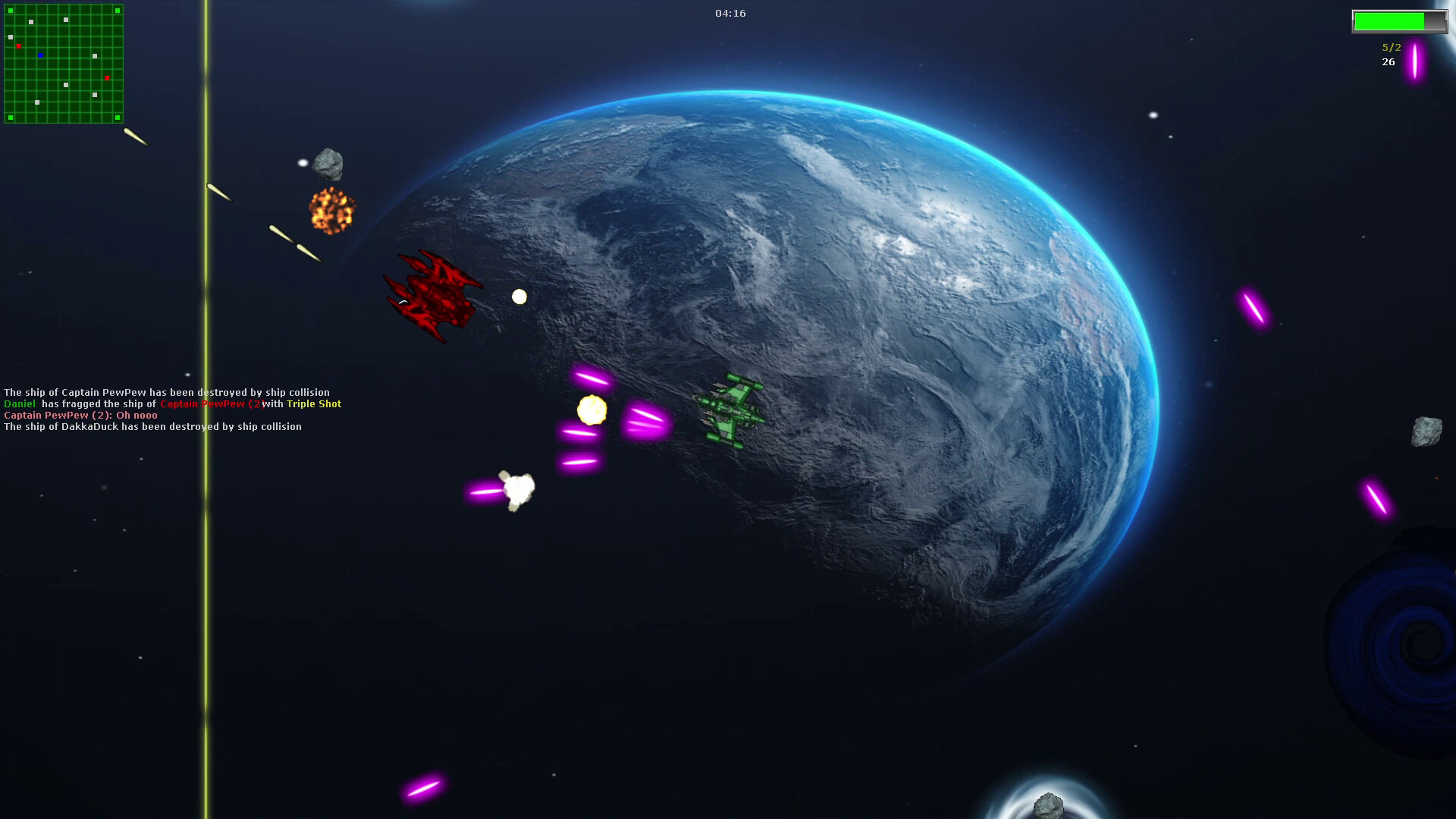
Hey guys, It's been a while since the last update of this casual space shooter game, so I have great news for all fellow retro space shooter lovers!
Full notes
Full Hyper Frenzy update
Read the full published notes in a cleaner layout. The original post stays linked below.
Repeated intro
Hey guys,
What changed
3 fixes3 additions4 changes0 removals
Gameplay
Performance
Fixes
Compatibility
changedThe latest update contains very important improvements that will improve your gameplay experience by fixing some very crucial bugs.
changedOne of the most annoying bugs was that once you minimized or left focus on the game during fullscreen, the game would just hang infinitely, so you've had to restart the game. This is no more. I changed fullscreen mode to "windowed fullscreen". Not only does it launch faster now, it also fixes that said annoying bug. Now you can just minimize or leave game focus during gameplay whenever you want. No hangs or crashes anymore.
fixedAlso keyboard input was fixed! Now you can enter text content to input elements as well as in the console again! This bug was particularily annoying and happend after the transition to DirectInput. But now the transition is fully done and the annoying key input bugs are gone!
fixedIt's also crucial noting that - if you are using Windows 11 with the latest updates - it can happen that you can't see any bullets (regardless of local player or bot players). The issue is simply fixed by setting compatibility mode to Windows 8. You can either do that via the file properties or just by running the win8compat.bat.
changedWindowed fullscreen: No more crashes when switching out from fullscreen
fixedFixed keyboard input for text input elements and console
Hyper Frenzy changes
changedThe latest update contains very important improvements that will improve your gameplay experience by fixing some very crucial bugs.
changedOne of the most annoying bugs was that once you minimized or left focus on the game during fullscreen, the game would just hang infinitely, so you've had to restart the game. This is no more. I changed fullscreen mode to "windowed fullscreen". Not only does it launch faster now, it also fixes that said annoying bug. Now you can just minimize or leave game focus during gameplay whenever you want. No hangs or crashes anymore.
fixedAlso keyboard input was fixed! Now you can enter text content to input elements as well as in the console again! This bug was particularily annoying and happend after the transition to DirectInput. But now the transition is fully done and the annoying key input bugs are gone!
fixedIt's also crucial noting that - if you are using Windows 11 with the latest updates - it can happen that you can't see any bullets (regardless of local player or bot players). The issue is simply fixed by setting compatibility mode to Windows 8. You can either do that via the file properties or just by running the win8compat.bat.
changedWindowed fullscreen: No more crashes when switching out from fullscreen
It's been a while since the last update of this casual space shooter game, so I have great news for all fellow retro space shooter lovers!
The latest update contains very important improvements that will improve your gameplay experience by fixing some very crucial bugs.
One of the most annoying bugs was that once you minimized or left focus on the game during fullscreen, the game would just hang infinitely, so you've had to restart the game. This is no more. I changed fullscreen mode to "windowed fullscreen". Not only does it launch faster now, it also fixes that said annoying bug. Now you can just minimize or leave game focus during gameplay whenever you want. No hangs or crashes anymore.
Also keyboard input was fixed! Now you can enter text content to input elements as well as in the console again! This bug was particularily annoying and happend after the transition to DirectInput. But now the transition is fully done and the annoying key input bugs are gone!
It's also crucial noting that - if you are using Windows 11 with the latest updates - it can happen that you can't see any bullets (regardless of local player or bot players). The issue is simply fixed by setting compatibility mode to Windows 8. You can either do that via the file properties or just by running the win8compat.bat.
Changelog
Windowed fullscreen: No more crashes when switching out from fullscreen
Fixed keyboard input for text input elements and console
Added a script that sets compatibility mode to Win8
Added new graphical assets that fit the game style more appropriately