
In this update3
Full notes
Full Hubert update
Read the full published notes in a cleaner layout. The original post stays linked below.
What changed
- Gameplay
- Compatibility
- UI and audio
- Performance
- Balance
- Events
Hubert changes
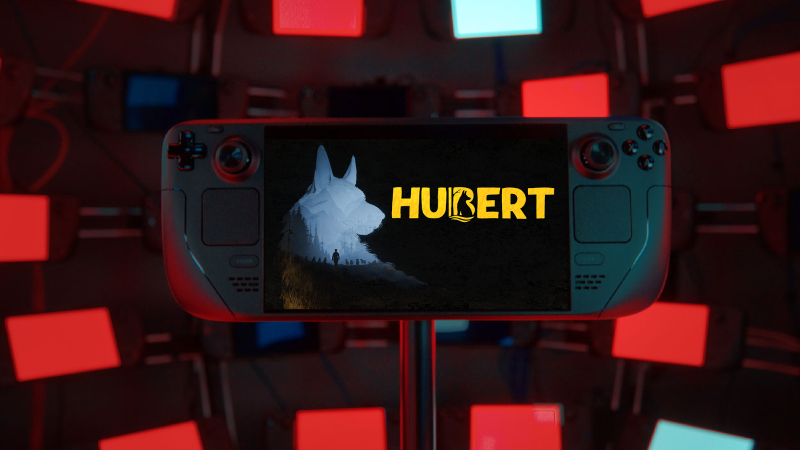
We’ve been hard at work ensuring that Hubert feels right at home on the Steam Deck. Whether you’re on a train or lounging on the couch, we want your experience with Hubert to be seamless.
We have officially optimized the game to meet Valve’s "Verified" standards. Here is exactly what we’ve updated:
Full Controller Support: Every menu and gameplay mechanic in Hubert is now fully navigable using the Steam Deck’s physical controls.
Legible Text: We’ve scaled our UI and font sizes to ensure everything is crystal clear on the 1280 x 800 display.
Native Glyphs: No "Press E" confusion! The game automatically detects your controller and displays the correct Steam Deck button icons.
Proton Compatibility: We’ve tested Hubert extensively on SteamOS to ensure stable performance and no crashes.
Seamless Entry: If you need to name a save file or enter text, the Steam Deck on-screen keyboard will now trigger automatically.
🔧 Recommended Settings for Steam Deck
To get the best balance of visual fidelity and battery life, we recommend the following in-game settings:
Resolution: 1280 x 800 (Native)
Graphics Preset: Medium
Shadow Quality: Low
Frame Limit: 30 FPS
Note: Lowering Shadow Quality to Medium provides a significant performance boost on the Deck’s APU while keeping the rest of the world looking crisp on the High preset.
Tested in the Real World!
Hubert in action! We’ve been playtesting on the Deck at recent events, and the feedback has been fantastic. Seeing players take Hubert on the go has been a highlight for our team.
Current Status: Playable & Polished
While we wait for the official "Green Checkmark" from Valve’s review team, the game is 100% playable from start to finish on the Deck right now.
Developer Note: If you encounter any bugs while playing on handheld, please let us know in the Steam Discussion forums! Your feedback helps us get that official Verified badge even faster.
Thank you for supporting Hubert!
Source
Changelog.gg summarizes and formats this update. How we read updates.