
HomeGamesUpdatesPricingMethodology
Steam News4 May 20262mo ago

Demo Patch Notes for 2026-05-04

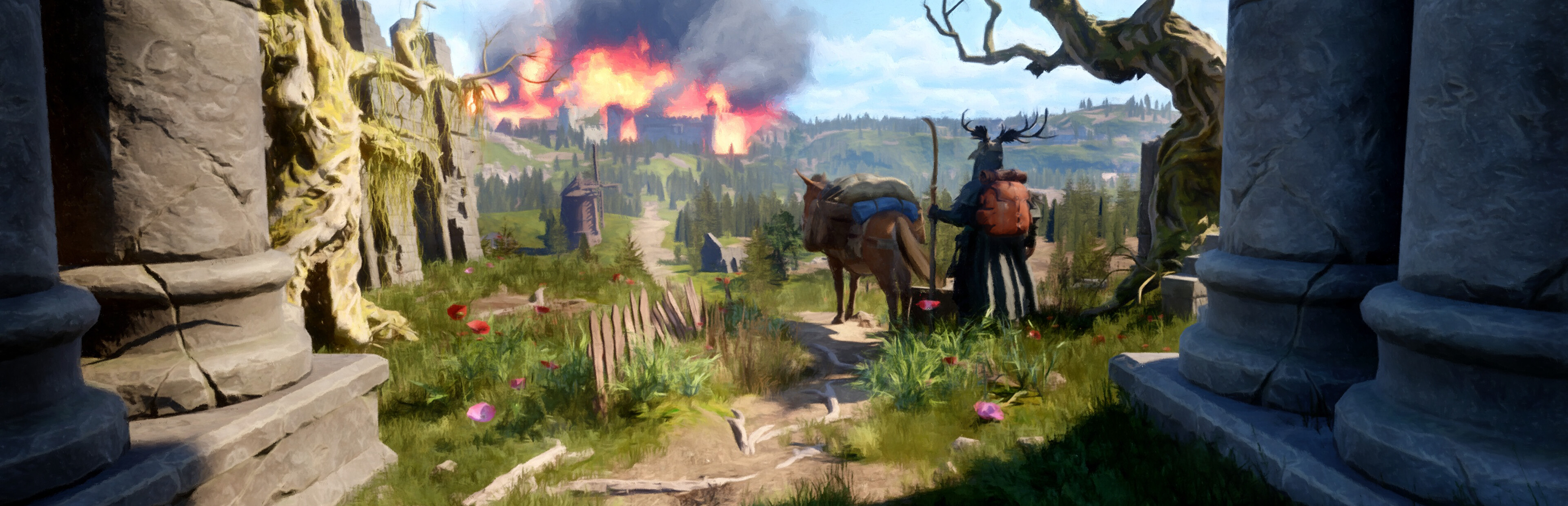
Performed a major visual overhaul of the Steam page for the demo and main game, including a new game logo and key art (more info to come in the monthly newsletter) The Compare Item UI and inspect Item UI (right-click it

Full notes

Full Hermit update

Read the full published notes in a cleaner layout. The original post stays linked below.

What changed

3 fixes3 additions4 changes0 removals
  • Gameplay
  • UI and audio
  • Fixes
  • Balance
addedPerformed a major visual overhaul of the Steam page for the demo and main game, including a new game logo and key art (more info to come in the monthly newsletter)
changedThe Compare Item UI and inspect Item UI (right-click item menu options) now auto-detect whether the mouse is on the left or right half of the viewport and draws the correct widget position accordingly
changedThis will prevent these widgets from being drawn beyond the edges of the screen in most cases
addedAdded several new donkey preferred spawn locations to help prevent Donkey becoming stuck
fixedFixed several areas on the NavMesh where the Donkey could become stuck
addedAdded new functionality for bow target detection; bows now trace a much larger variety of collision targets, and the result is that bows are much easier to aim and use than before for many types of targets

Hermit changes

addedPerformed a major visual overhaul of the Steam page for the demo and main game, including a new game logo and key art (more info to come in the monthly newsletter)
changedThe Compare Item UI and inspect Item UI (right-click item menu options) now auto-detect whether the mouse is on the left or right half of the viewport and draws the correct widget position accordingly
changedThis will prevent these widgets from being drawn beyond the edges of the screen in most cases
addedAdded several new donkey preferred spawn locations to help prevent Donkey becoming stuck
fixedFixed several areas on the NavMesh where the Donkey could become stuck
  • Performed a major visual overhaul of the Steam page for the demo and main game, including a new game logo and key art (more info to come in the monthly newsletter)

  • The Compare Item UI and inspect Item UI (right-click item menu options) now auto-detect whether the mouse is on the left or right half of the viewport and draws the correct widget position accordingly

  • This will prevent these widgets from being drawn beyond the edges of the screen in most cases

  • Donkey now forces respawn from 35m instead of 80m, meaning that if the Donkey becomes stuck you can usually resolve it by moving a short distance and re-summoning the Donkey

  • Added several new donkey preferred spawn locations to help prevent Donkey becoming stuck

  • Fixed several areas on the NavMesh where the Donkey could become stuck

  • Added new functionality for bow target detection; bows now trace a much larger variety of collision targets, and the result is that bows are much easier to aim and use than before for many types of targets

  • Reduced the weight of raw meat

  • Fixed bug with fish texture appearances

  • Ground impact VFX are now only spawned if you fall from a high enough height to cause fall damage

  • Fixed an issue with the 'Hand of Fate' spell; grabbing enemies should now always work, even if the projectile hits a mesh other than the enemy character (unless the AI is a boss, or is blocking with a shield - which blocks all projectiles)

Source

Steam News / 4 May 2026

Open original post

Changelog.gg summarizes and formats this update. How we read updates.